 THE SPREADSHEET
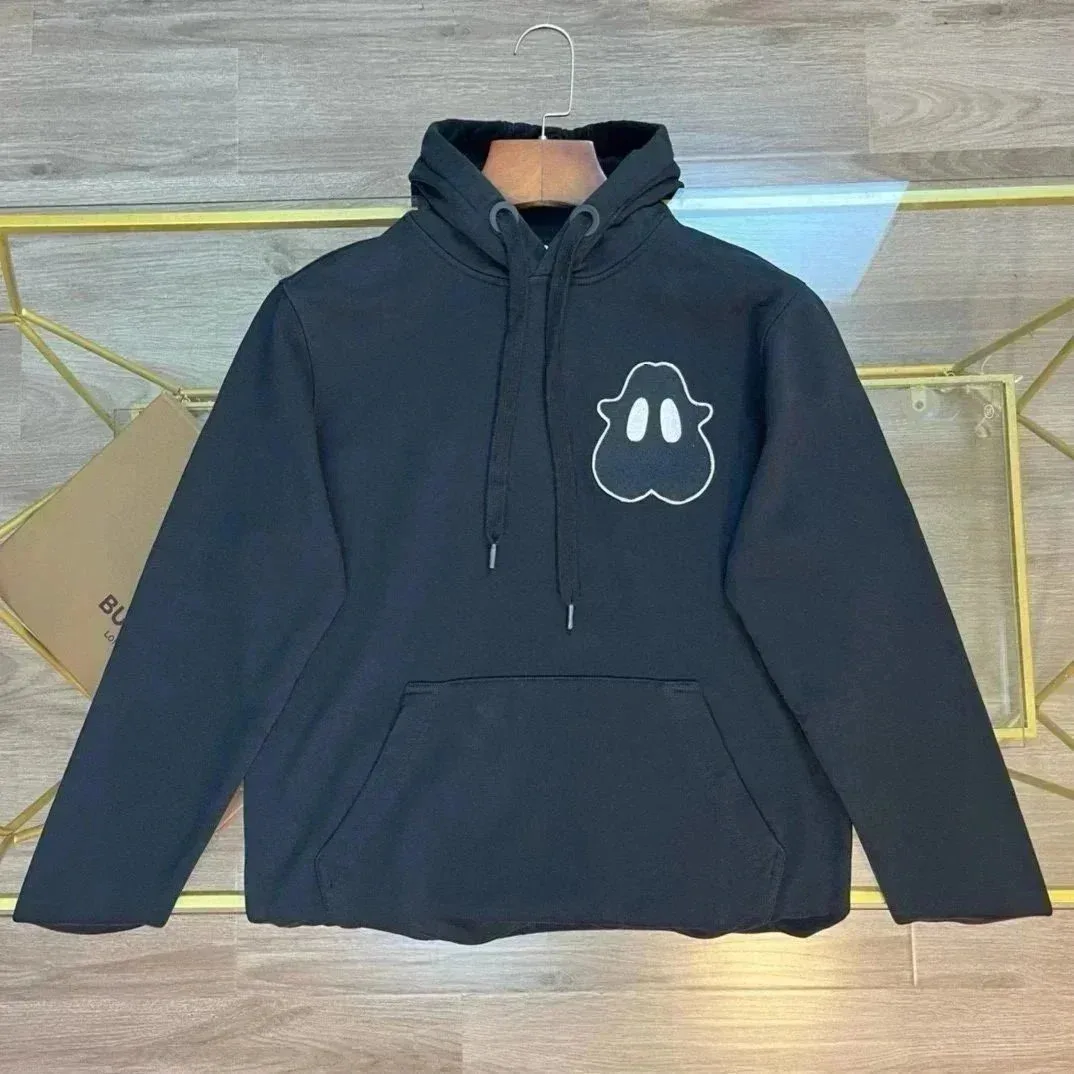 Hoodies
Superbuy spreadsheet
Discover more finds for your everyday style
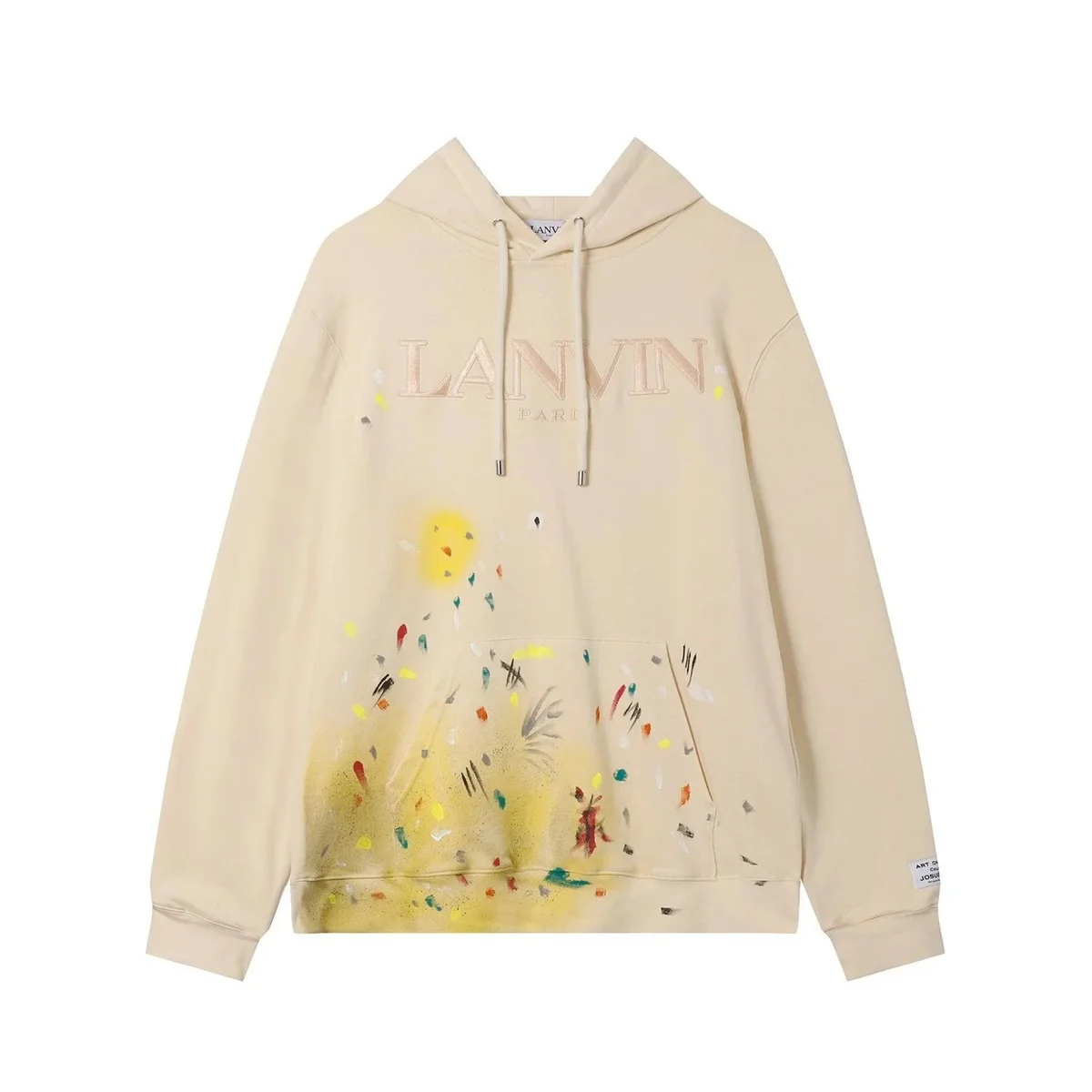
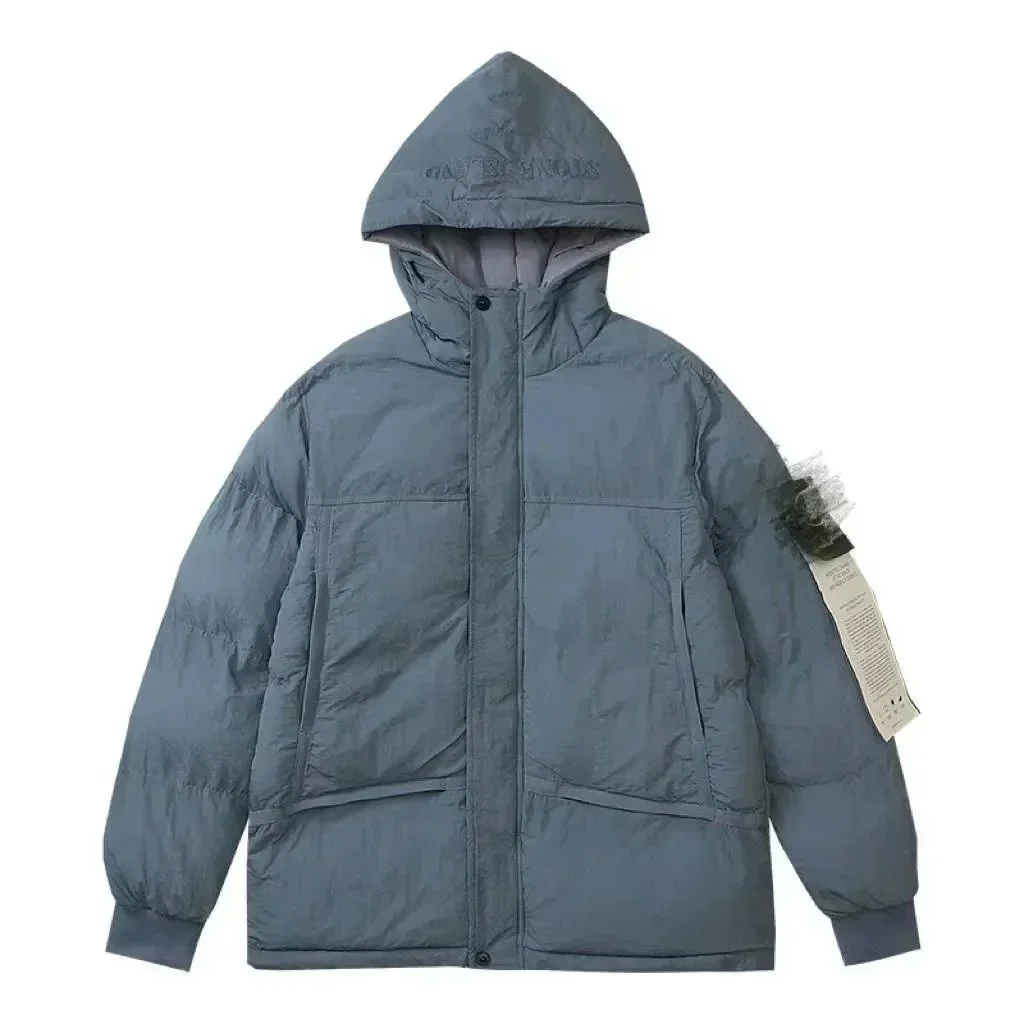
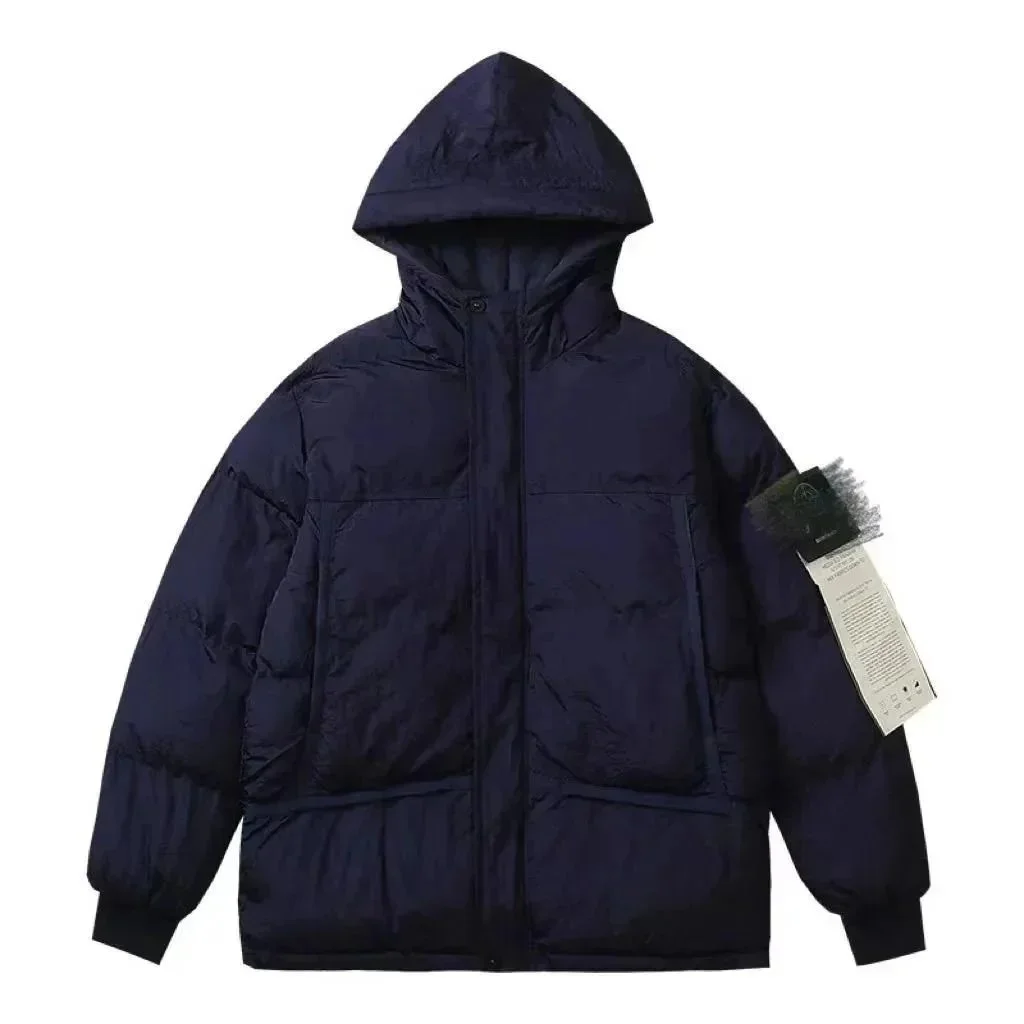
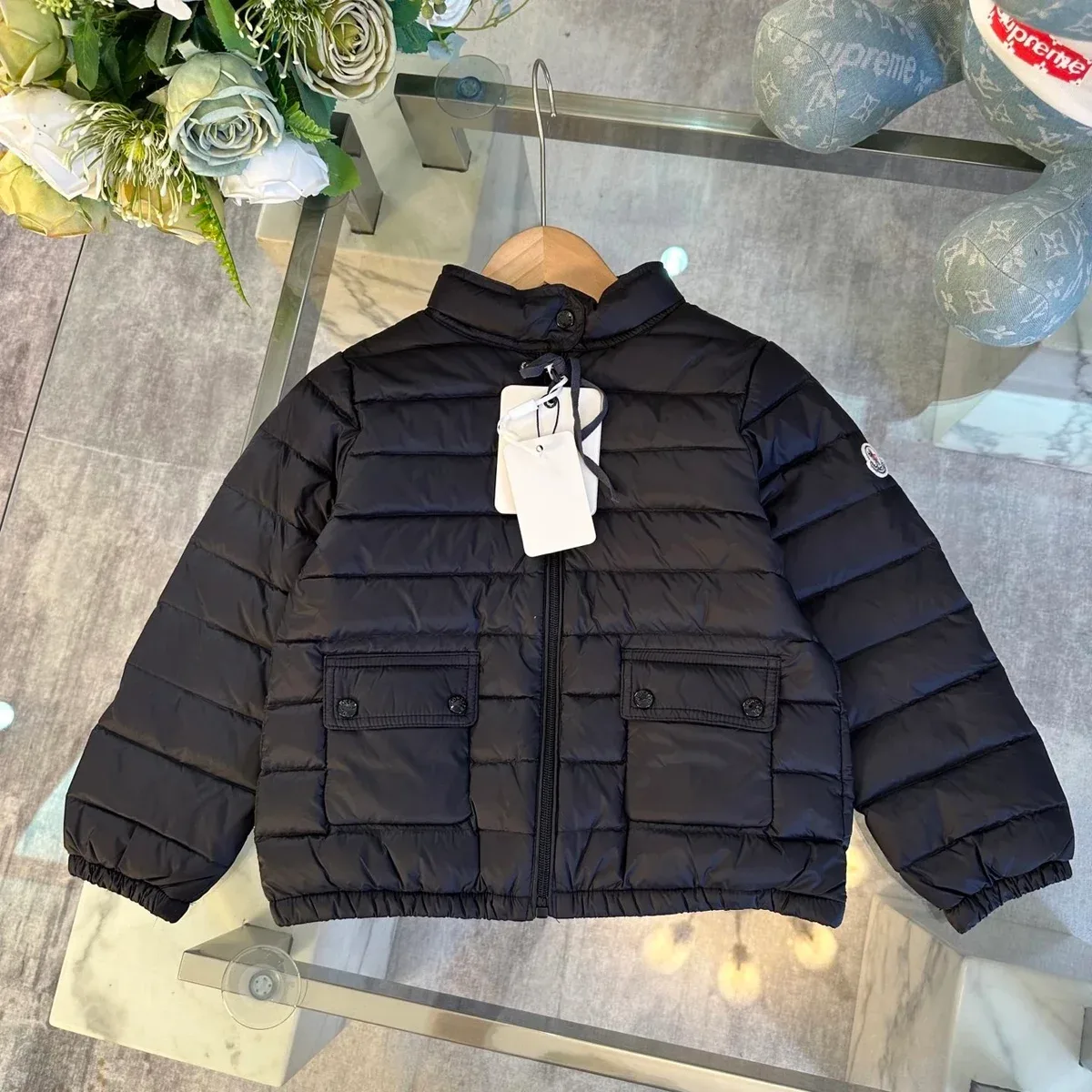
Compare different brands, product images and reference item prices in one Superbuy spreadsheet to find pieces that suit your wardrobe.
Search by product, brand or style, or start with a photo to discover visually similar options. Save up to three favourites without an account, compare reference prices and open the current listing to check the details of each find.
- Multi-brand picks
Browse by category and compare styles and reference prices.
- Reference prices
Compare item-price estimates. Shipping and fees are separate.
- Save your favourites
Keep up to three finds in this browser, with no account needed.
Categories
Featured picks
Hoodies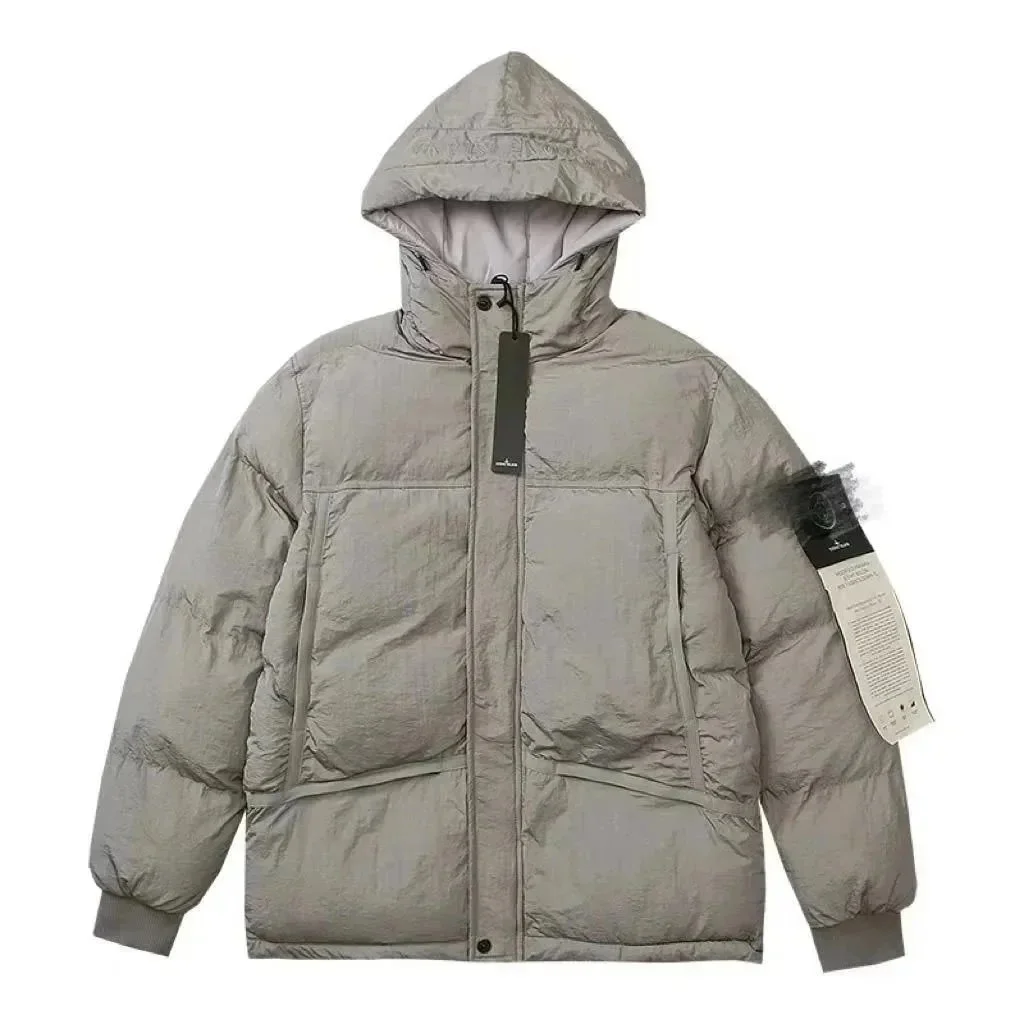 Jackets
 T-shirts
 Jackets
 Jackets
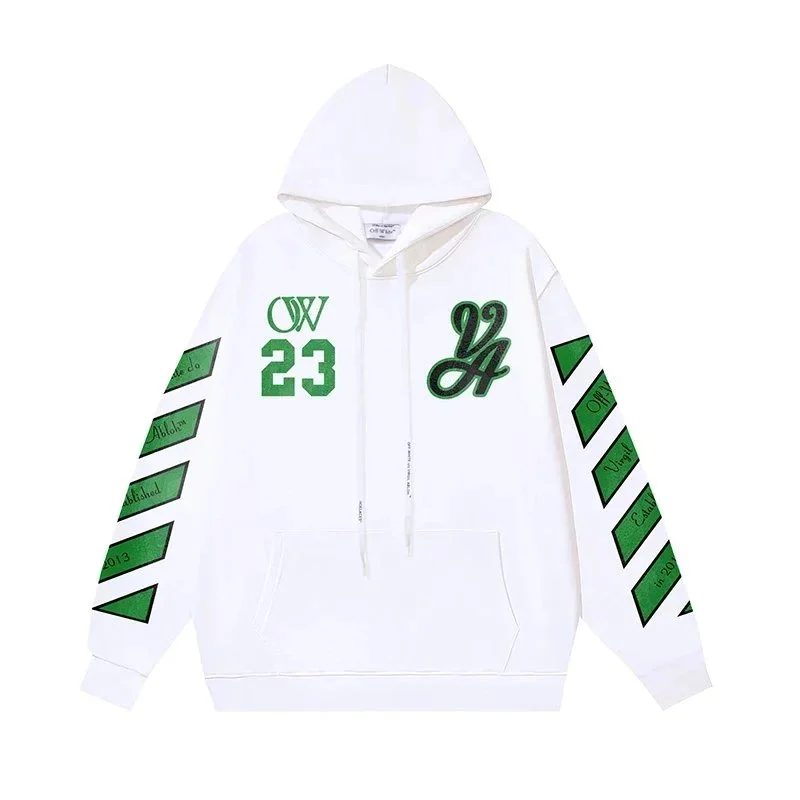 Hoodies
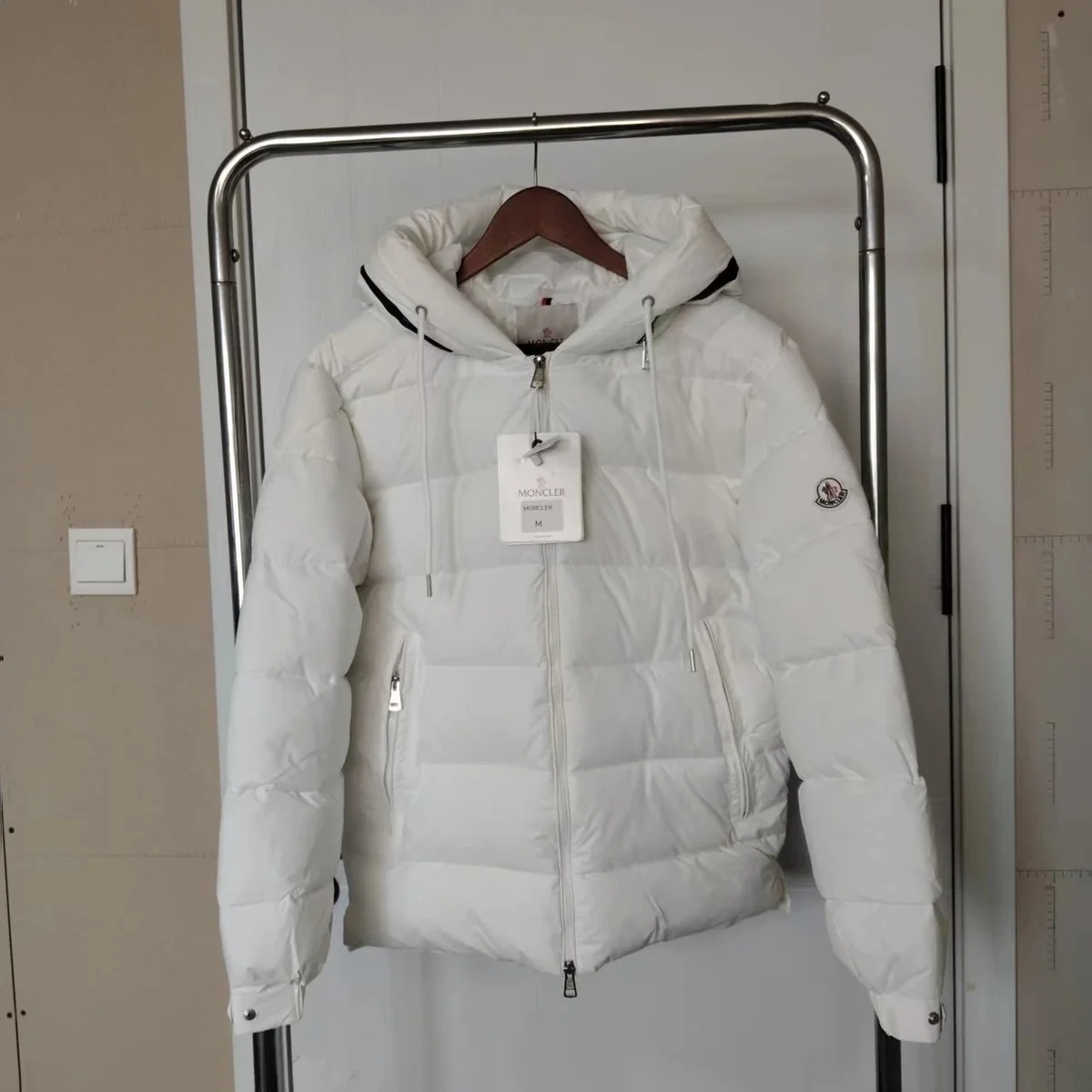 Jackets
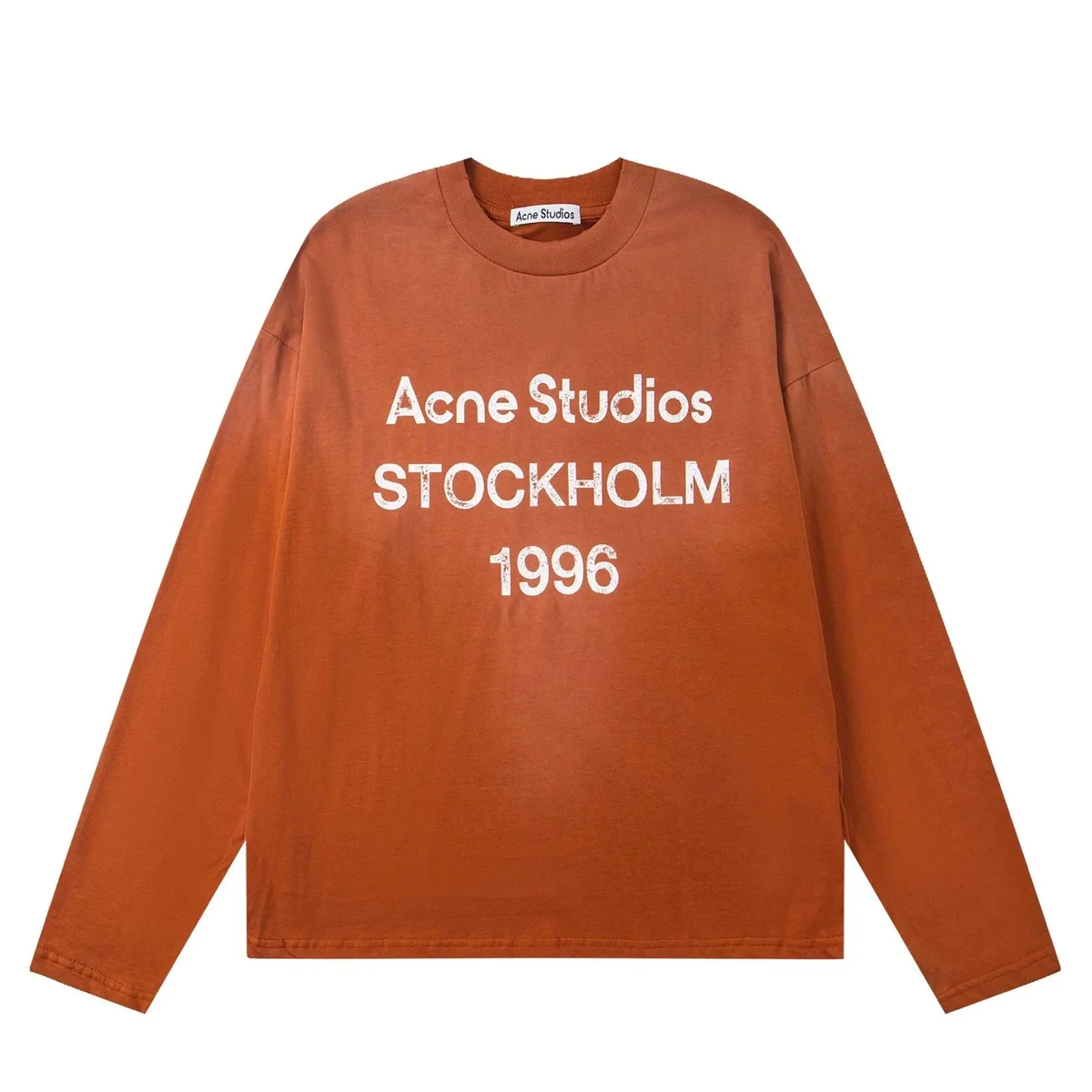 Hoodies
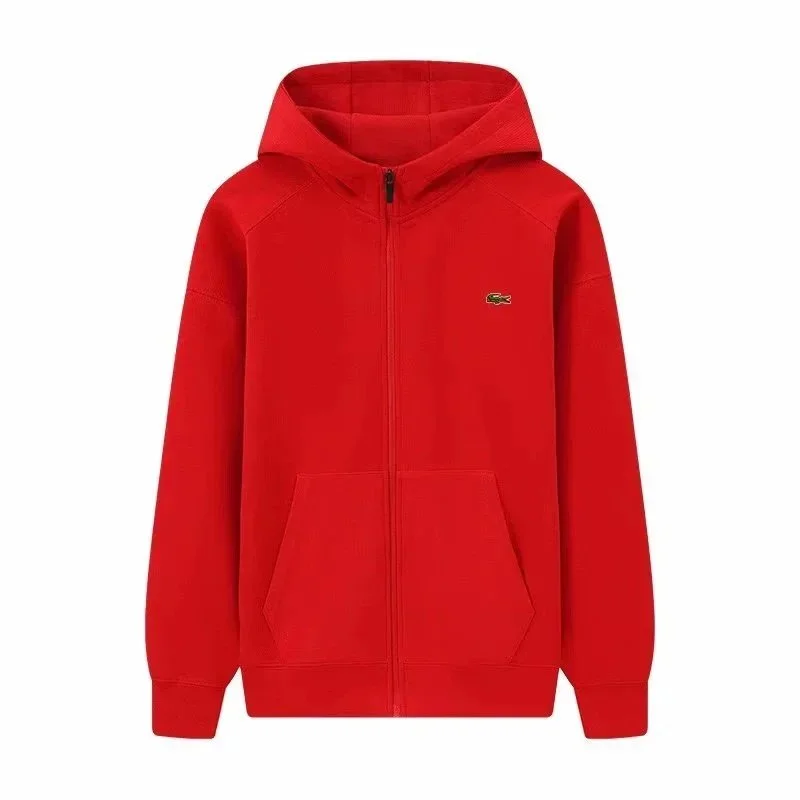 Jackets
 Jackets
 Accessories
 Jackets
 Hoodies
 Jackets
 Jackets
 Jackets
 Hoodies
 Pants
Pants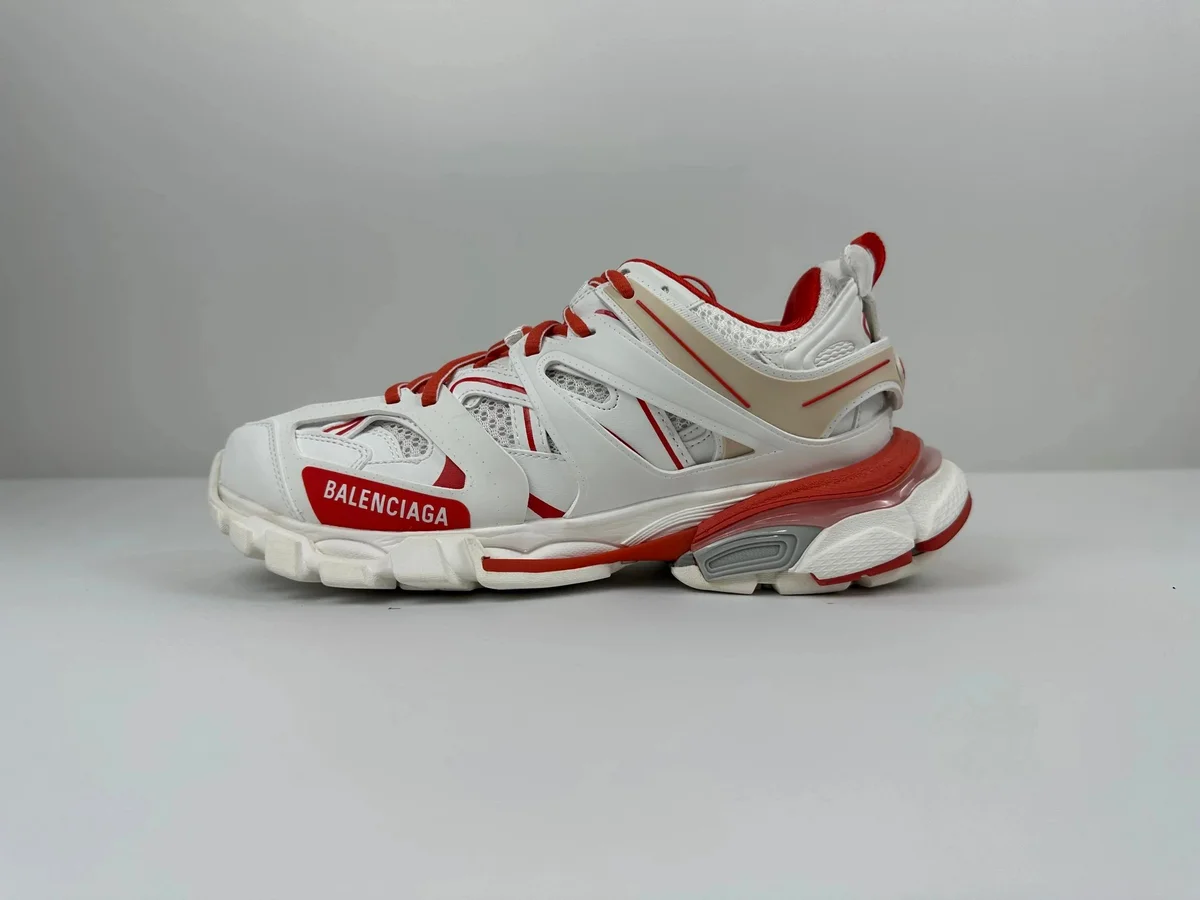 Shoes
Shoes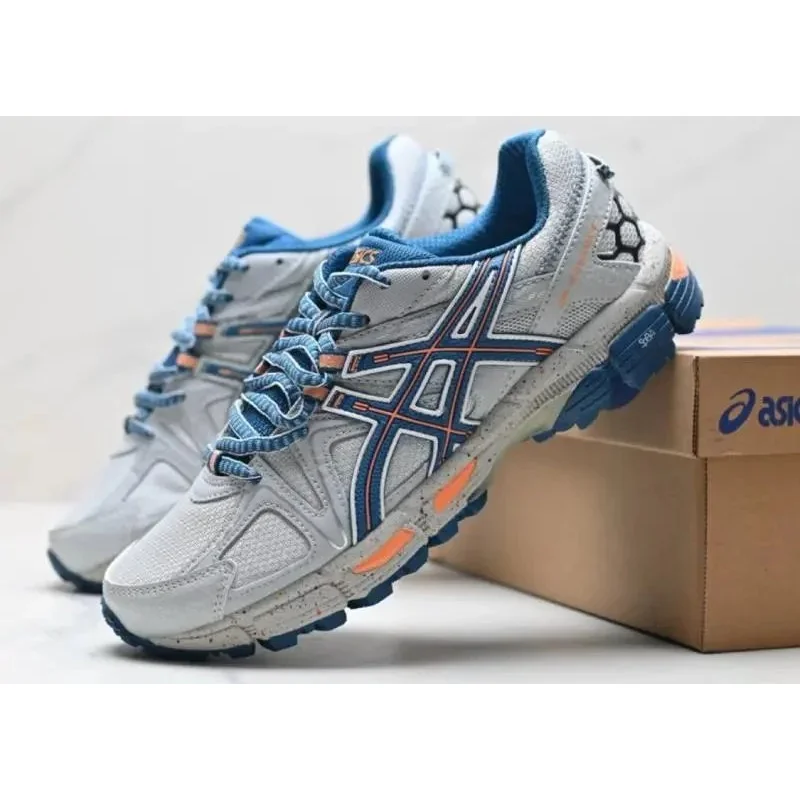 Shoes
Shoes Bags
Bags Accessories
 Electronics
 Jackets
No matches in this selection.
Try a different term, clear the filters or explore the full collection.
Explore the full collection ↗Visual matches
Loading image matches…
Shoes Shoes
Shoes Shoes
Shoes Shoes
Shoes Shoes
Shoes Shoes
Shoes Shoes
Shoes Shoes
Shoes Shoes
Shoes Shoes
Shoes Shoes
Shoes Shoes
Shoes Shoes
Shoes Shoes
Shoes Shoes
Shoes Shoes
Shoes Shoes
Shoes Shoes
Shoes Shoes
Shoes Shoes
Shoes Shoes
Shoes Shoes
Shoes Shoes
Shoes Shoes
Shoes Shoes
Shoes Shoes
Shoes Shoes
Shoes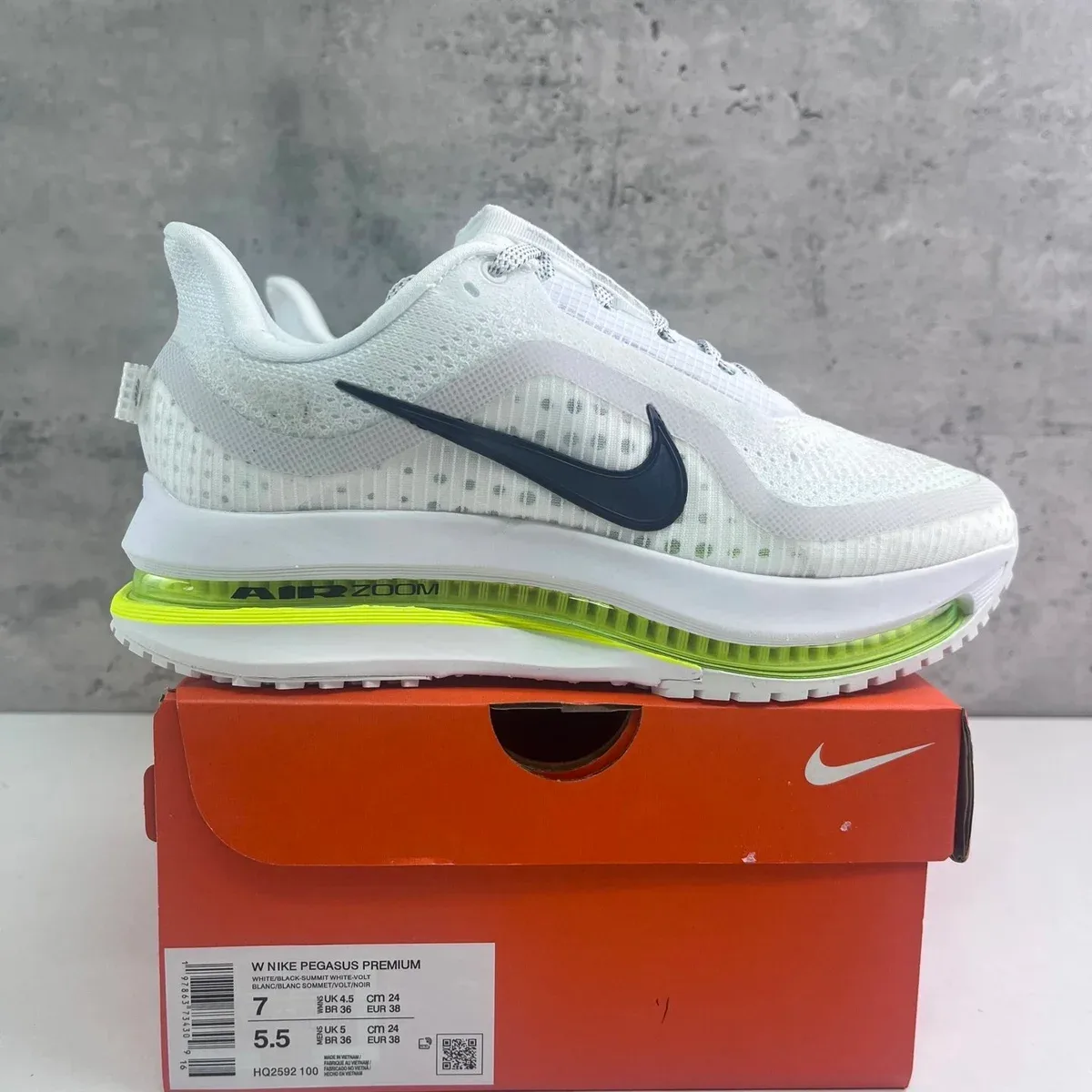 Shoes
Shoes Shoes
Shoes Shoes
Shoes Shoes
Shoes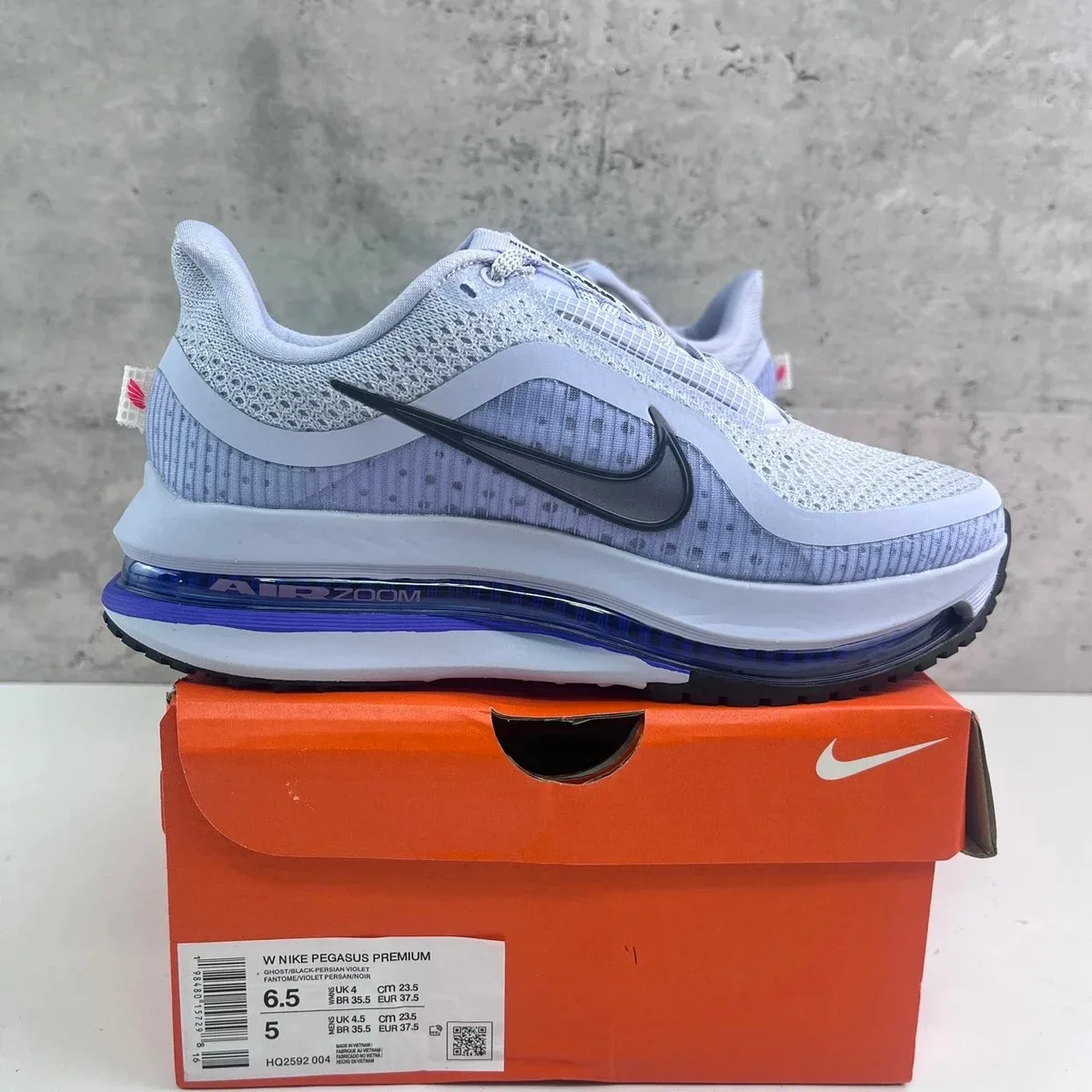 Shoes
Shoes Shoes
Shoes Shoes
Shoes Shoes
Shoes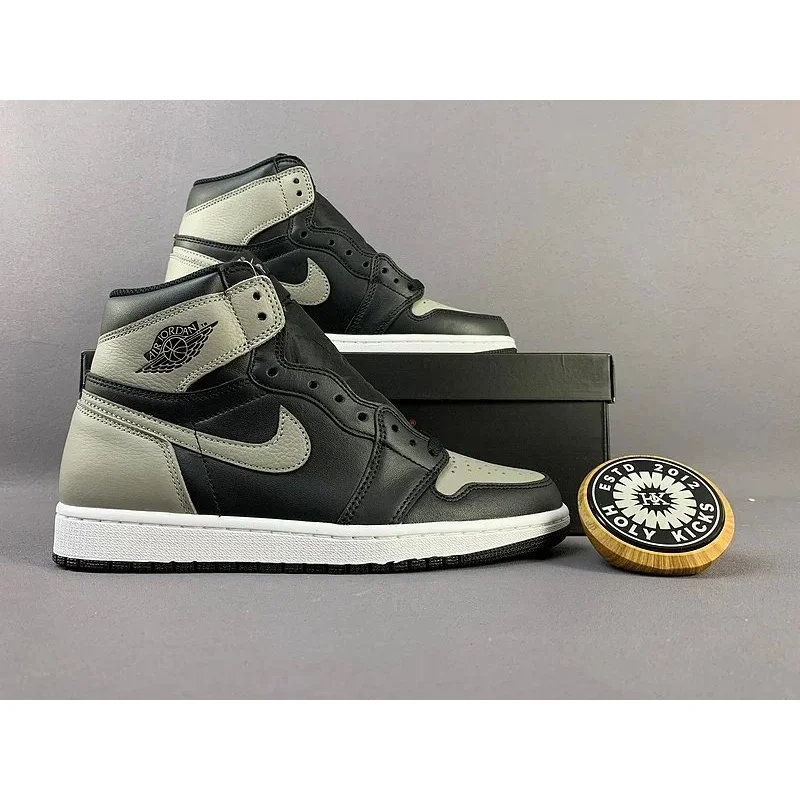 Shoes
Shoes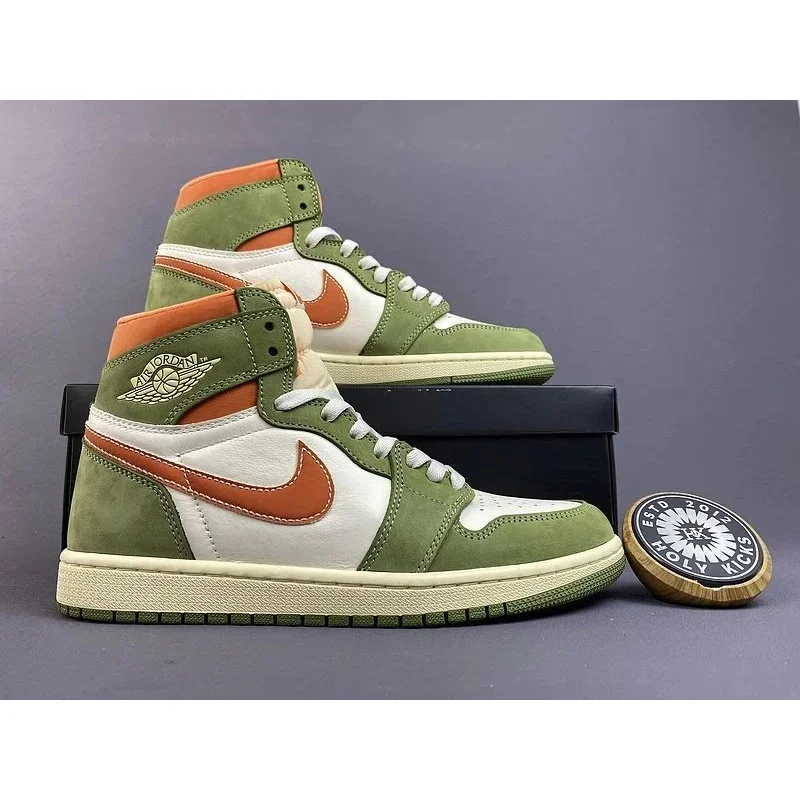 Shoes
Shoes Shoes
Shoes Shoes
Shoes Hoodies
 Hoodies
 Hoodies
 Hoodies
 Hoodies
 Hoodies
 Hoodies
 Hoodies
 Hoodies
 Hoodies
 Hoodies
 Hoodies
 Hoodies
 Hoodies
 Hoodies
 Hoodies
 Hoodies
 Hoodies
 Hoodies
 HoodiesHoodies
 Hoodies
 Hoodies
 Hoodies
 T-shirts
 T-shirts
 T-shirts
 T-shirts
 T-shirts
 T-shirts
 T-shirts
 T-shirts
 T-shirts
 T-shirts
 T-shirts
 T-shirts
 T-shirts
 T-shirts
 T-shirts
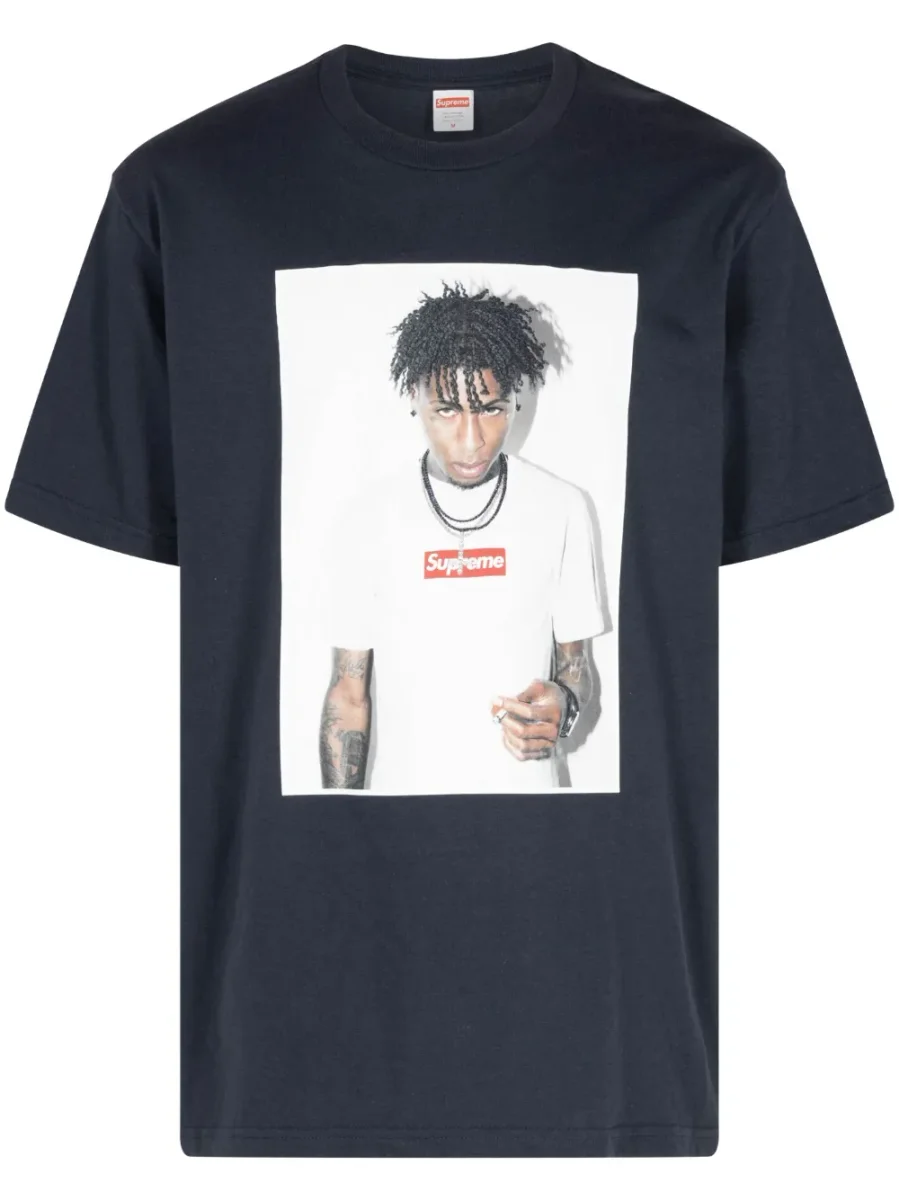 T-shirts
 T-shirts
 T-shirts
 T-shirts
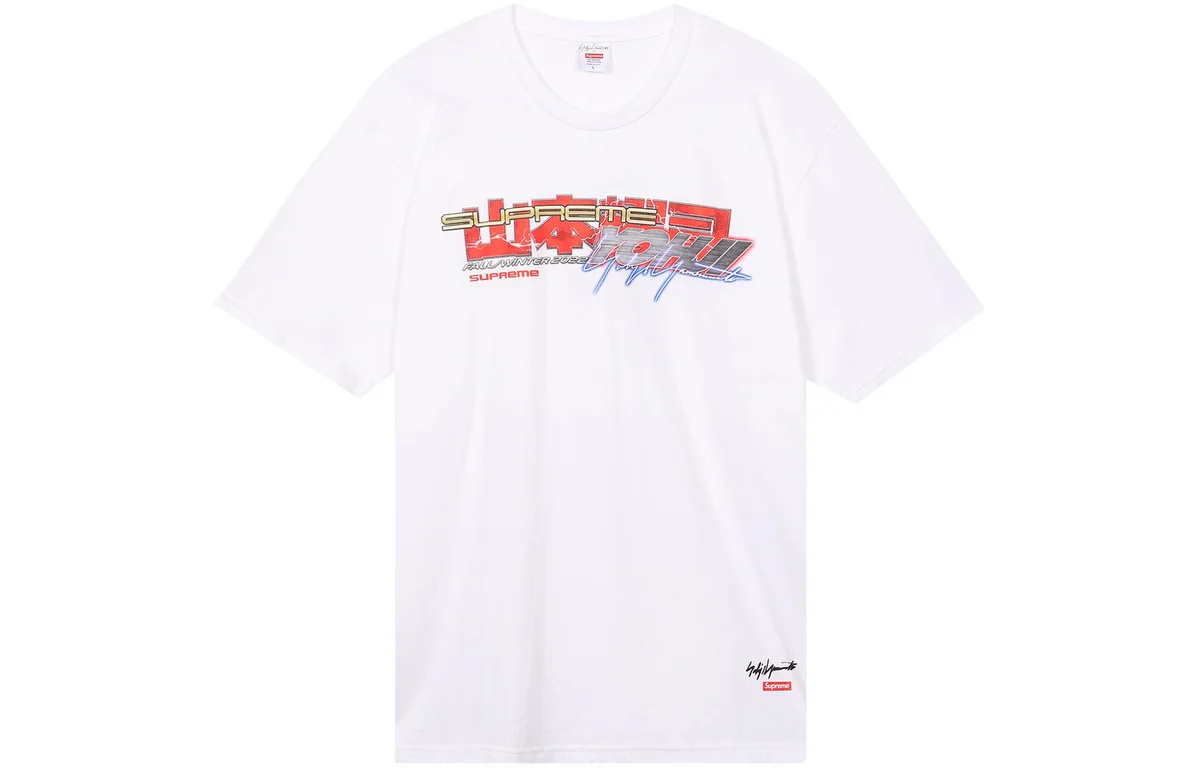 T-shirts
 T-shirts
 T-shirts
 T-shirts
 T-shirts
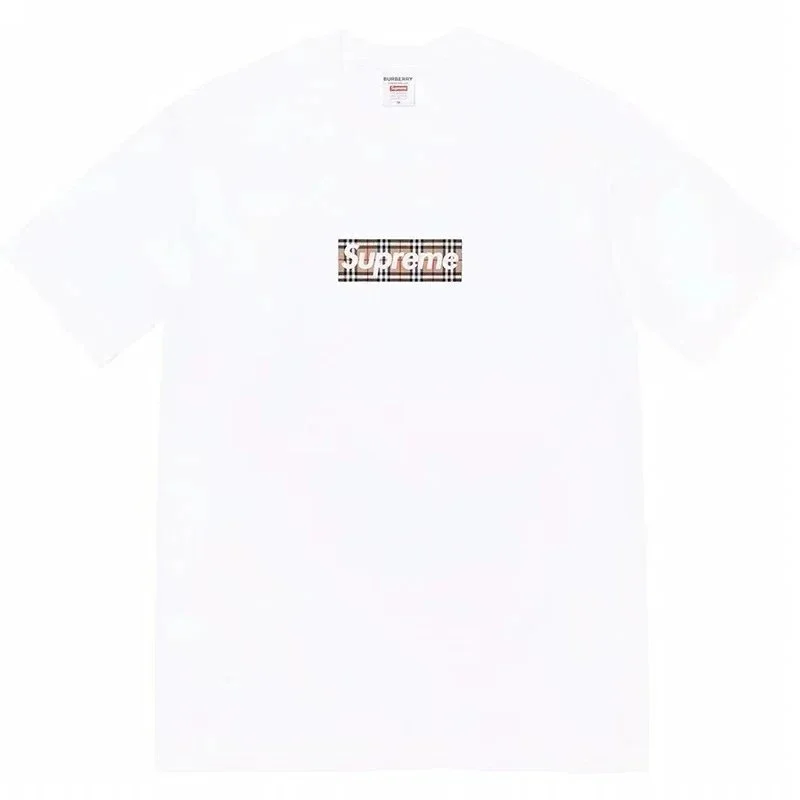 T-shirts
 T-shirts
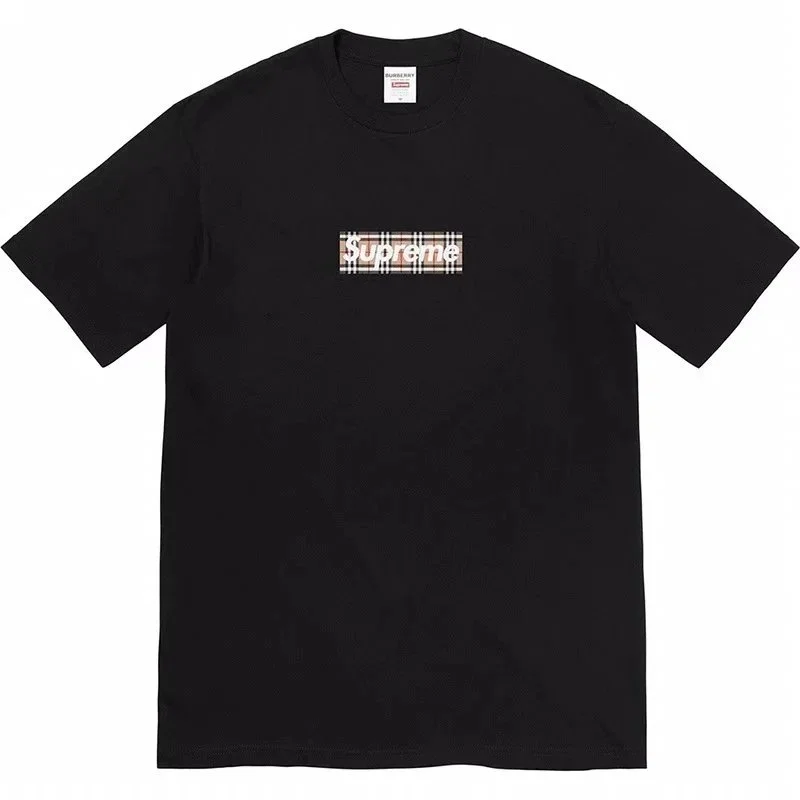 T-shirts
 T-shirts
 Jackets
 Jackets
 Jackets
 Jackets
 Jackets
 Jackets
 Jackets
 Jackets
 Jackets
 Jackets
 Jackets
 Jackets
 Jackets
 Jackets
 Jackets
 Jackets
 Jackets
 Jackets
 Jackets
 Jackets
 Jackets
 Jackets
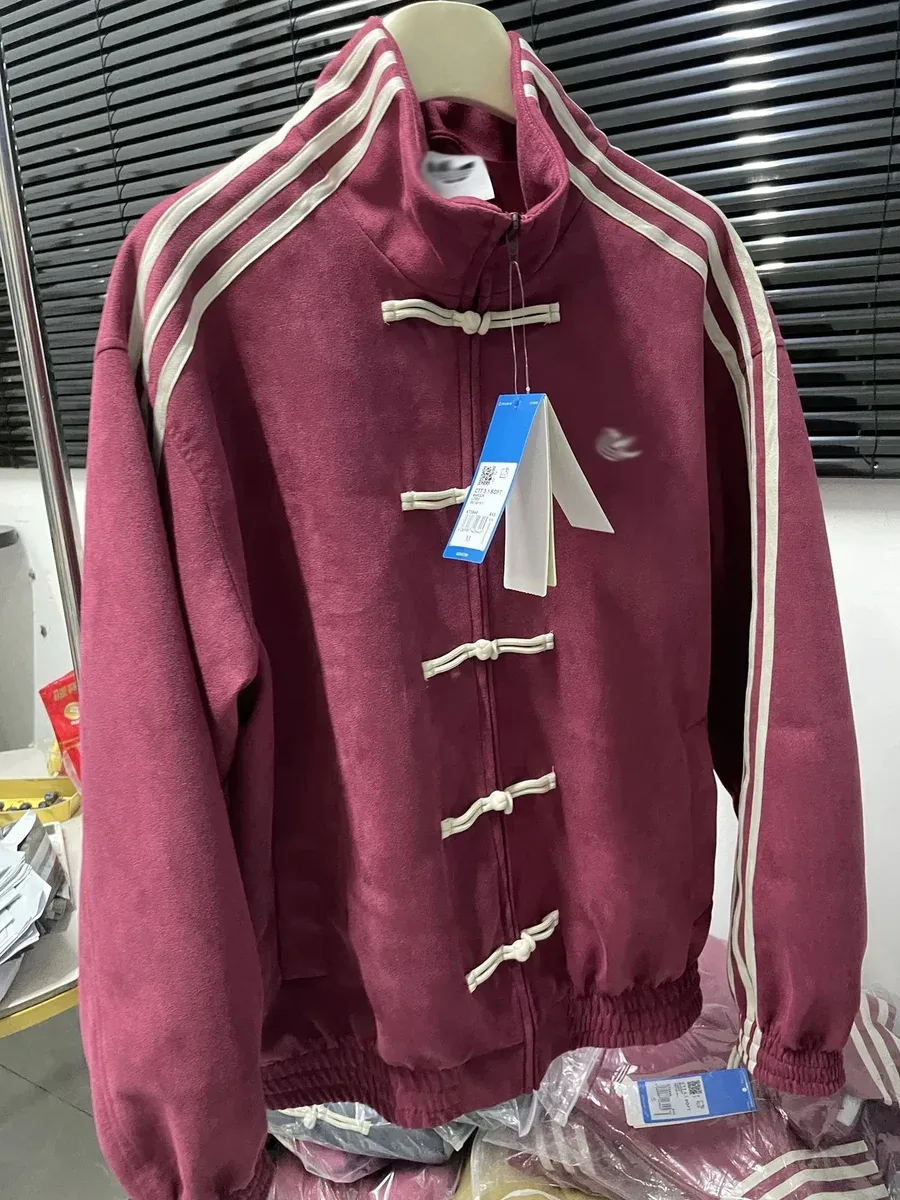 Jackets
 Jackets
 Jackets
 Jackets
 Jackets
 Jackets
 Pants
Pants Pants
Pants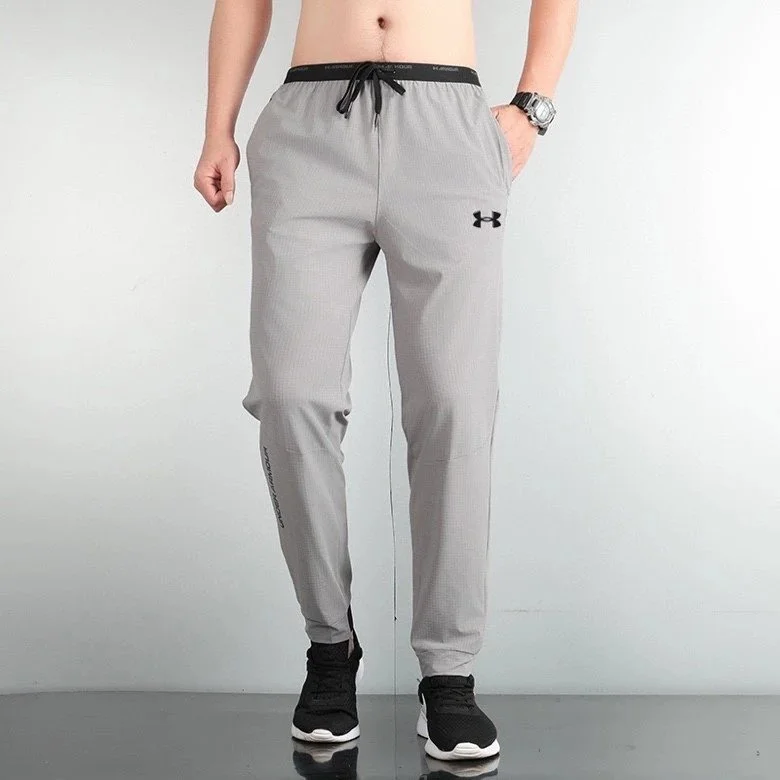 Pants
Pants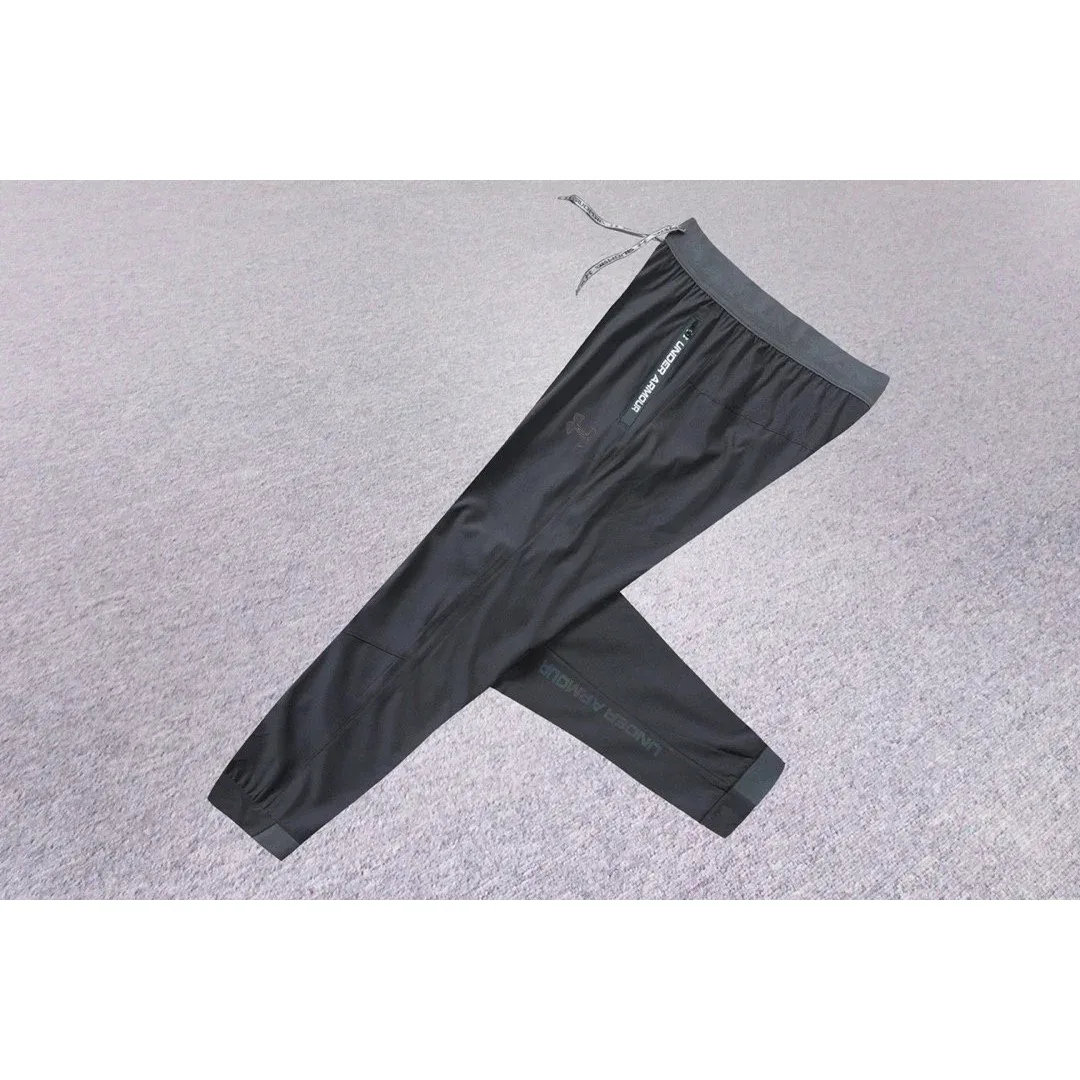 Pants
Pants Pants
Pants Pants
Pants Pants
Pants Pants
Pants Pants
Pants Pants
Pants Pants
Pants Pants
Pants Pants
Pants Pants
Pants Pants
Pants Pants
Pants Pants
Pants Pants
Pants Pants
Pants Pants
Pants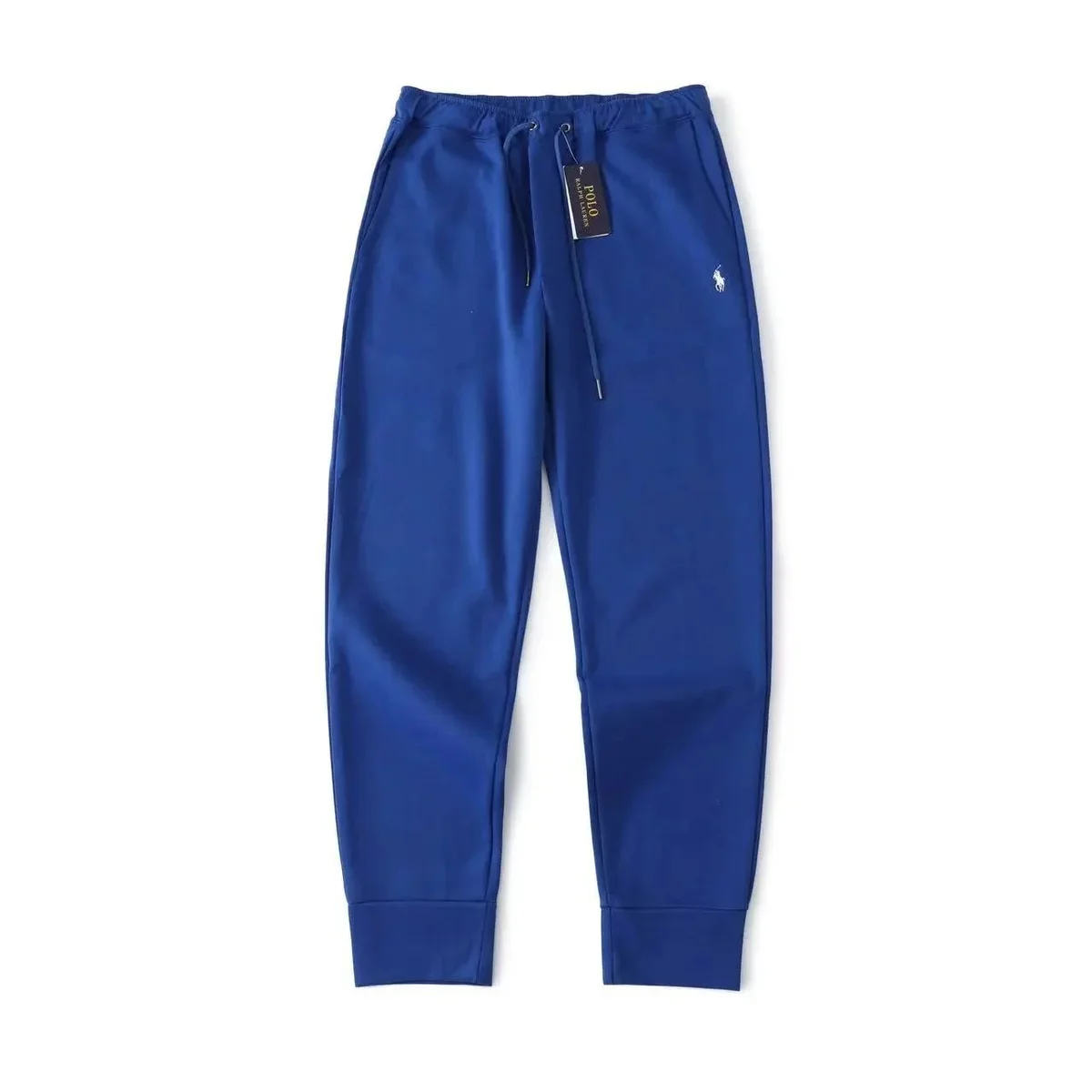 Pants
Pants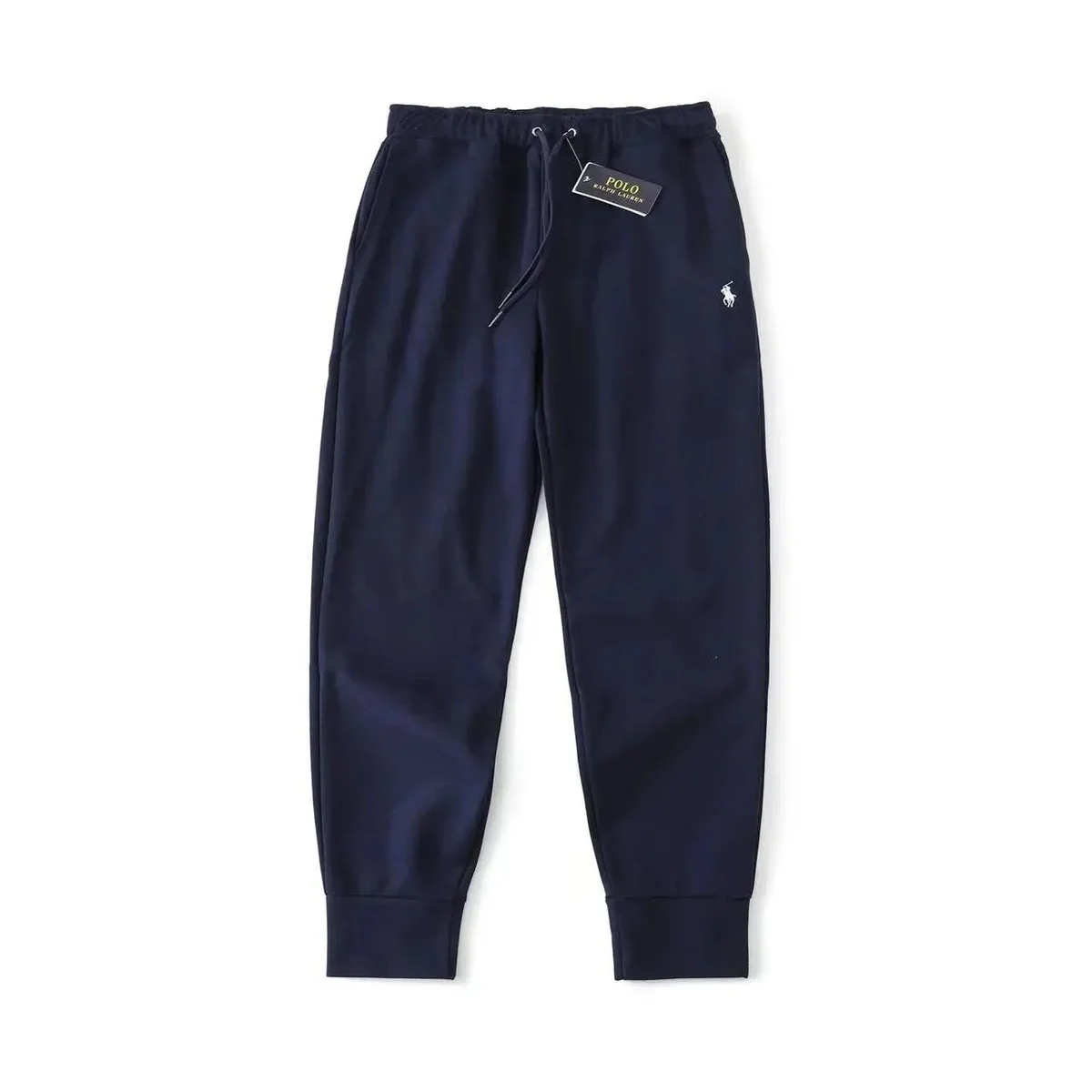 Pants
Pants Pants
Pants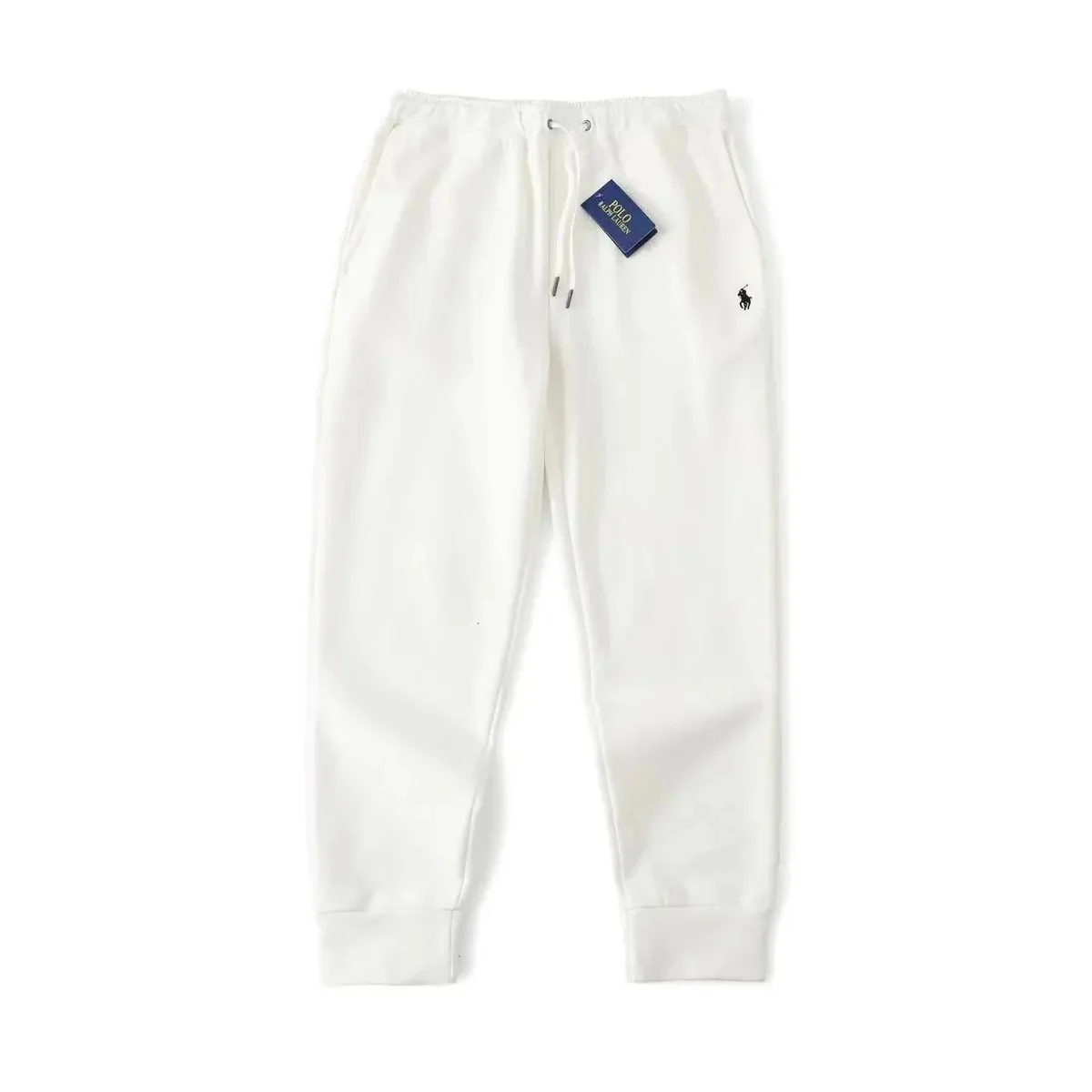 Pants
Pants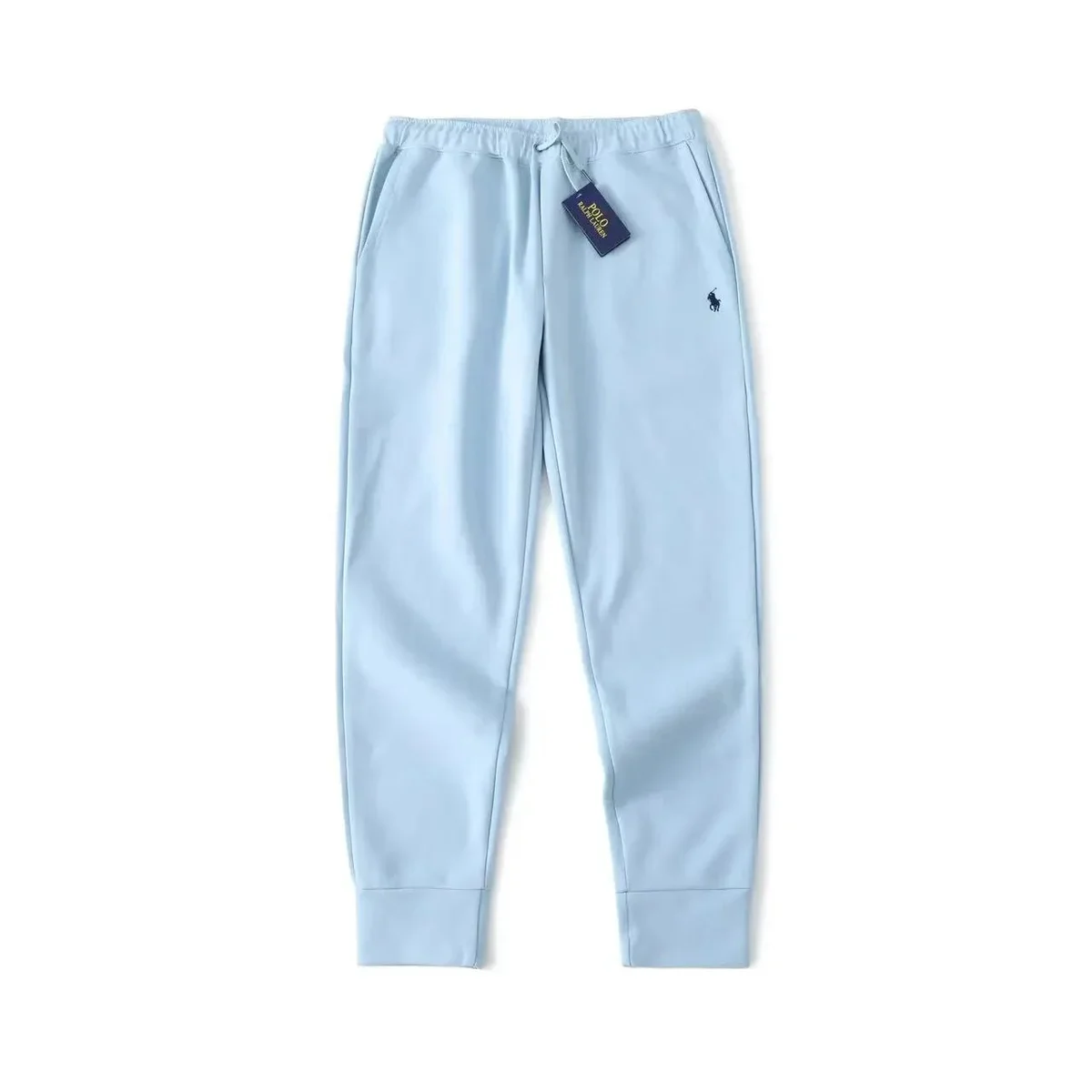 Pants
Pants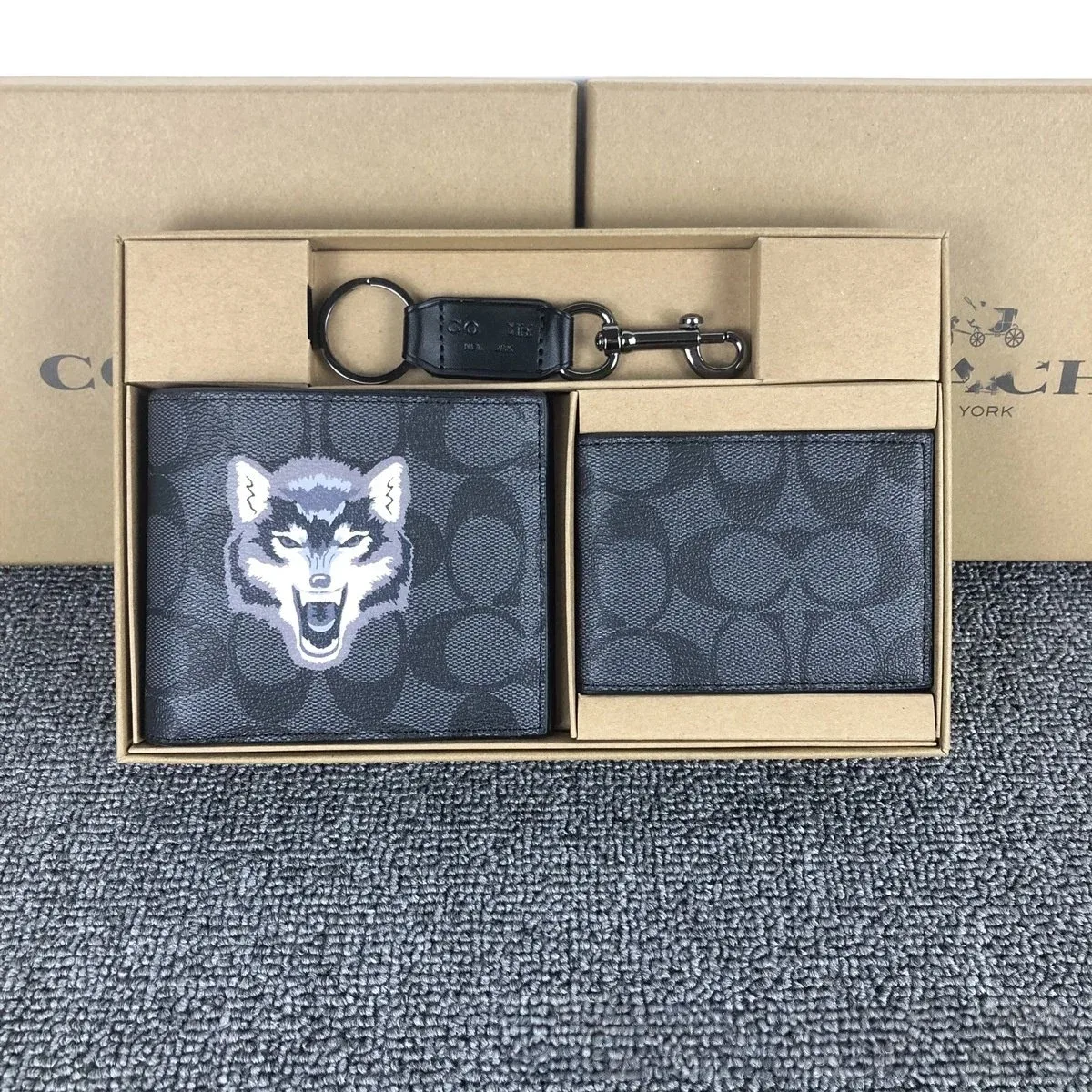 Bags
Bags Bags
Bags Bags
Bags Bags
Bags Bags
Bags Accessories
 Accessories
 Accessories
 Accessories
 Accessories
 Accessories
 Accessories
 Accessories
 Accessories
 Accessories
 Accessories
 Accessories
 Accessories
 Accessories
 Accessories
 AccessoriesAccessories
 Accessories
 Accessories
 Accessories
 Accessories
 Accessories
 Accessories
 Accessories
 Accessories
 Accessories
 Accessories
 Accessories
 Accessories
 Accessories
 Accessories
 Accessories
 Accessories
 Accessories
 Accessories
 Accessories
 Accessories
 Accessories
 Accessories
 Accessories
 Accessories
 Accessories
 Accessories
 Accessories
 Accessories
 Accessories
 Accessories
 Accessories
 Accessories
 Accessories
 Accessories
 Accessories
 Accessories
 Accessories
 Accessories
 Accessories
 Accessories
 Accessories
 Accessories
 Accessories
 Accessories
 Accessories
 Accessories
 Accessories
 Accessories
 Accessories
 Accessories
 Accessories
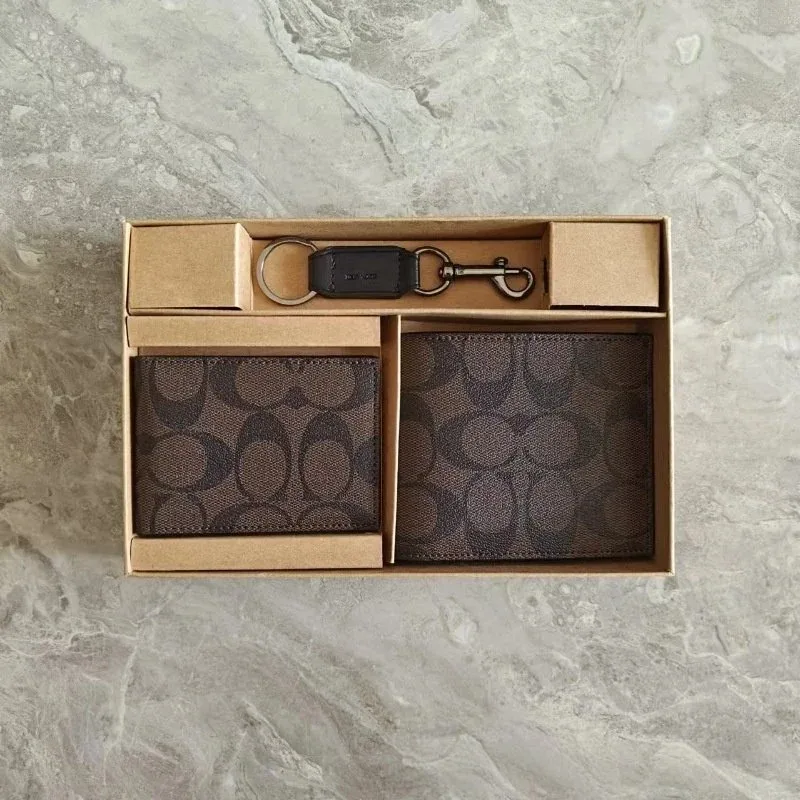 Accessories
 Accessories
 Accessories
 Accessories
 Accessories
 Accessories
 Accessories
 Accessories
 Accessories
 Accessories
 Accessories
 Accessories
 Accessories
 Accessories
 Accessories
 AccessoriesAccessories
 Accessories
 Accessories
 Accessories
 Accessories
 Accessories
 Accessories
 Accessories
 Accessories
 Accessories
 Accessories
 Accessories
 Accessories
 Accessories
 Accessories
 Accessories
 Accessories
 Accessories
 Electronics
 Electronics
 Electronics
 Electronics
 Electronics
 Electronics
 Electronics
 Electronics
 Electronics
 Electronics
 ElectronicsElectronics
 Electronics
 Electronics
 Electronics
 Electronics
 Electronics
 Electronics
 Electronics
 Electronics
 Electronics
 Electronics
 Electronics
 Electronics
 Electronics
 Electronics
 Electronics
 Electronics
 Electronics
 Electronics
 Electronics
 Electronics
 Electronics
 Electronics
 Electronics
 Electronics
 Electronics
 Electronics
 Electronics
 Electronics
 Electronics
 Electronics
 Electronics
 Electronics
 Electronics
 Electronics
 Electronics
 Electronics
 Electronics
 Electronics
 Electronics
 Electronics
 Electronics
 Electronics
 Electronics
 Electronics
 Shoes
Shoes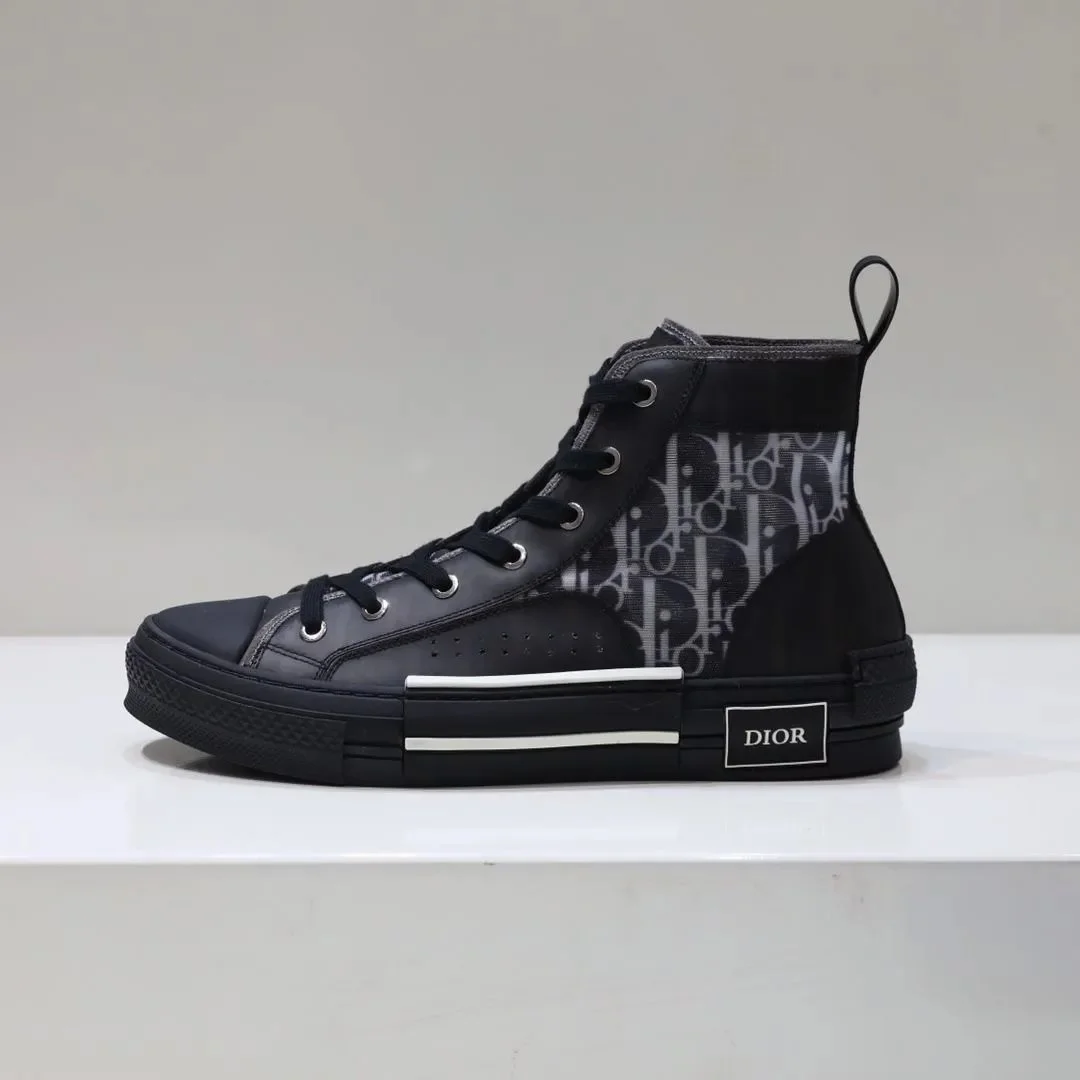 Shoes
Shoes Shoes
Shoes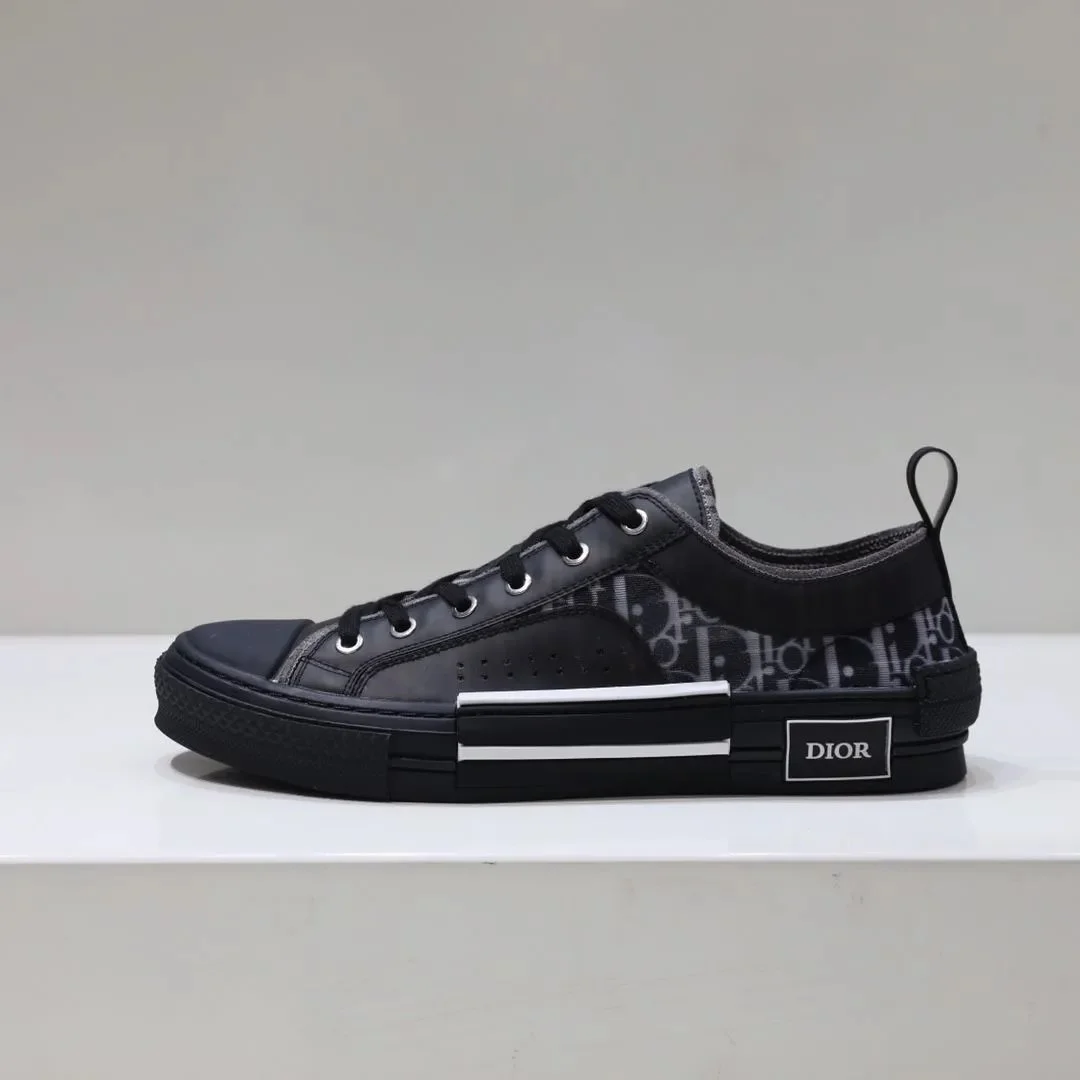 Shoes
Shoes Shoes
Shoes Shoes
Shoes Shoes
Shoes Shoes
Shoes Shoes
Shoes Shoes
Shoes Shoes
Shoes Shoes
Shoes Shoes
Shoes Shoes
Shoes Shoes
Shoes Shoes
Shoes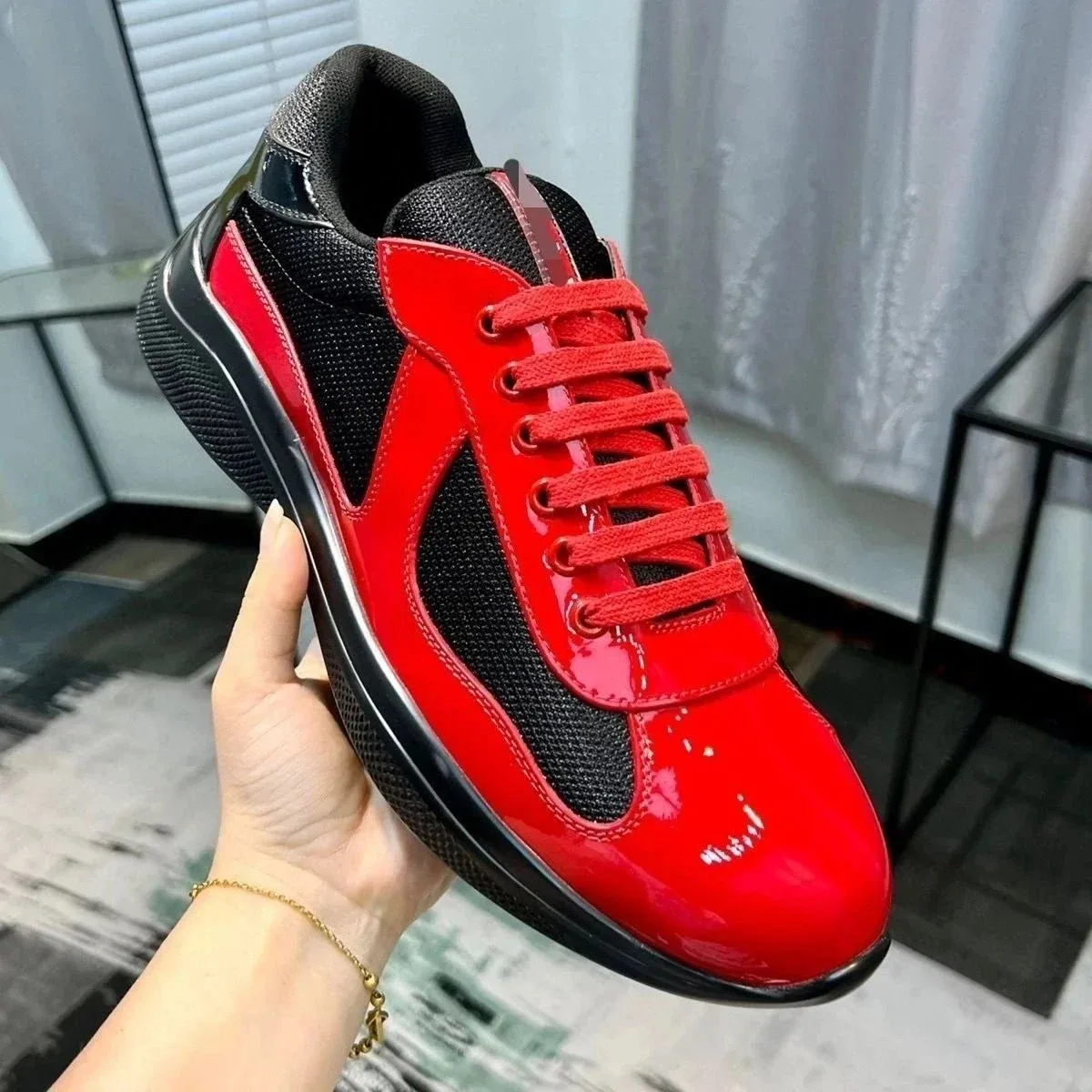 Shoes
Shoes Shoes
Shoes Shoes
Shoes Shoes
Shoes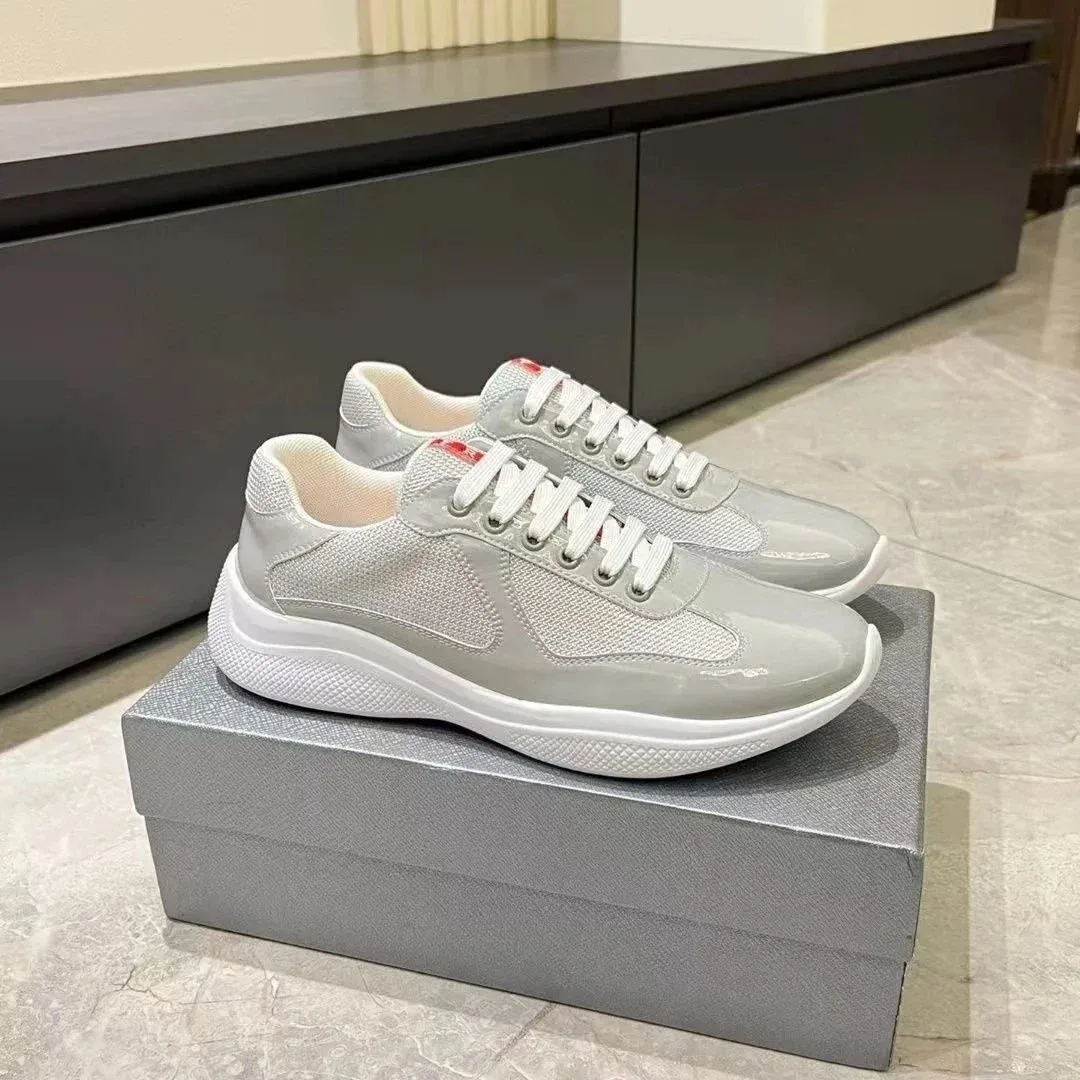 Shoes
Shoes Shoes
Shoes Shoes
Shoes Shoes
Shoes Shoes
Shoes Shoes
Shoes Shoes
Shoes Shoes
Shoes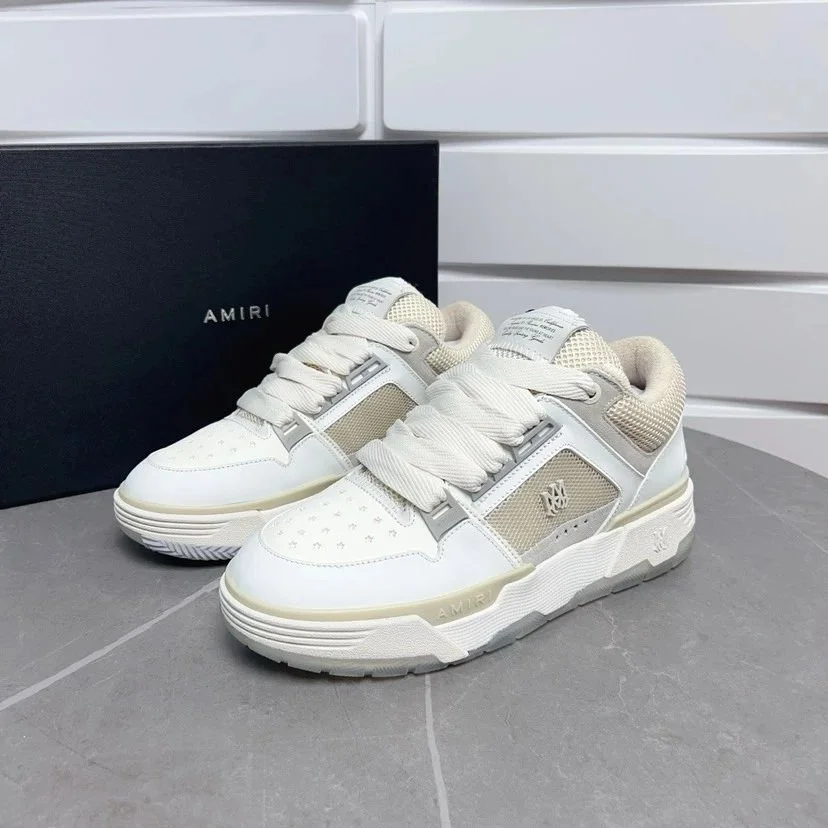 Shoes
Shoes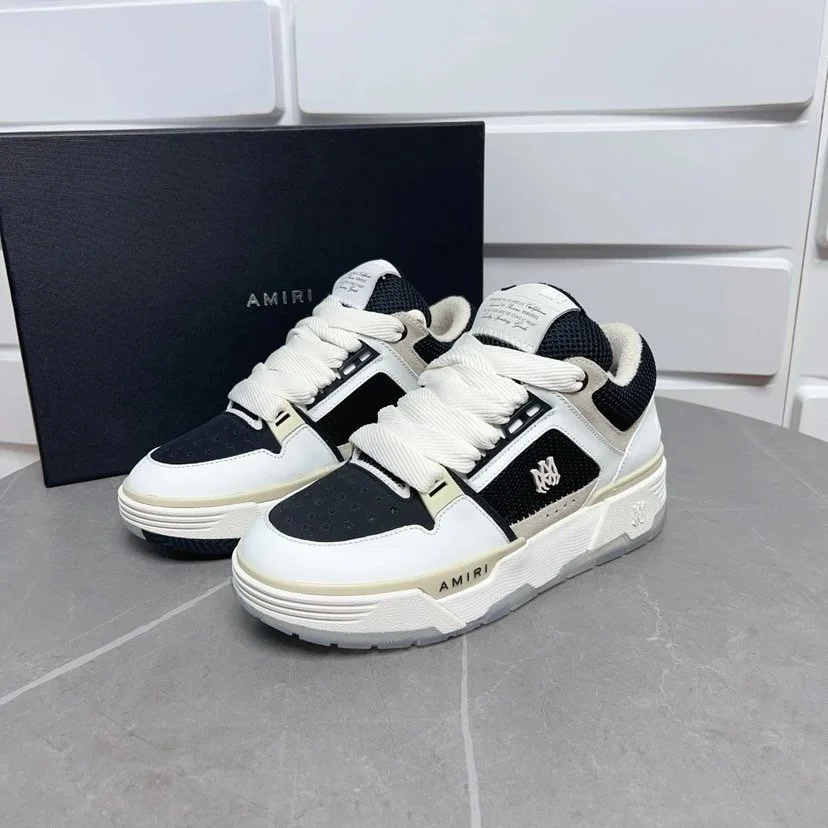 Shoes
Shoes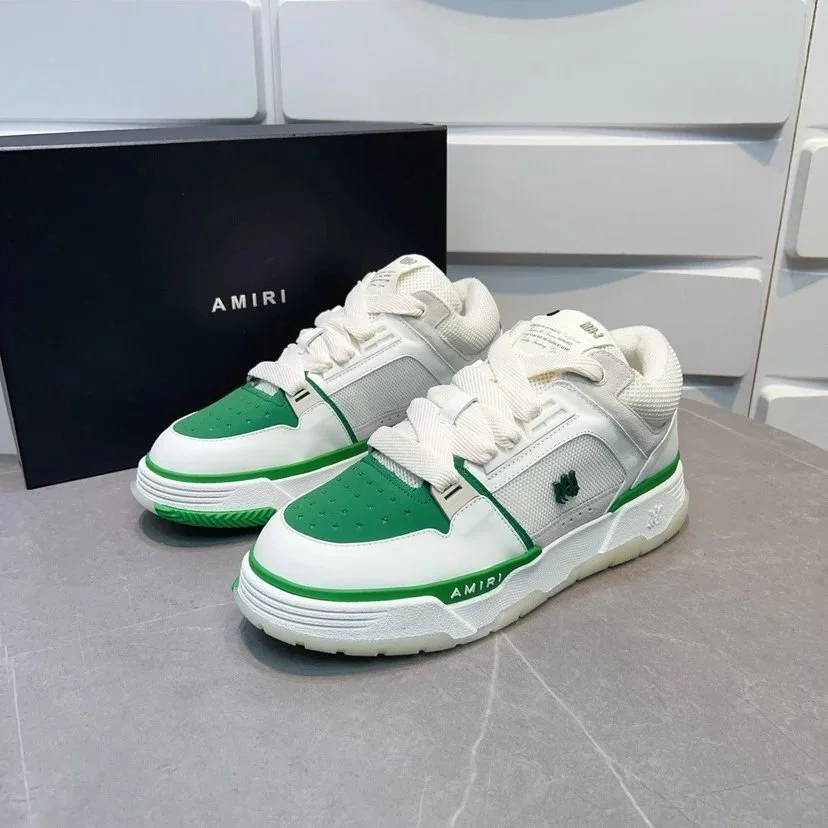 Shoes
Shoes Shoes
Shoes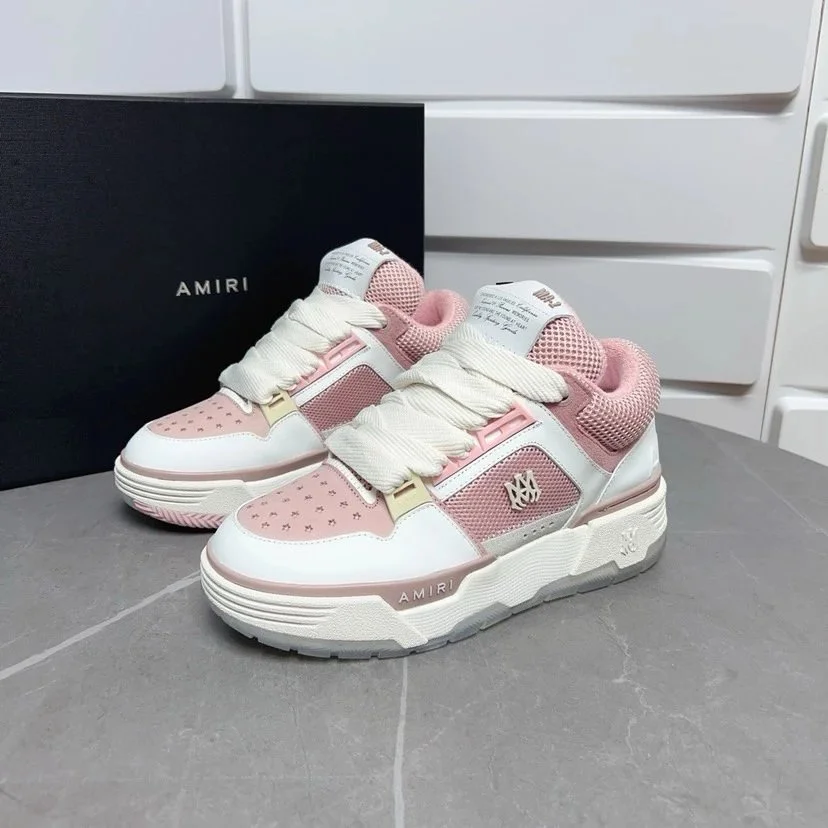 Shoes
Shoes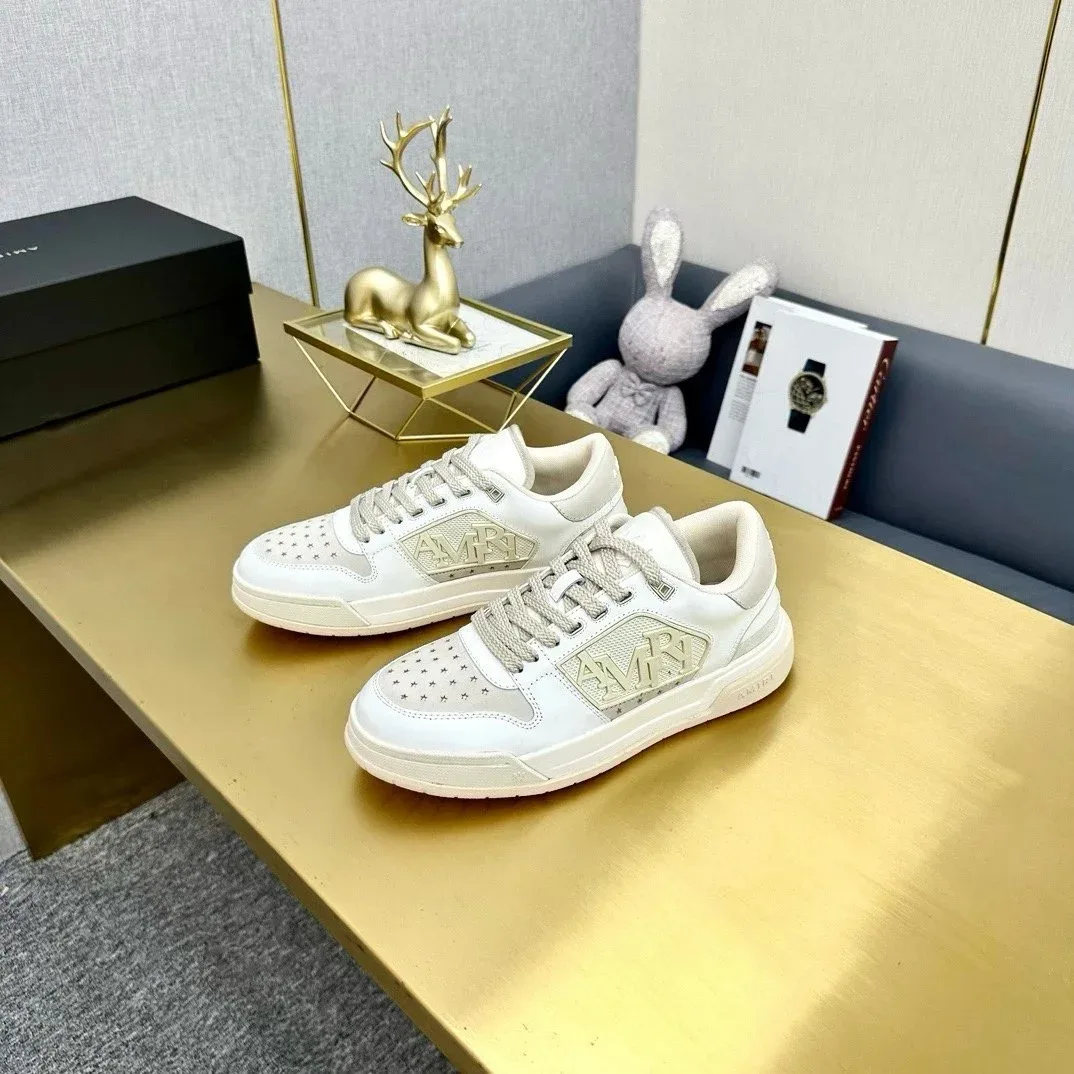 Shoes
Shoes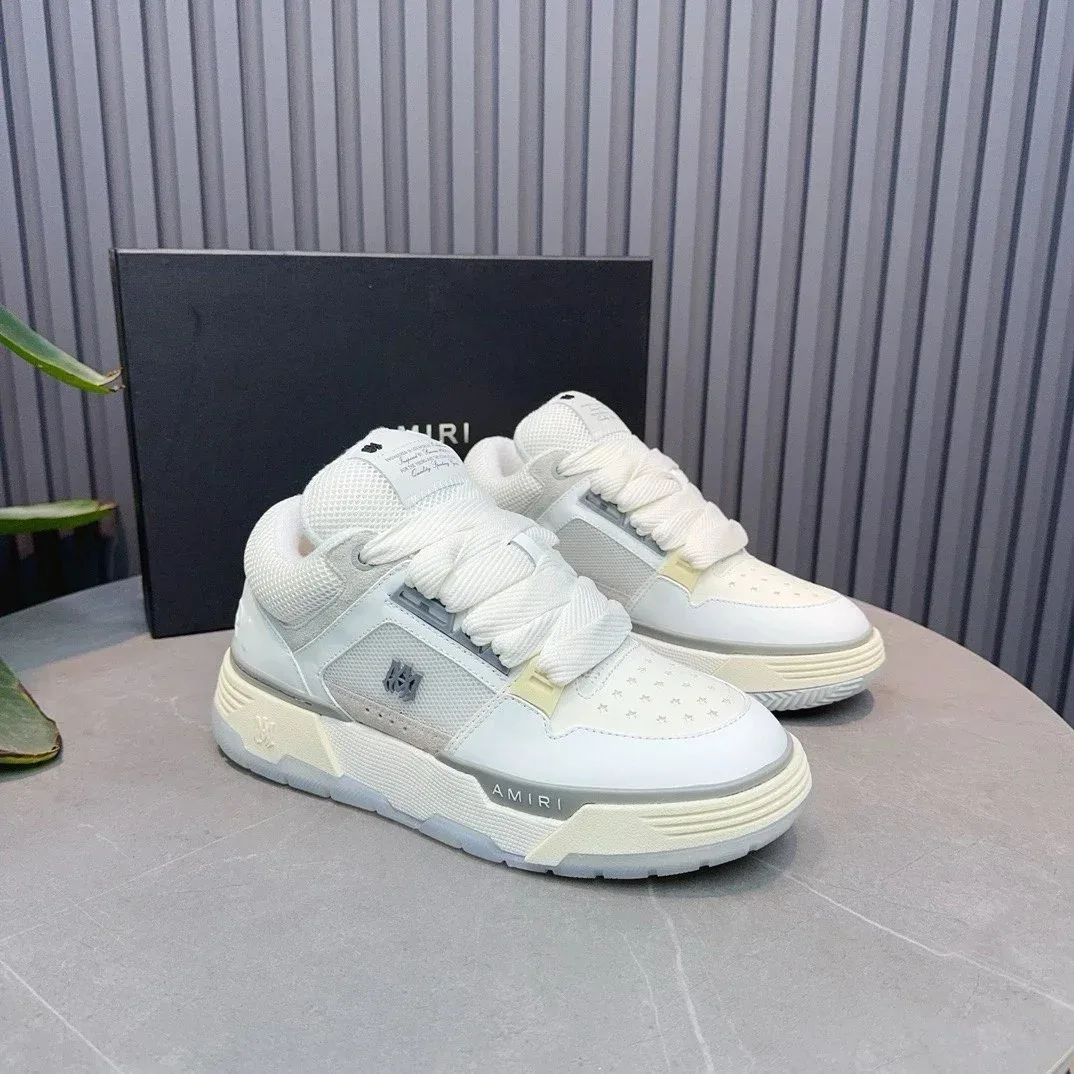 Shoes
Shoes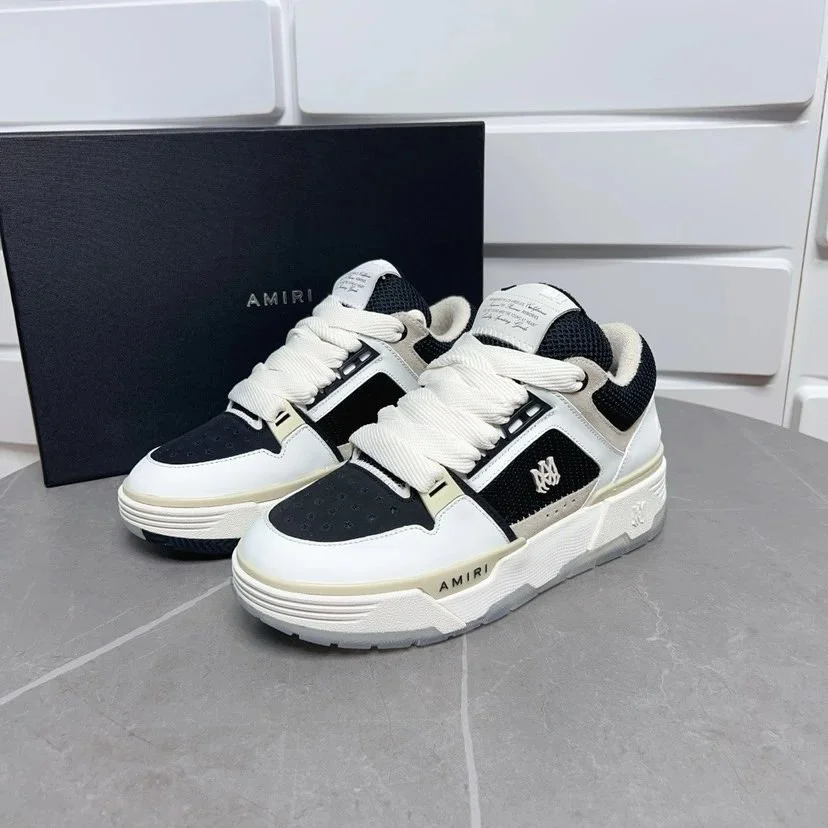 Shoes
Shoes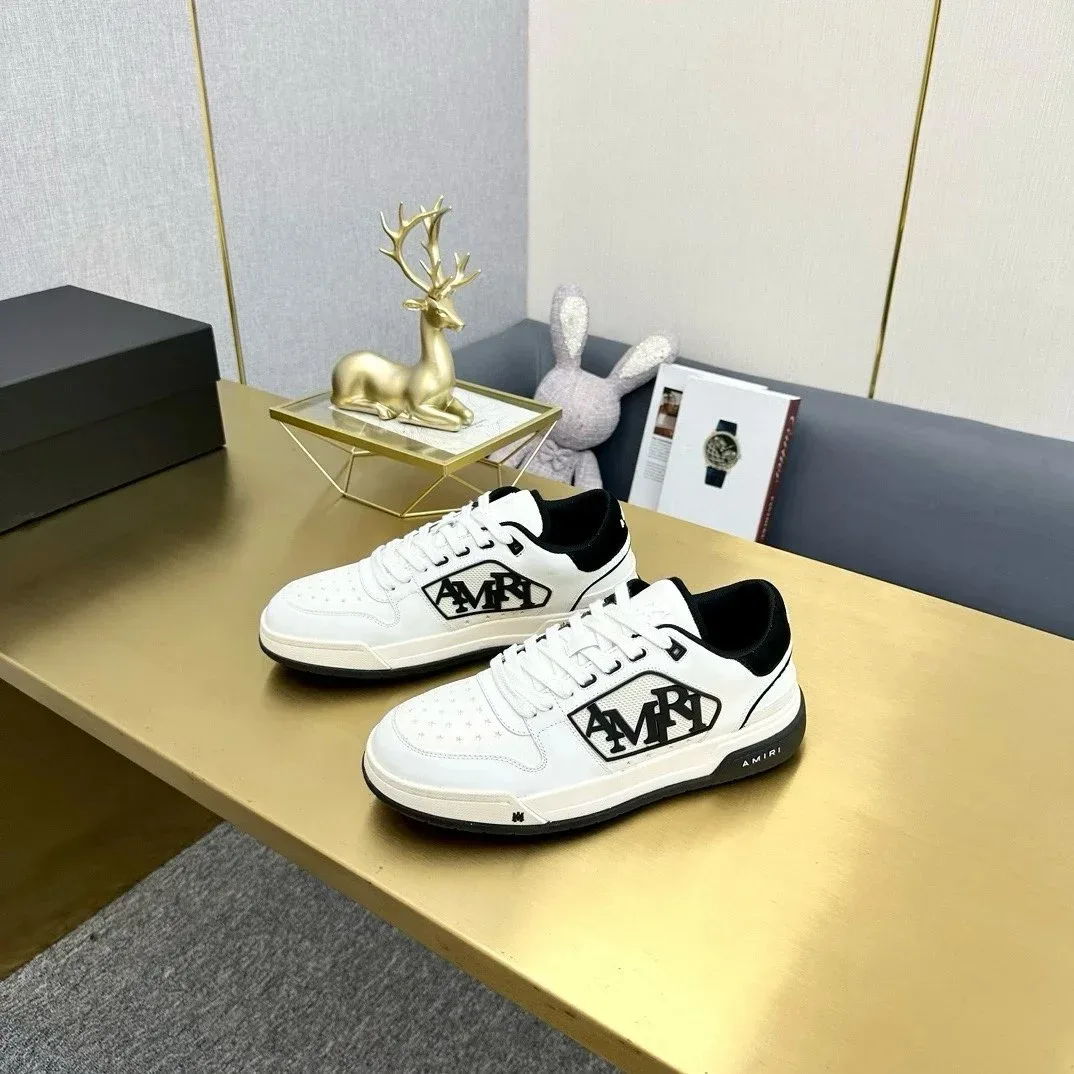 Shoes
Shoes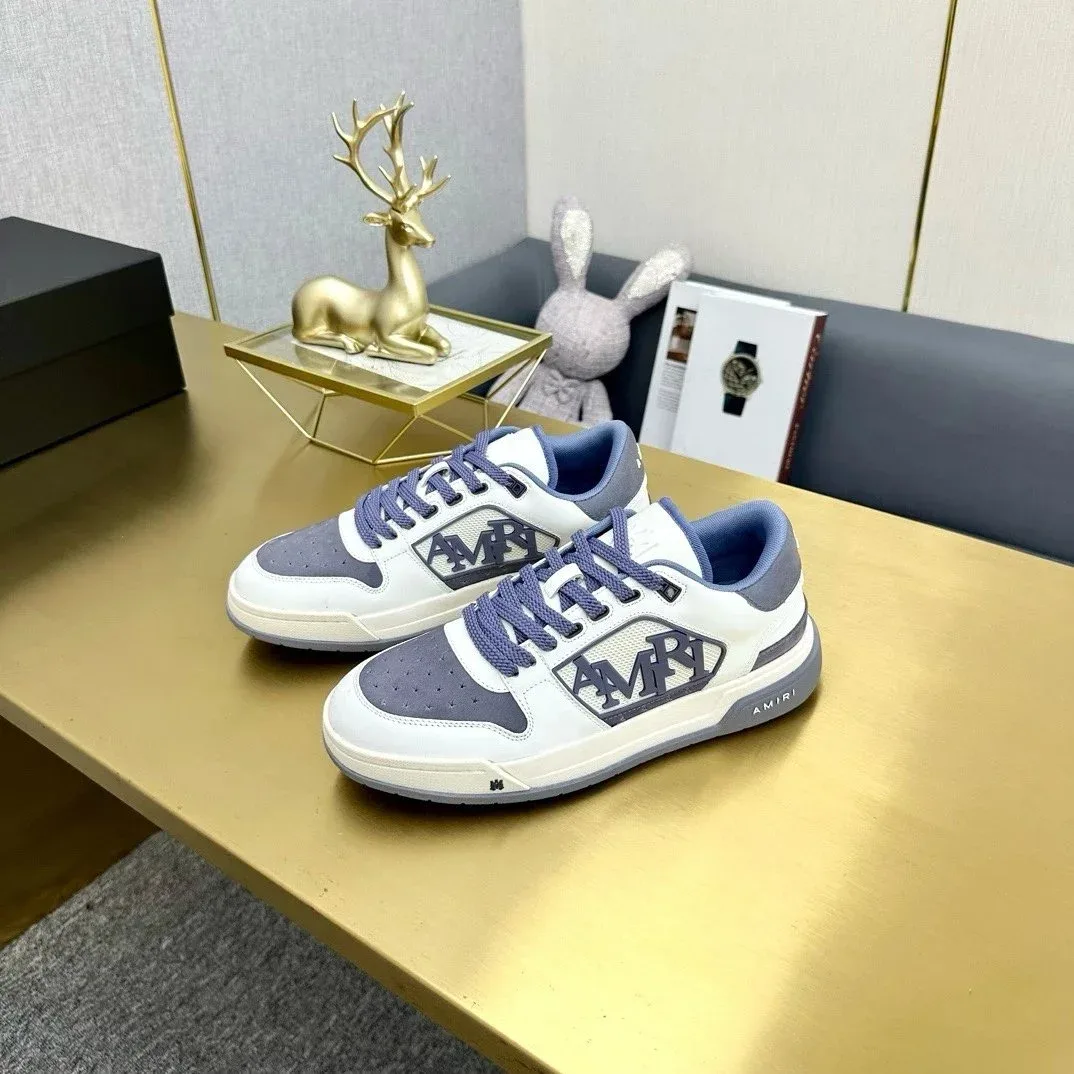 Shoes
Shoes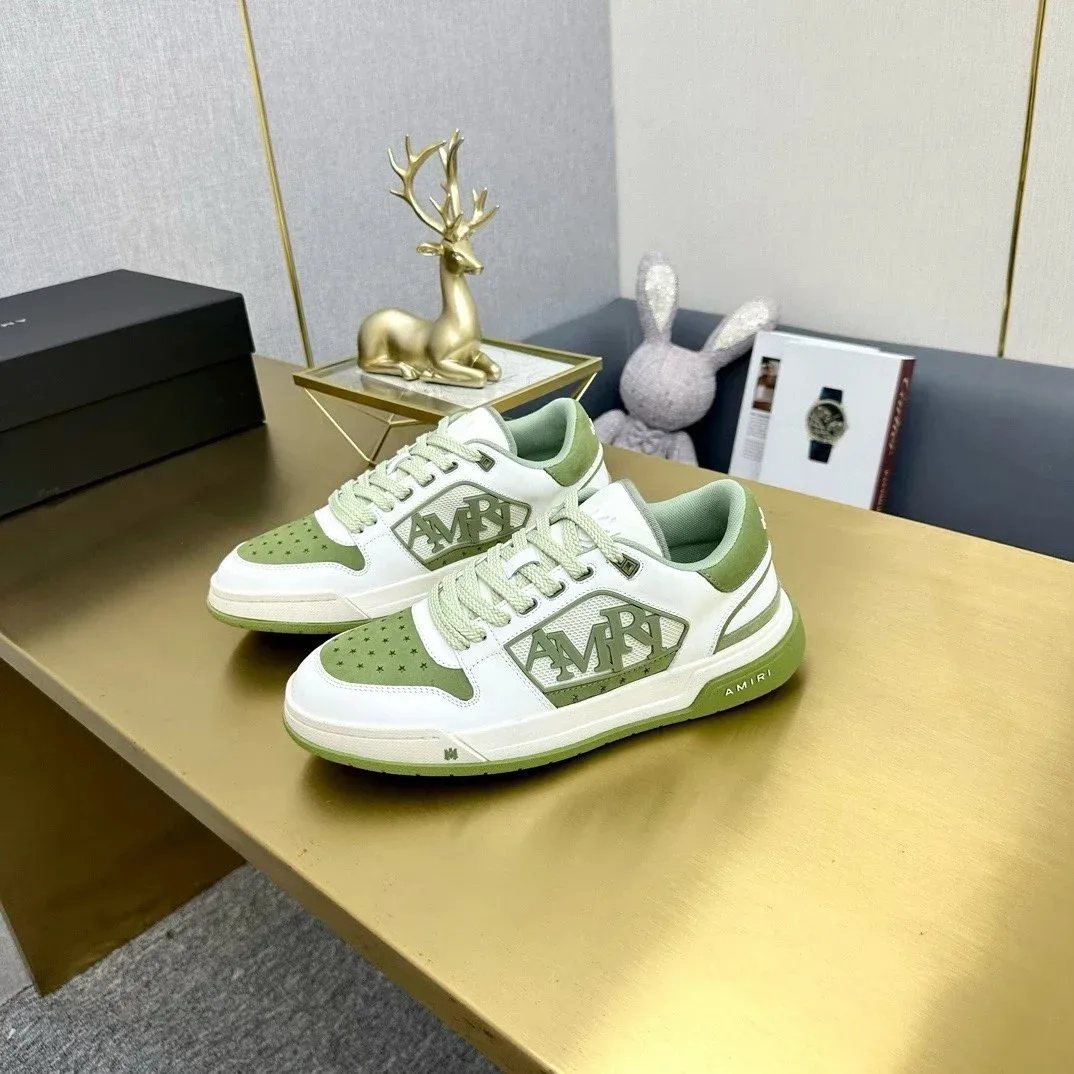 Shoes
Shoes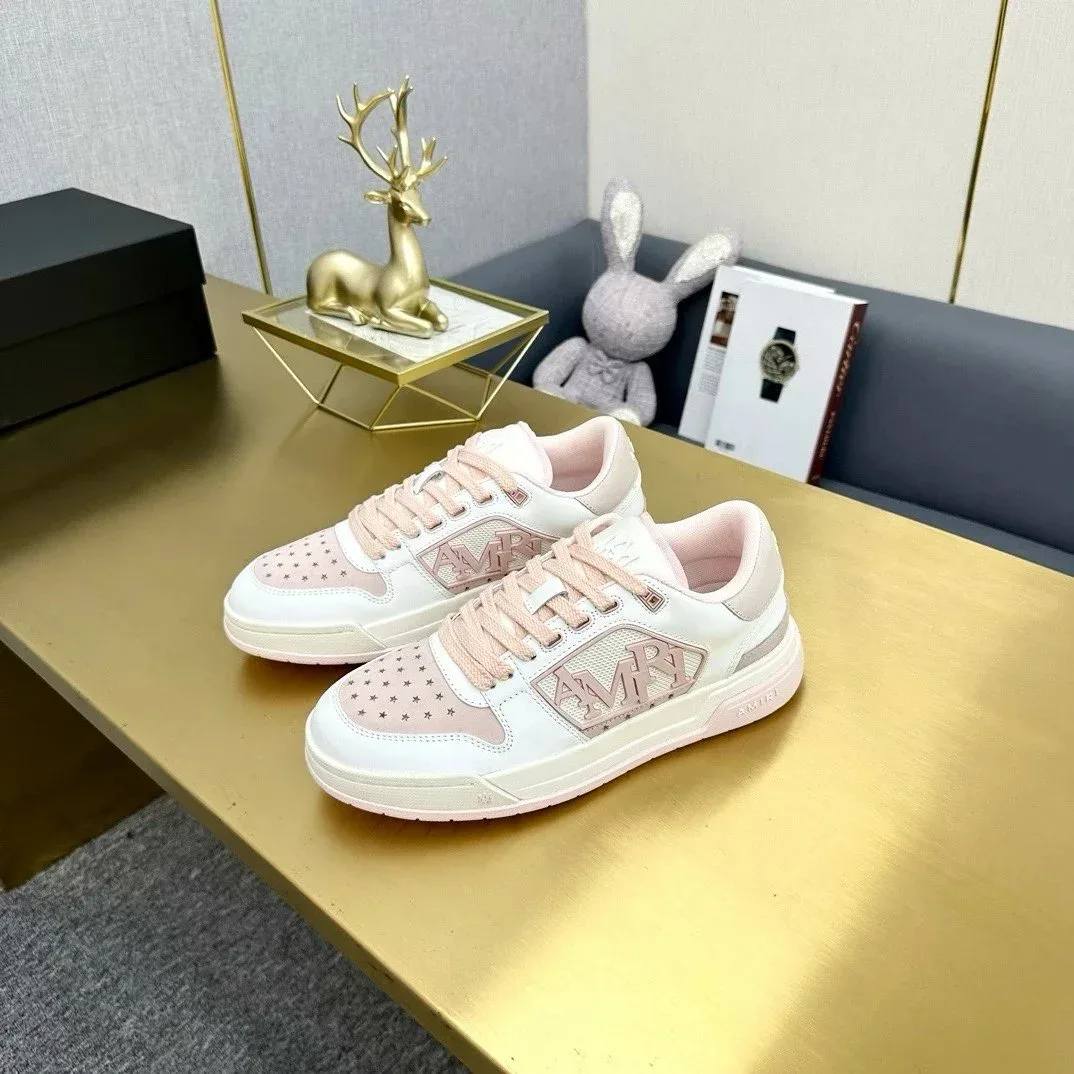 Shoes
Shoes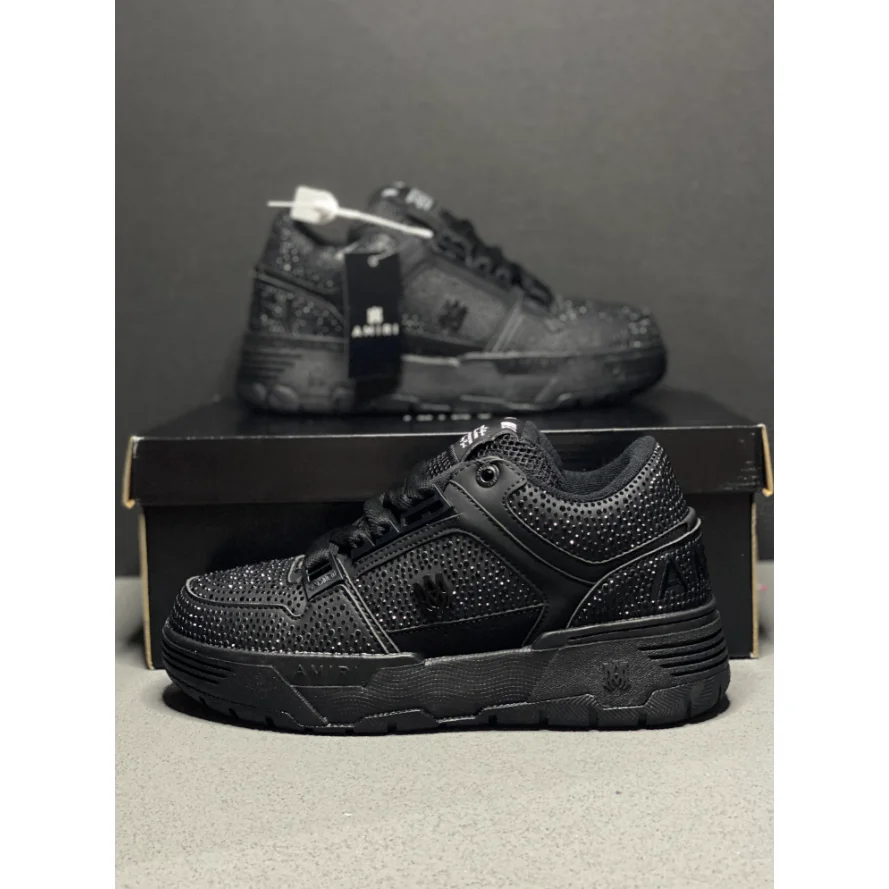 Shoes
Shoes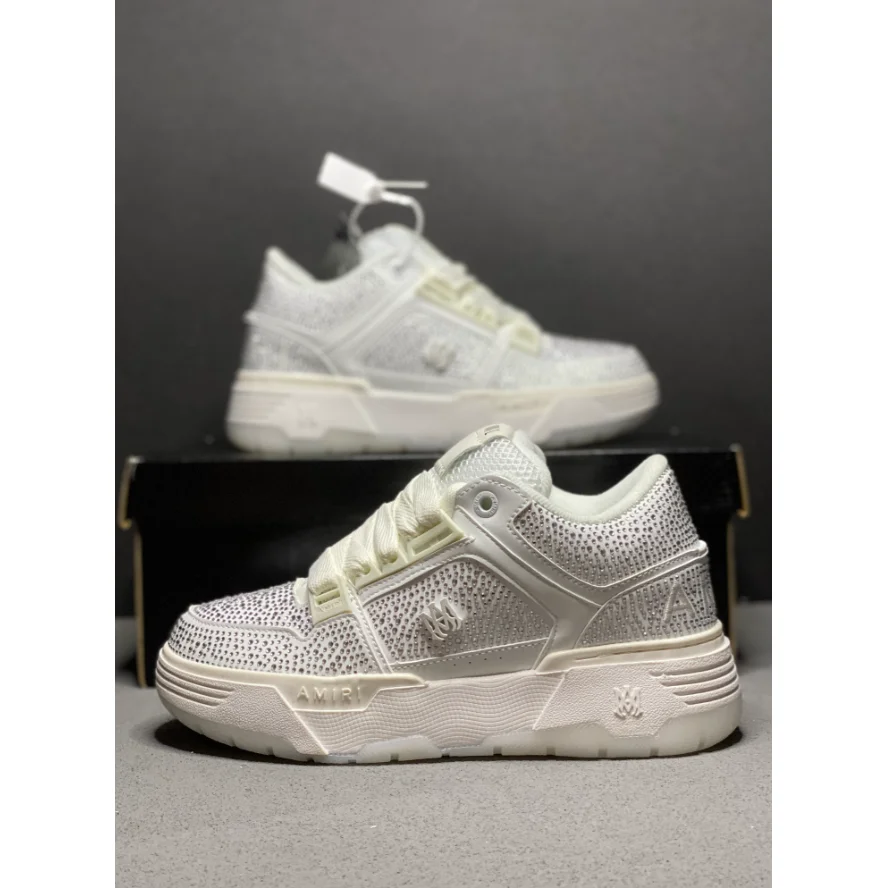 Shoes
Shoes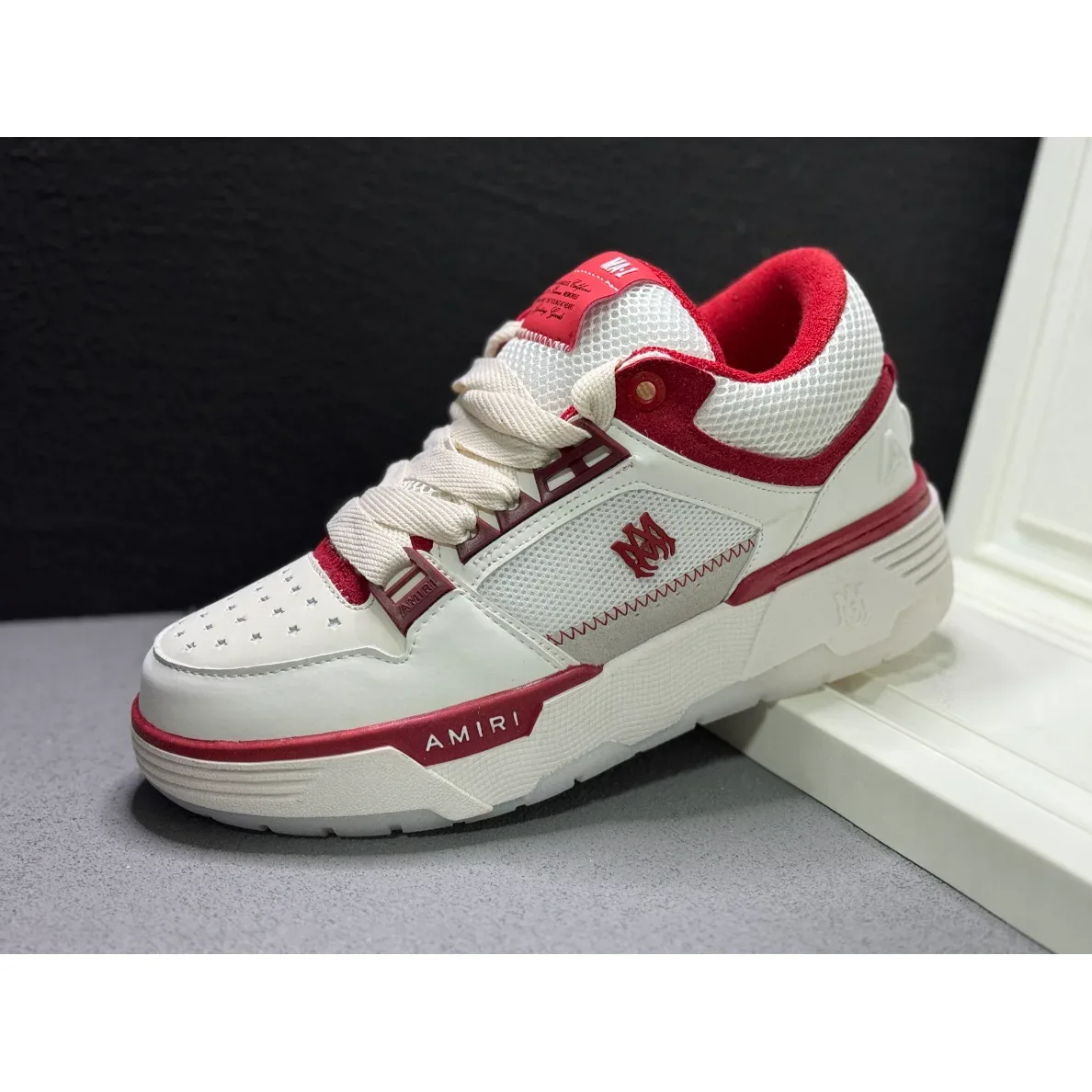 Shoes
Shoes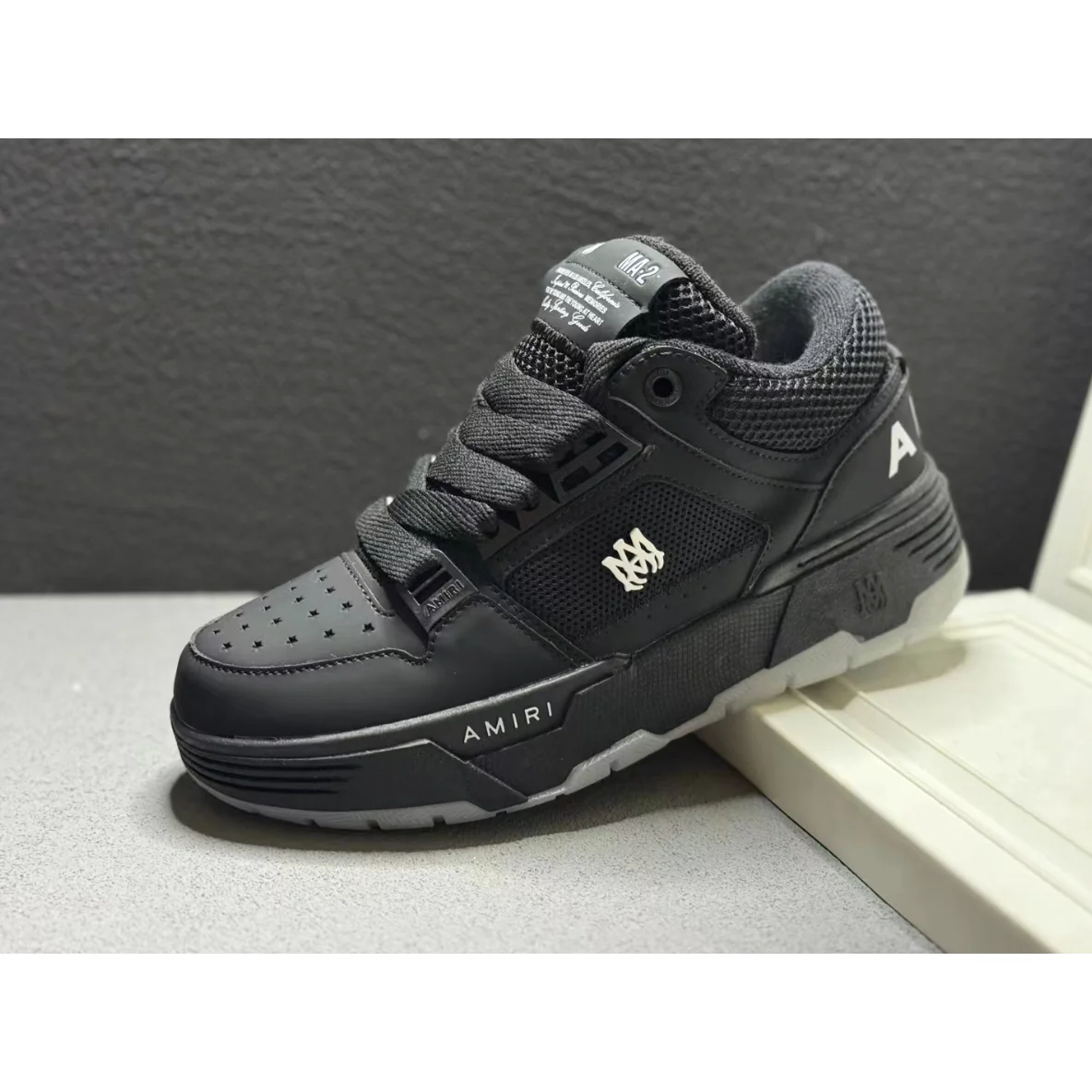 Shoes
Shoes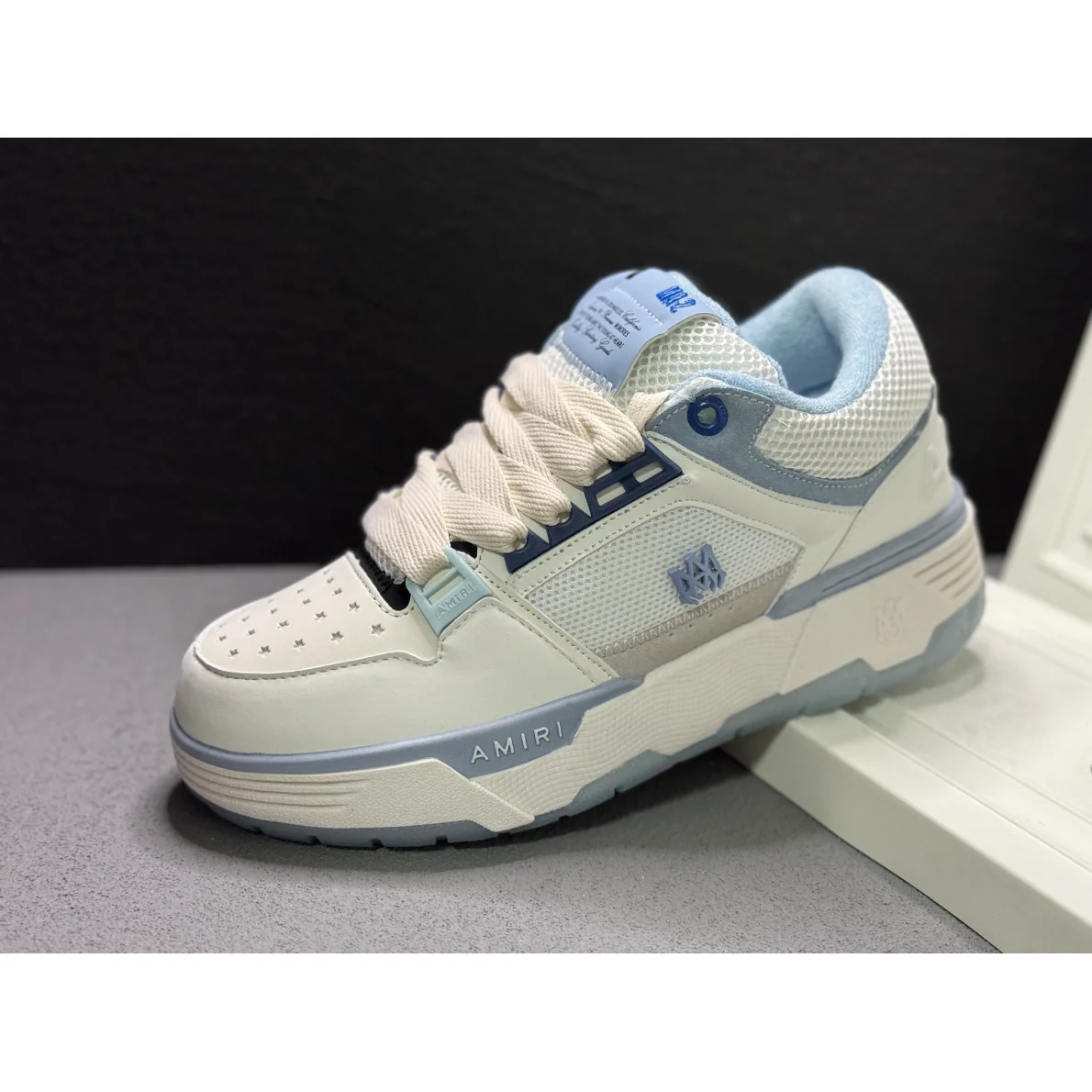 Shoes
Shoes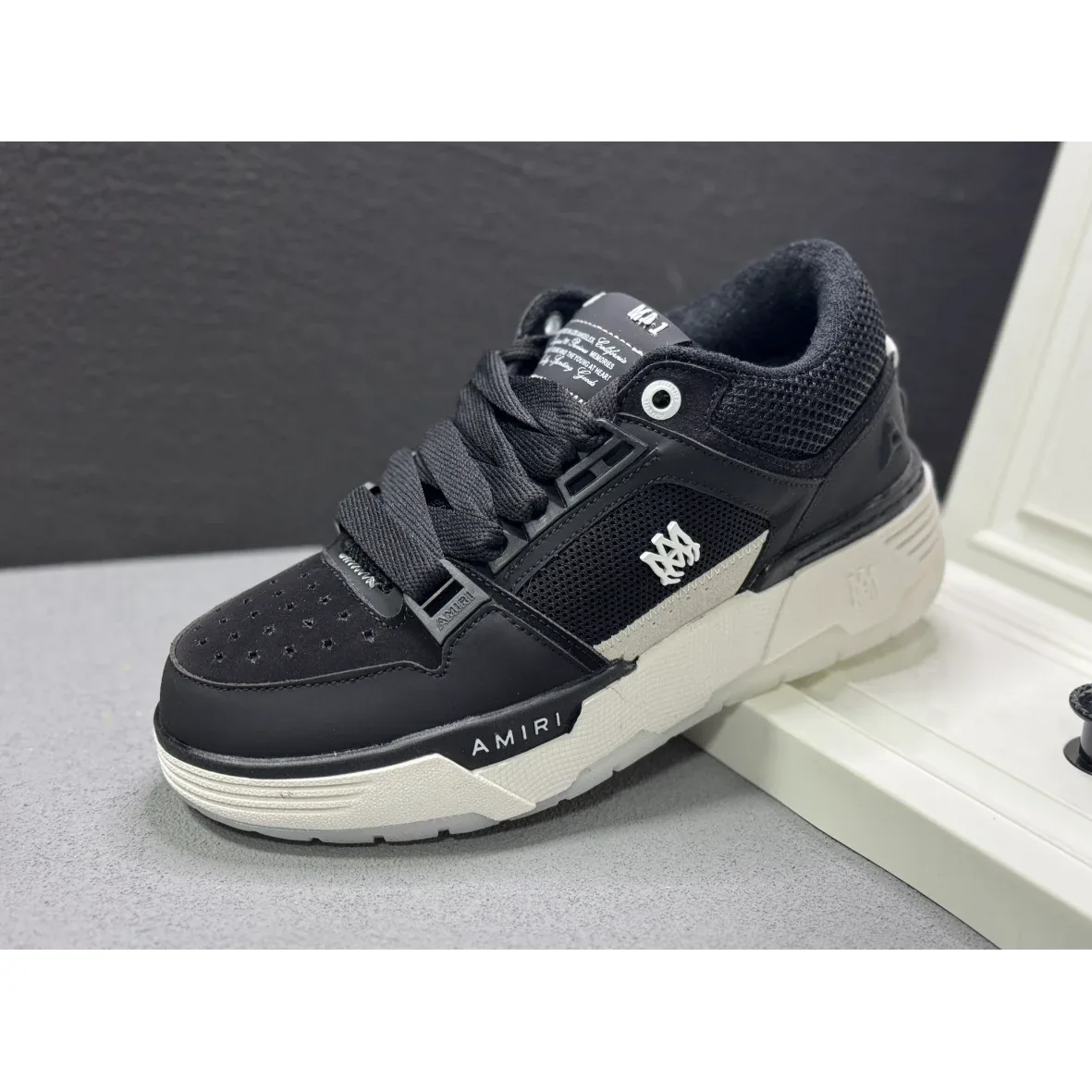 Shoes
Shoes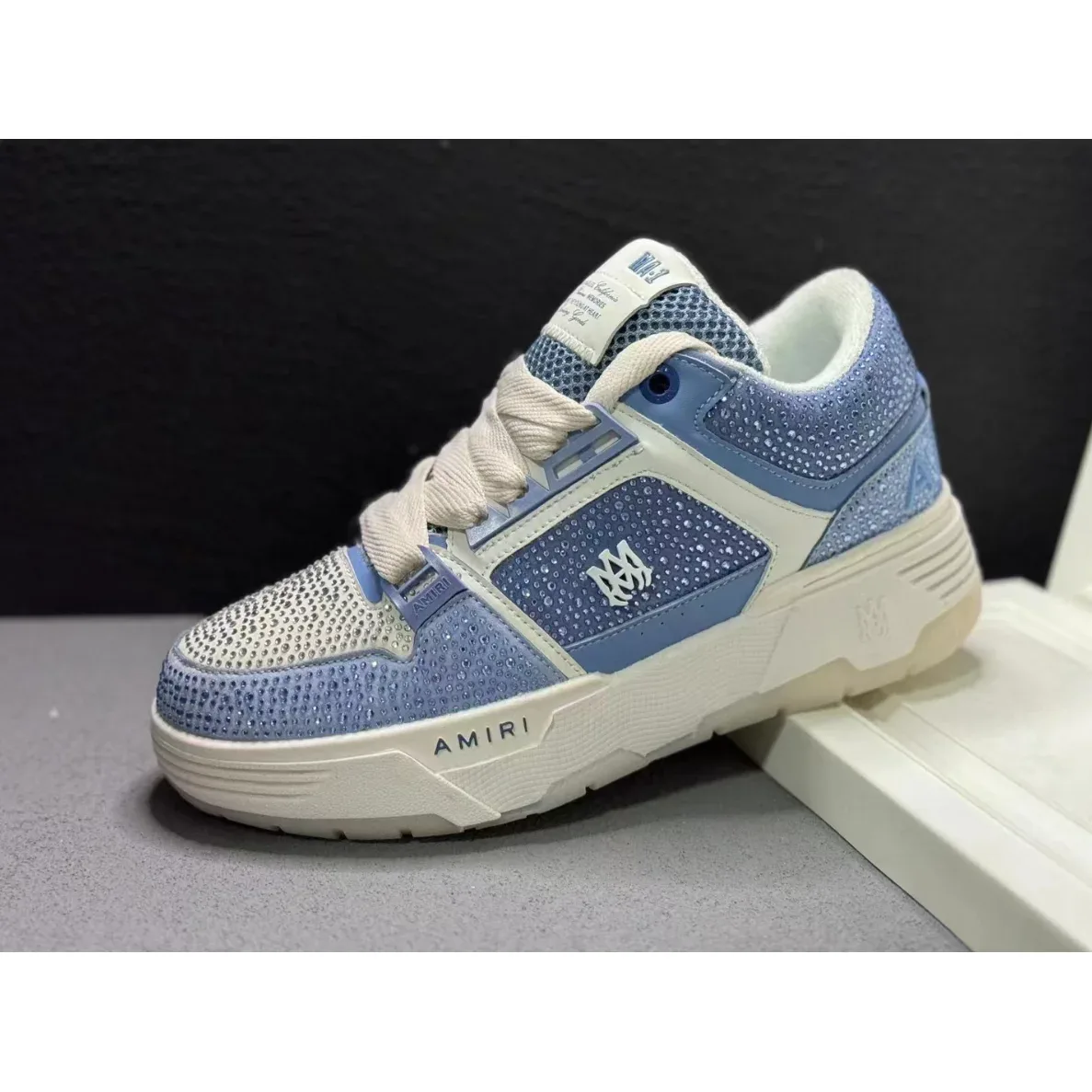 Shoes
Shoes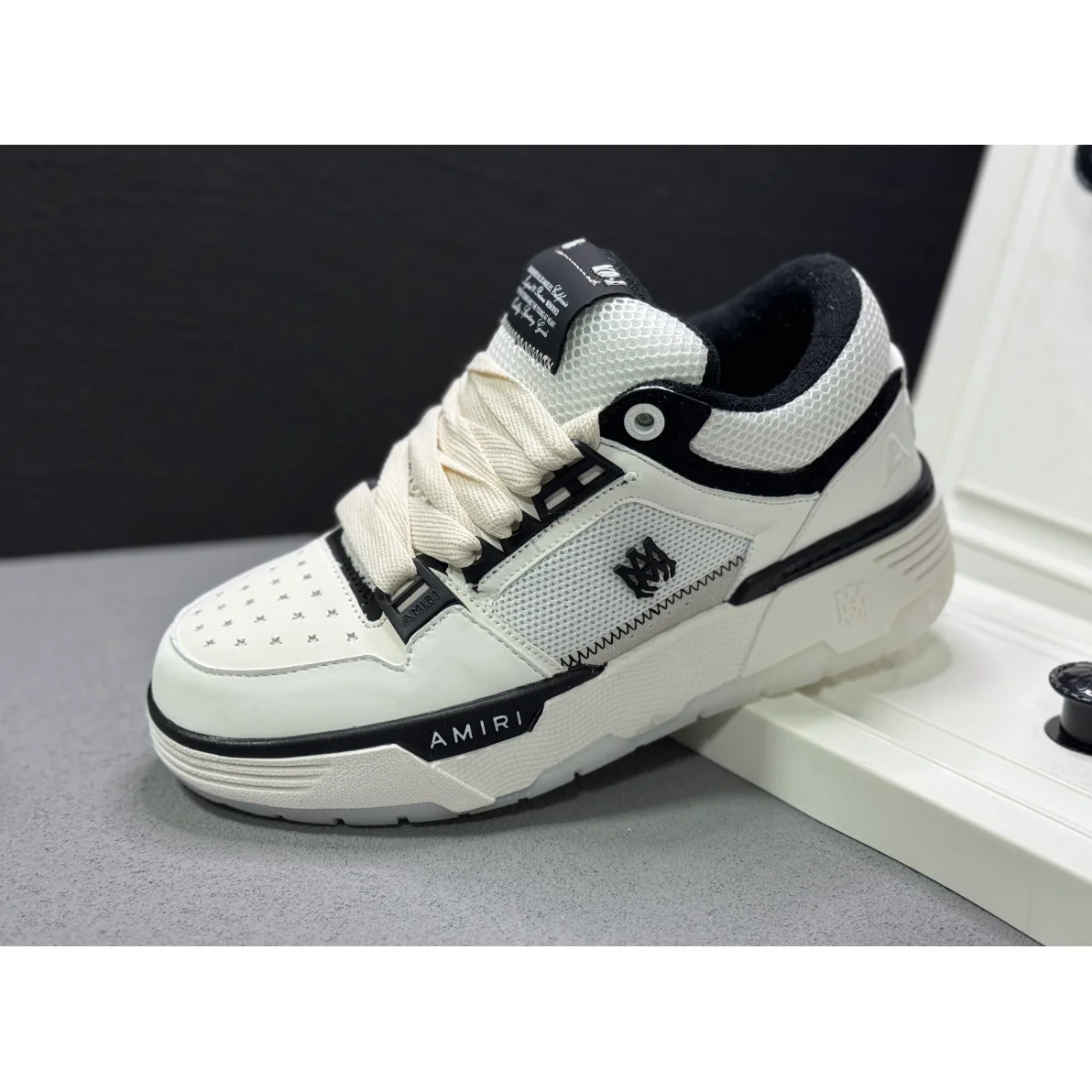 Shoes
Shoes Shoes
Shoes Shoes
Shoes Shoes
Shoes Shoes
Shoes Shoes
Shoes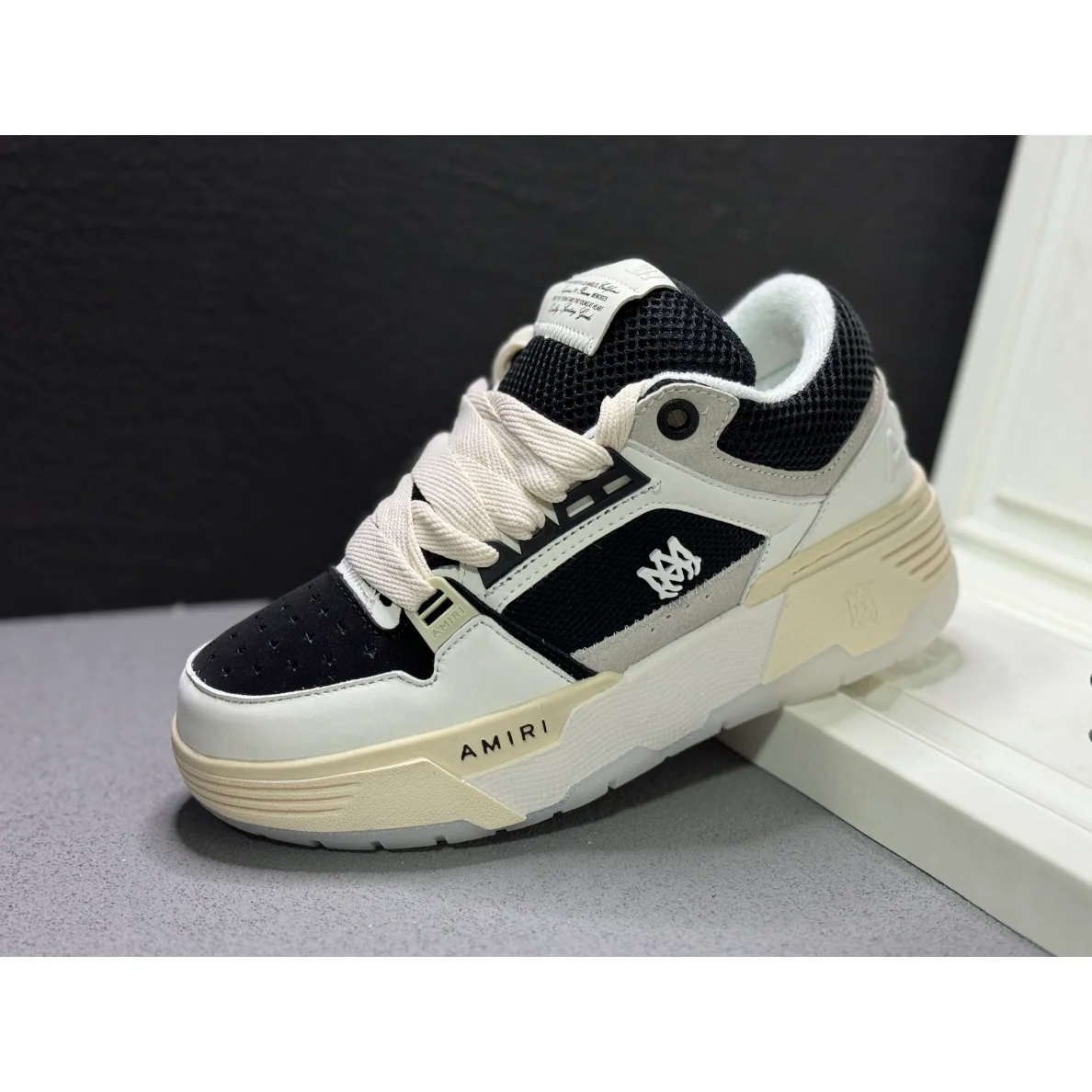 Shoes
Shoes Shoes
Shoes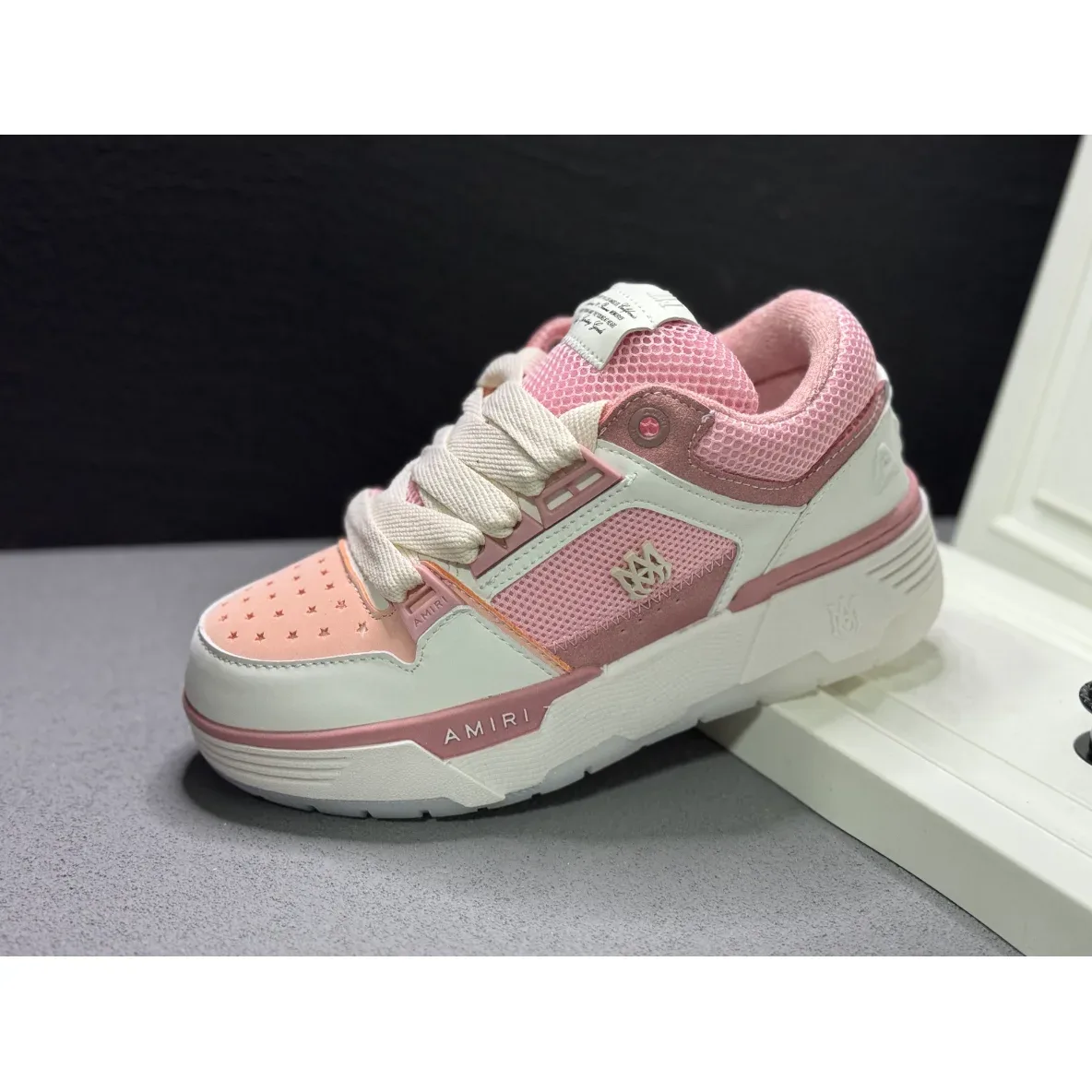 Shoes
Shoes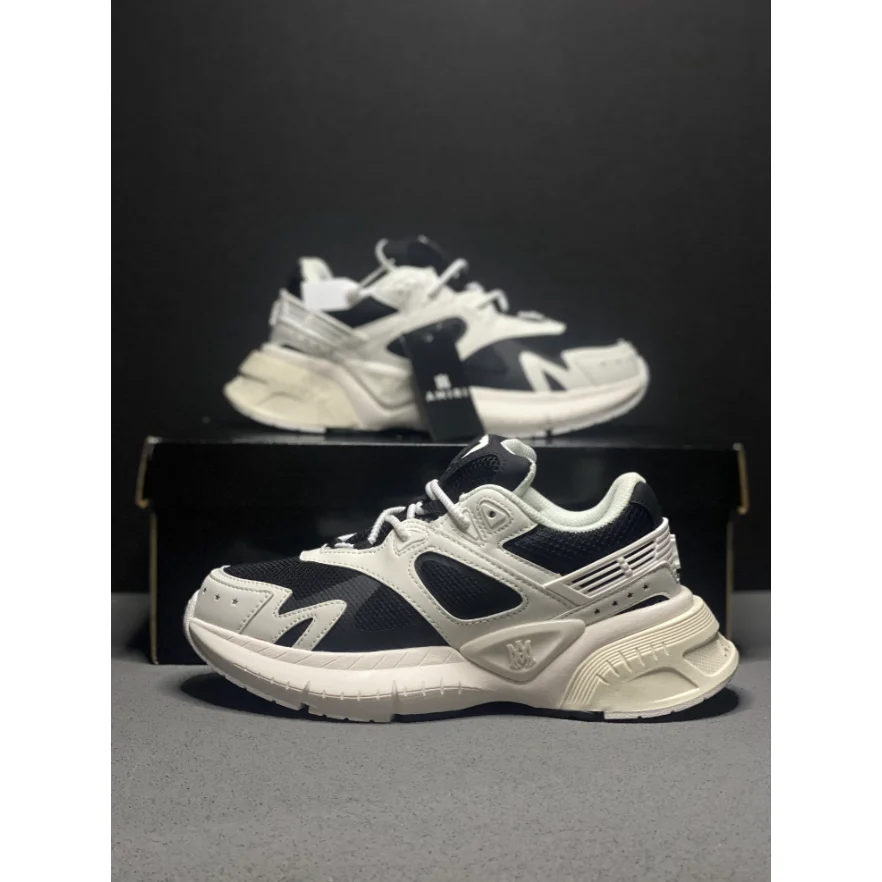 Shoes
Shoes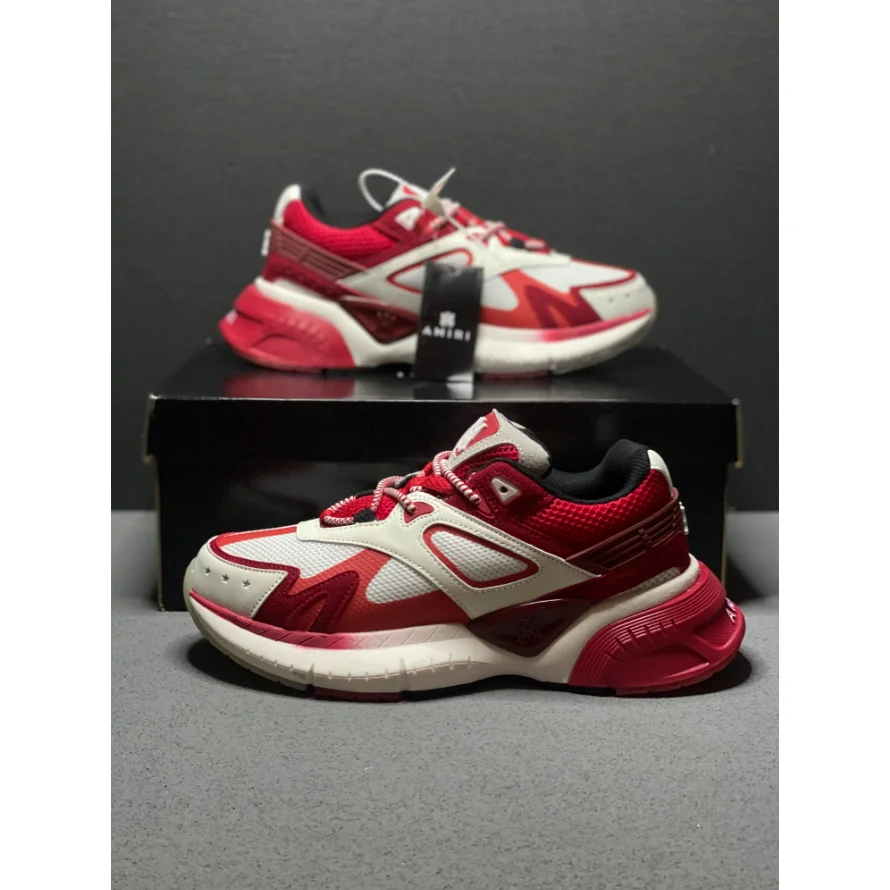 Shoes
Shoes Shoes
Shoes Shoes
Shoes Shoes
Shoes Shoes
Shoes Shoes
Shoes Shoes
Shoes Shoes
Shoes Shoes
Shoes Shoes
Shoes Shoes
Shoes Shoes
Shoes Shoes
Shoes Shoes
Shoes Shoes
Shoes Shoes
Shoes Shoes
Shoes Shoes
Shoes Shoes
Shoes Shoes
Shoes Shoes
Shoes Shoes
Shoes Shoes
Shoes Shoes
Shoes Shoes
Shoes Shoes
Shoes Shoes
Shoes Shoes
Shoes Shoes
Shoes Shoes
Shoes Shoes
Shoes Shoes
Shoes Shoes
Shoes Shoes
Shoes Shoes
Shoes Shoes
Shoes Shoes
Shoes Shoes
Shoes Shoes
Shoes Shoes
Shoes Shoes
Shoes Shoes
Shoes Shoes
Shoes Shoes
Shoes Shoes
Shoes Shoes
Shoes Shoes
Shoes Shoes
Shoes Shoes
Shoes Shoes
Shoes Shoes
Shoes Shoes
Shoes Shoes
Shoes Shoes
Shoes Shoes
Shoes Shoes
Shoes Shoes
Shoes Shoes
Shoes Shoes
Shoes Shoes
Shoes Shoes
Shoes Shoes
Shoes Shoes
Shoes ShoesShoes
 Shoes
Shoes Shoes
Shoes Shoes
Shoes Shoes
Shoes Shoes
Shoes Shoes
Shoes Shoes
Shoes Shoes
Shoes Shoes
Shoes Shoes
Shoes Shoes
Shoes Shoes
Shoes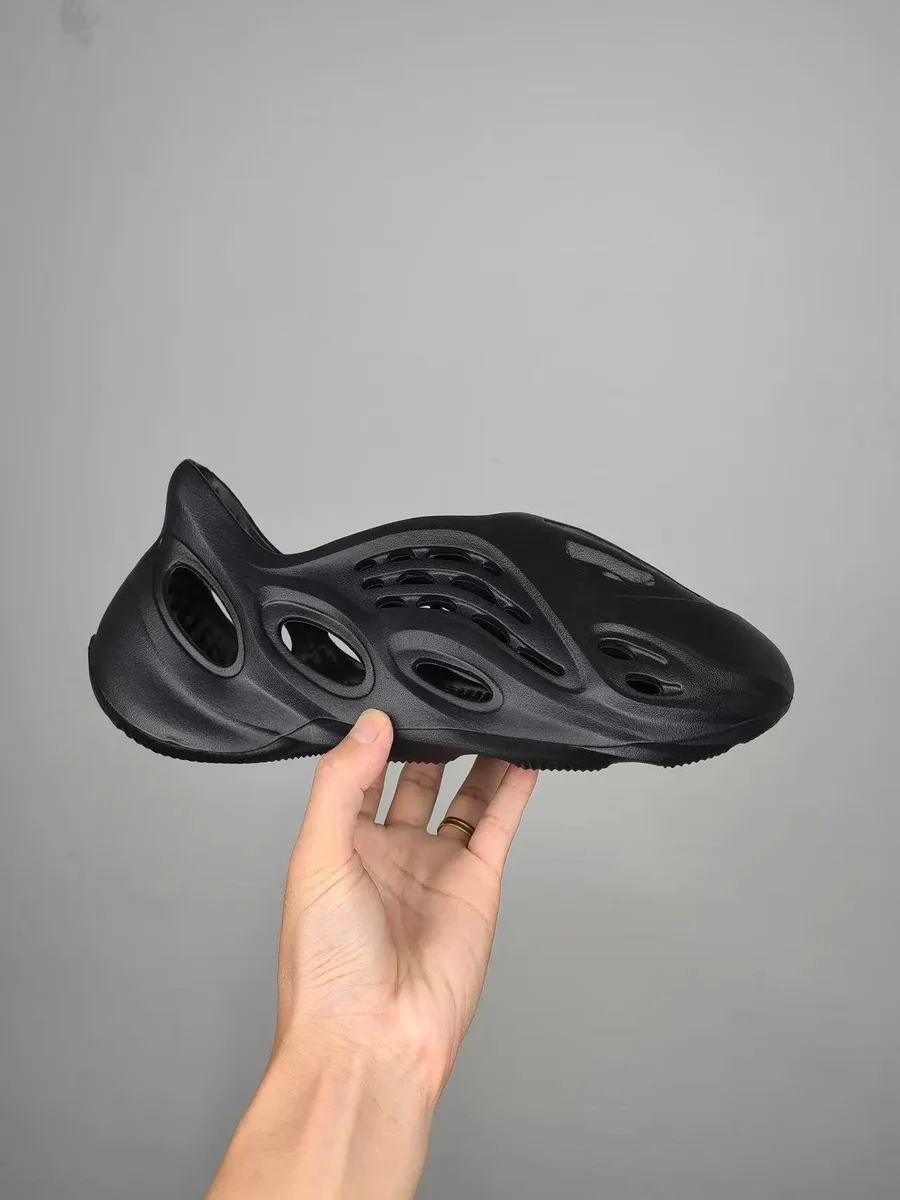 Shoes
Shoes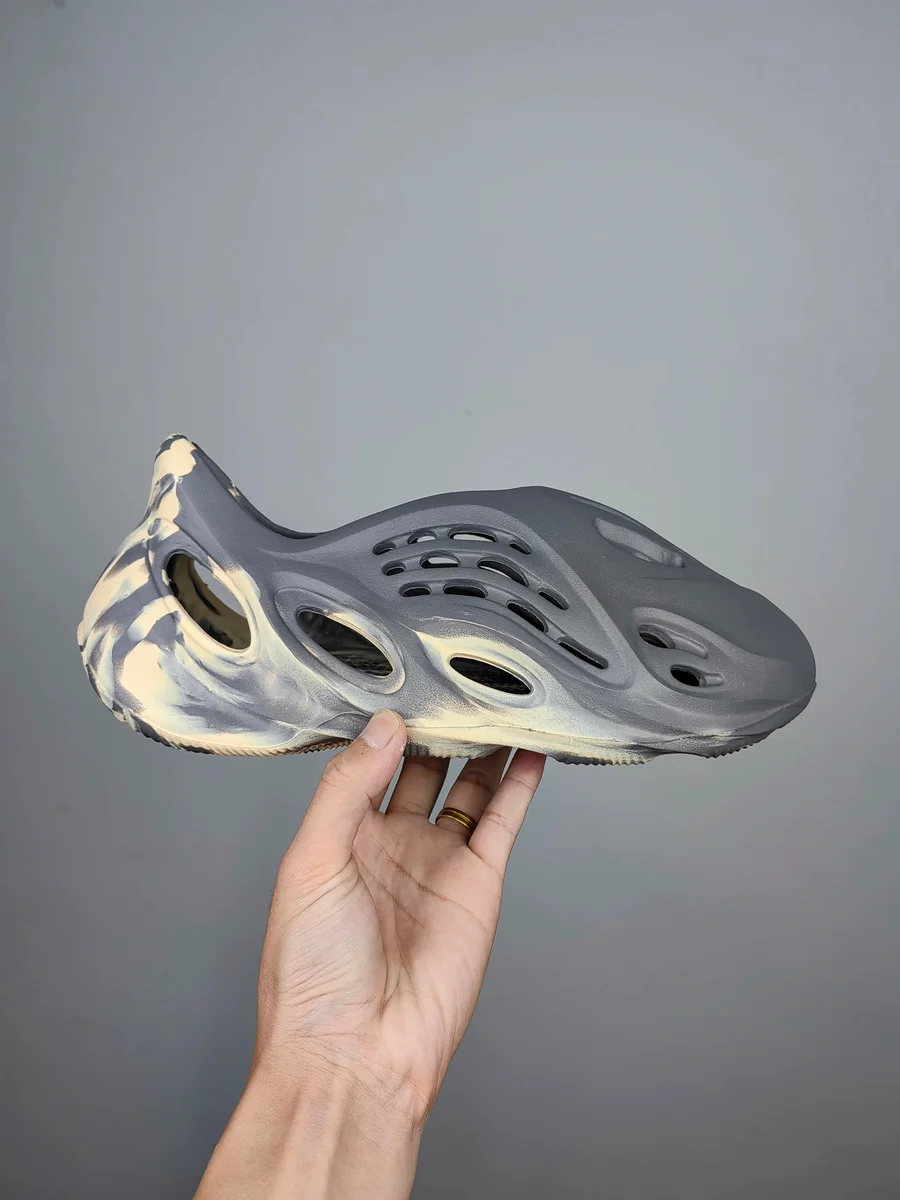 Shoes
Shoes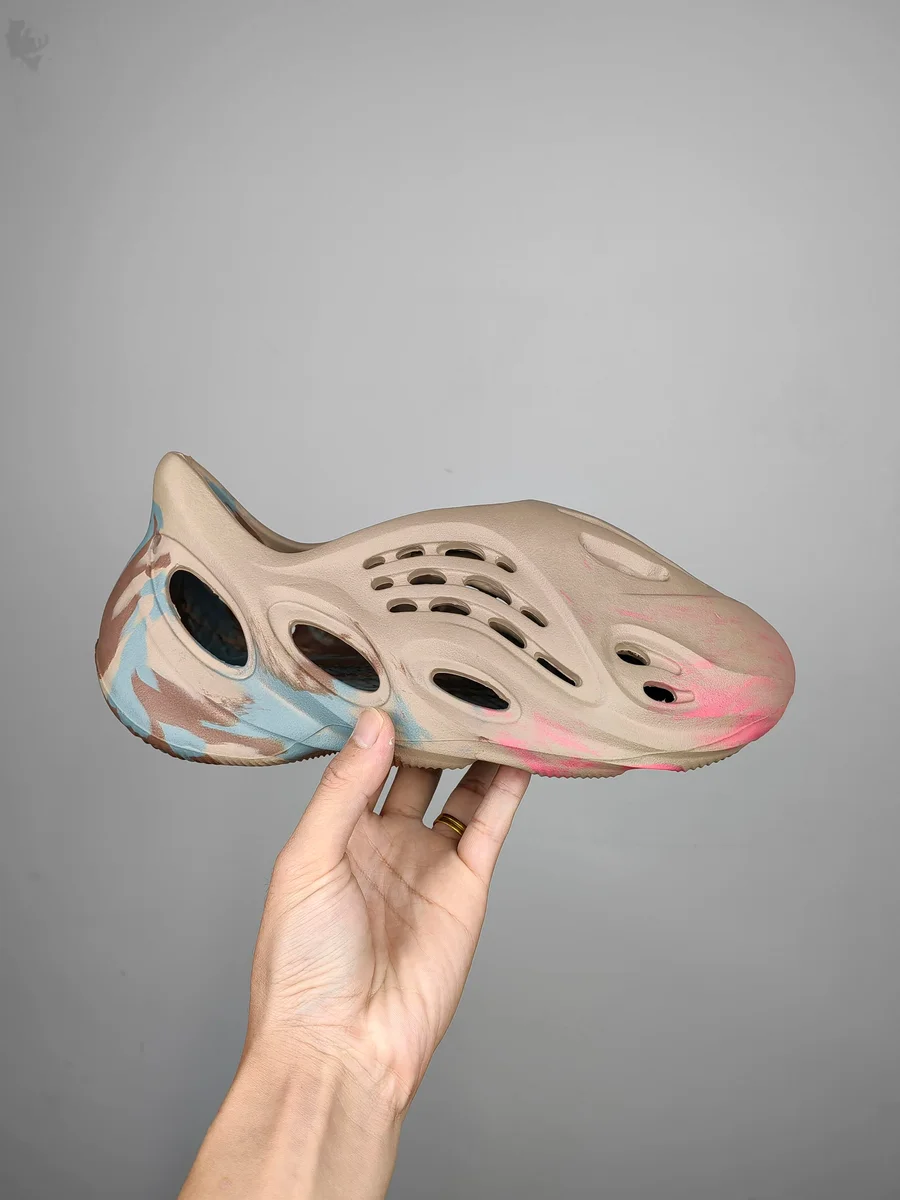 Shoes
Shoes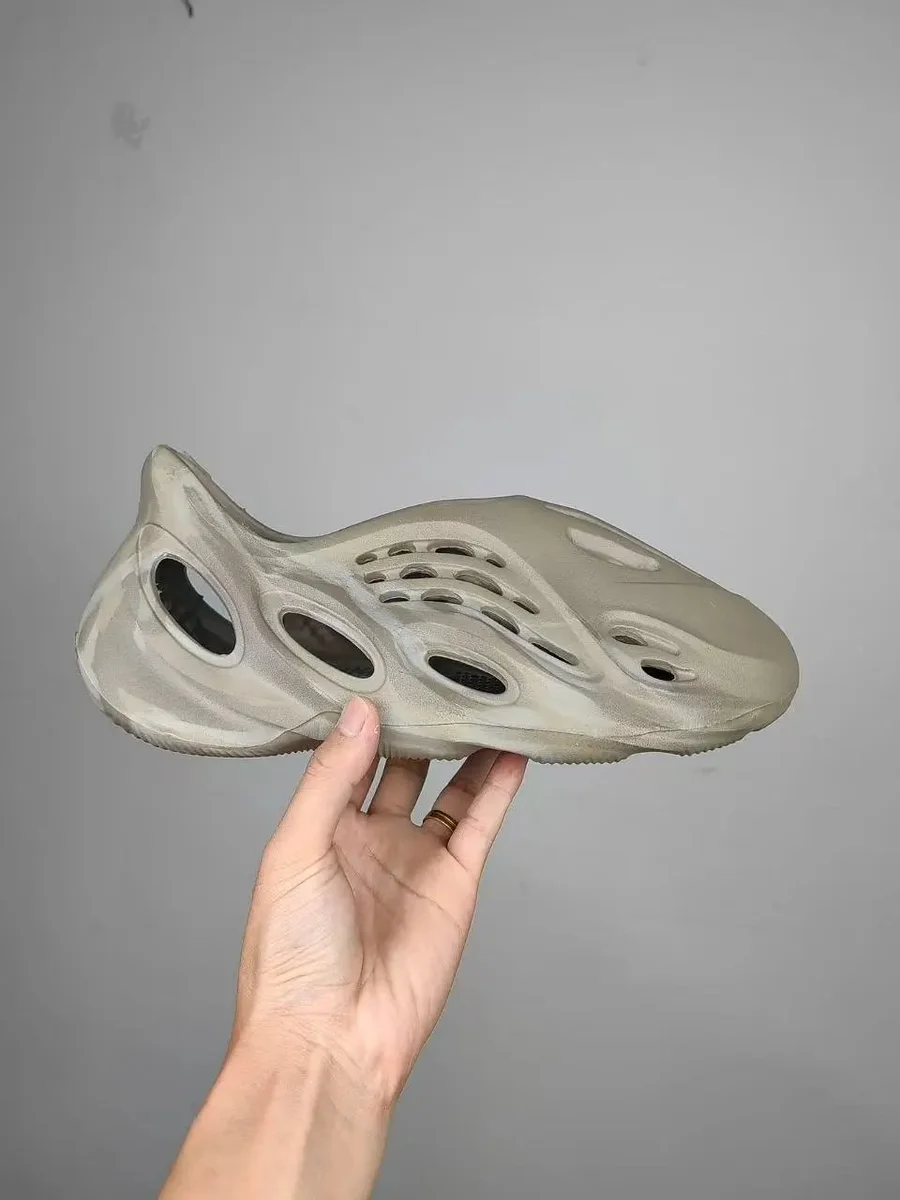 Shoes
Shoes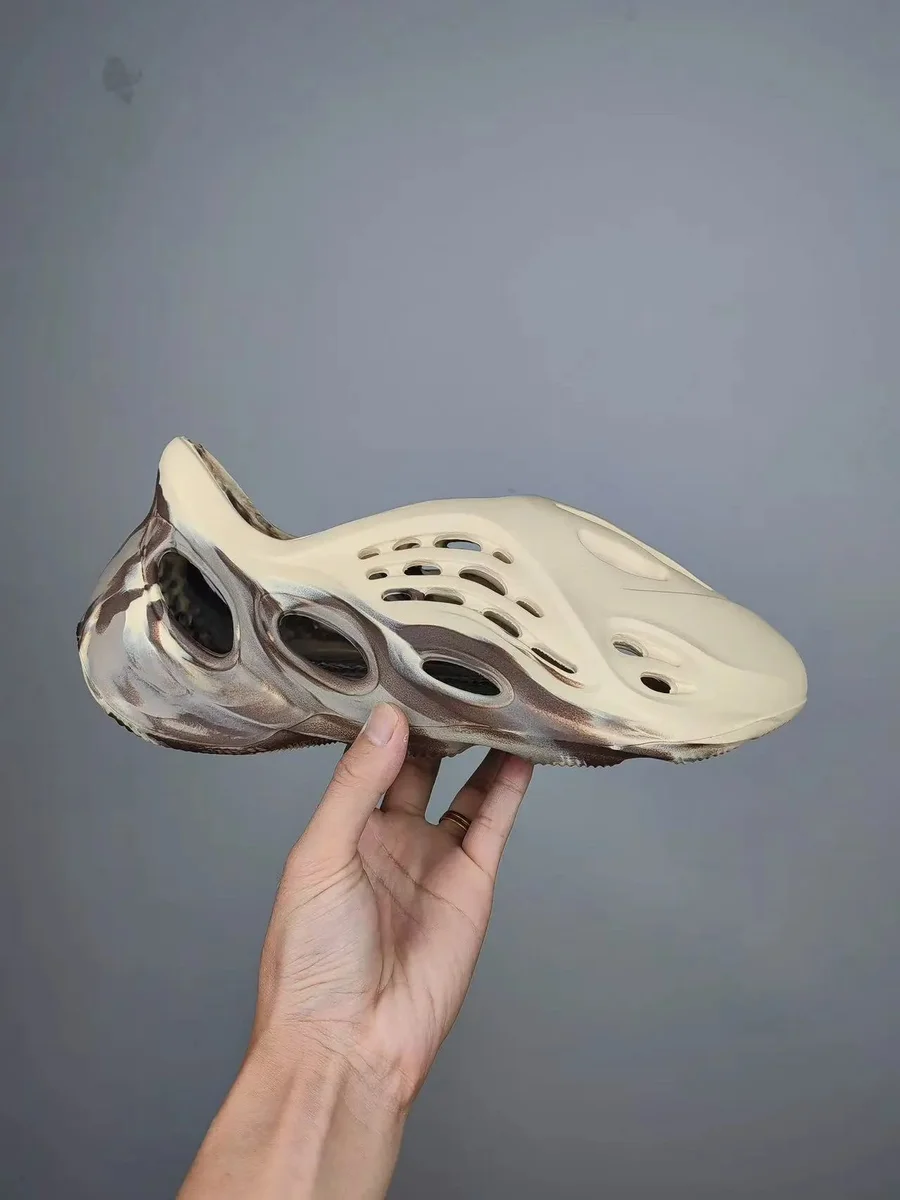 Shoes
Shoes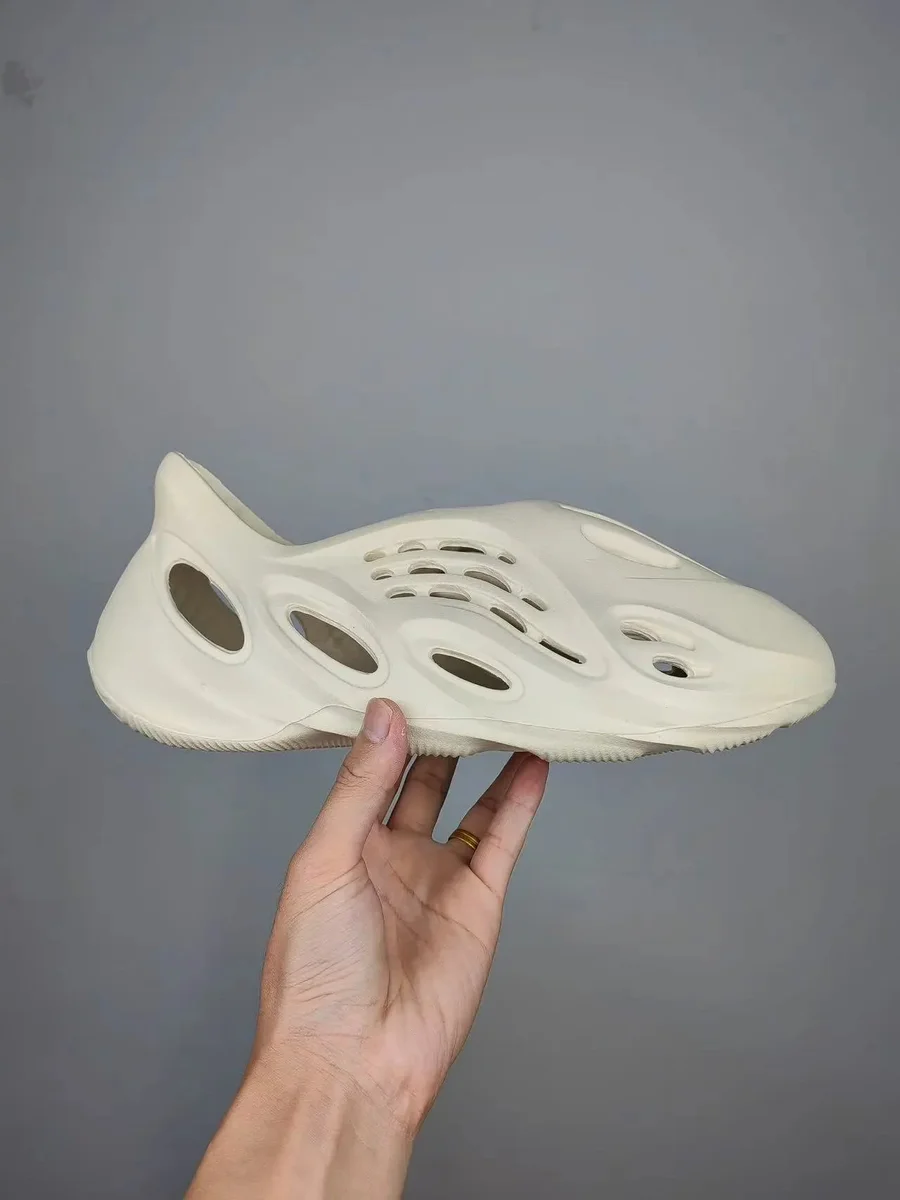 Shoes
Shoes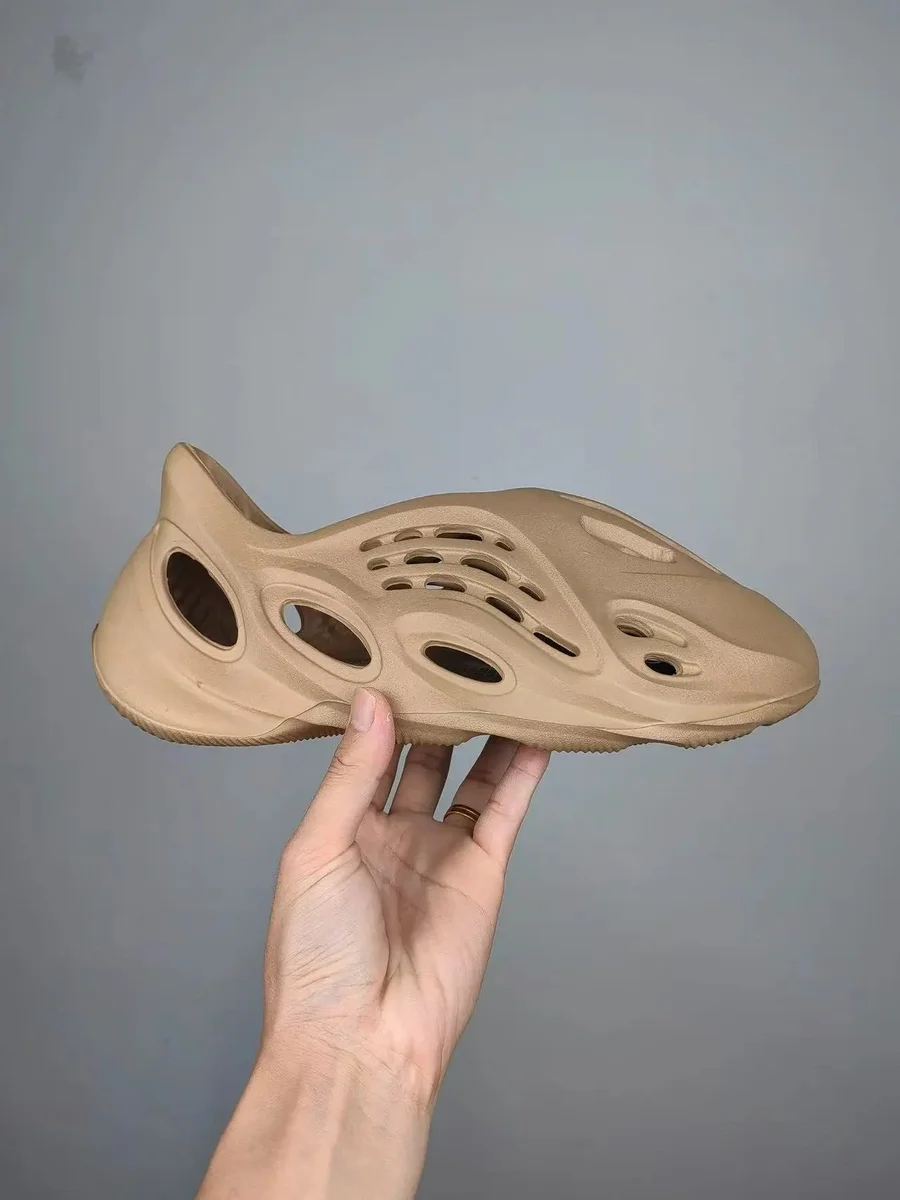 Shoes
Shoes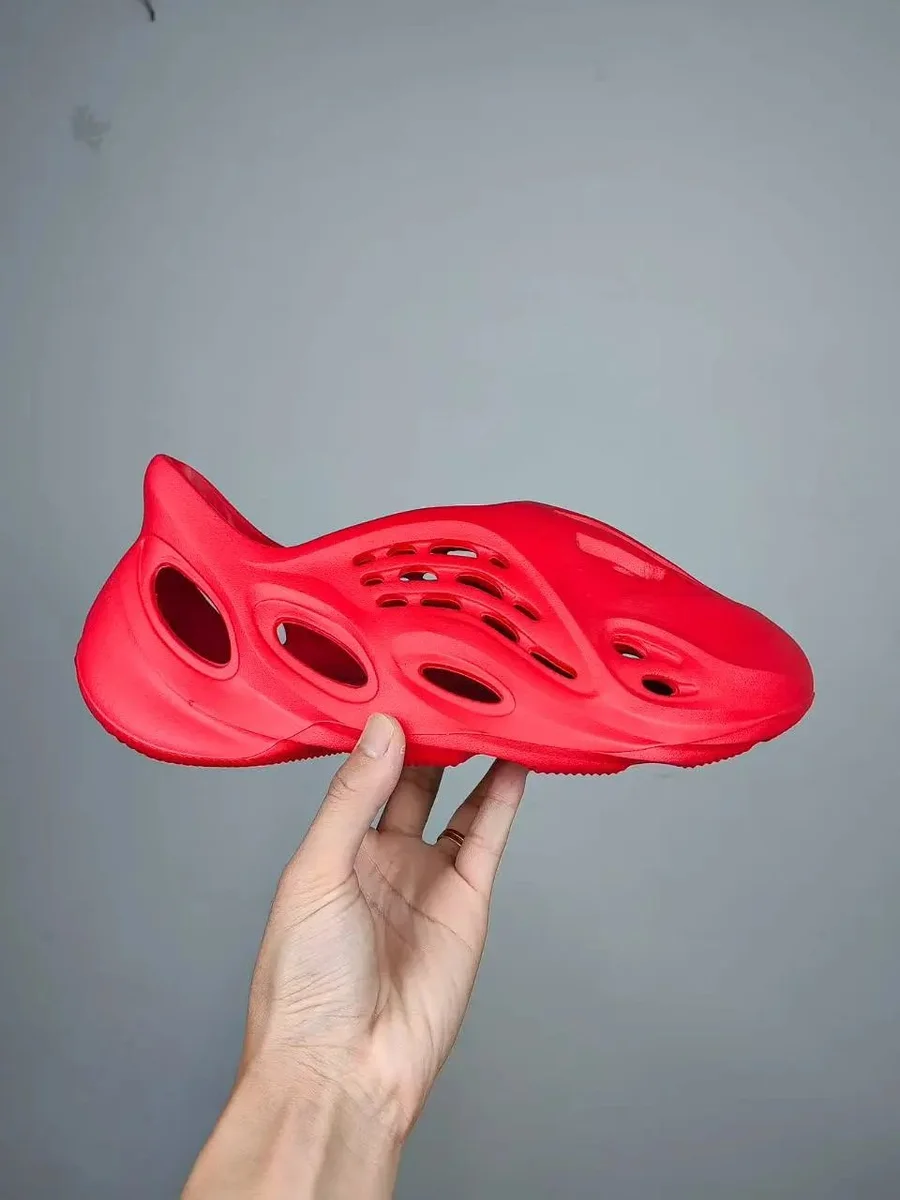 Shoes
Shoes Shoes
Shoes Shoes
Shoes Shoes
Shoes Shoes
Shoes Shoes
Shoes Shoes
Shoes Shoes
Shoes Shoes
Shoes Shoes
Shoes Shoes
Shoes Shoes
Shoes Shoes
Shoes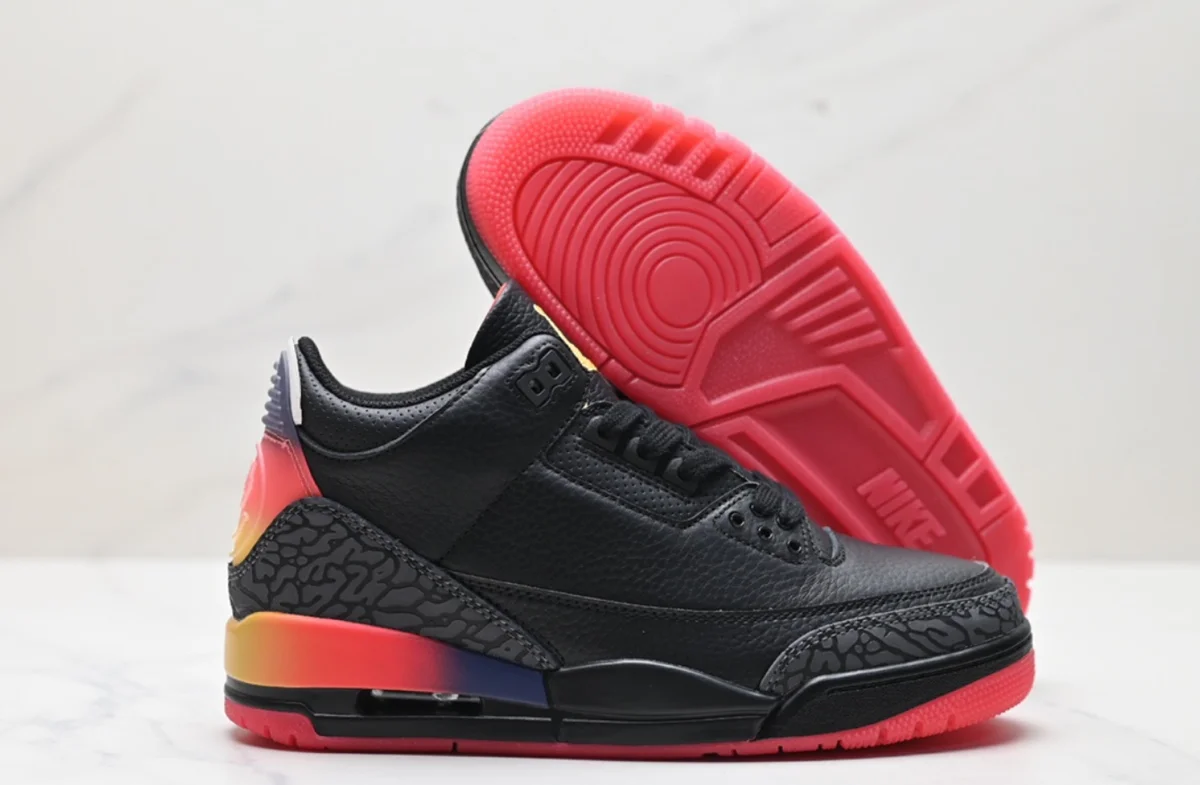 Shoes
Shoes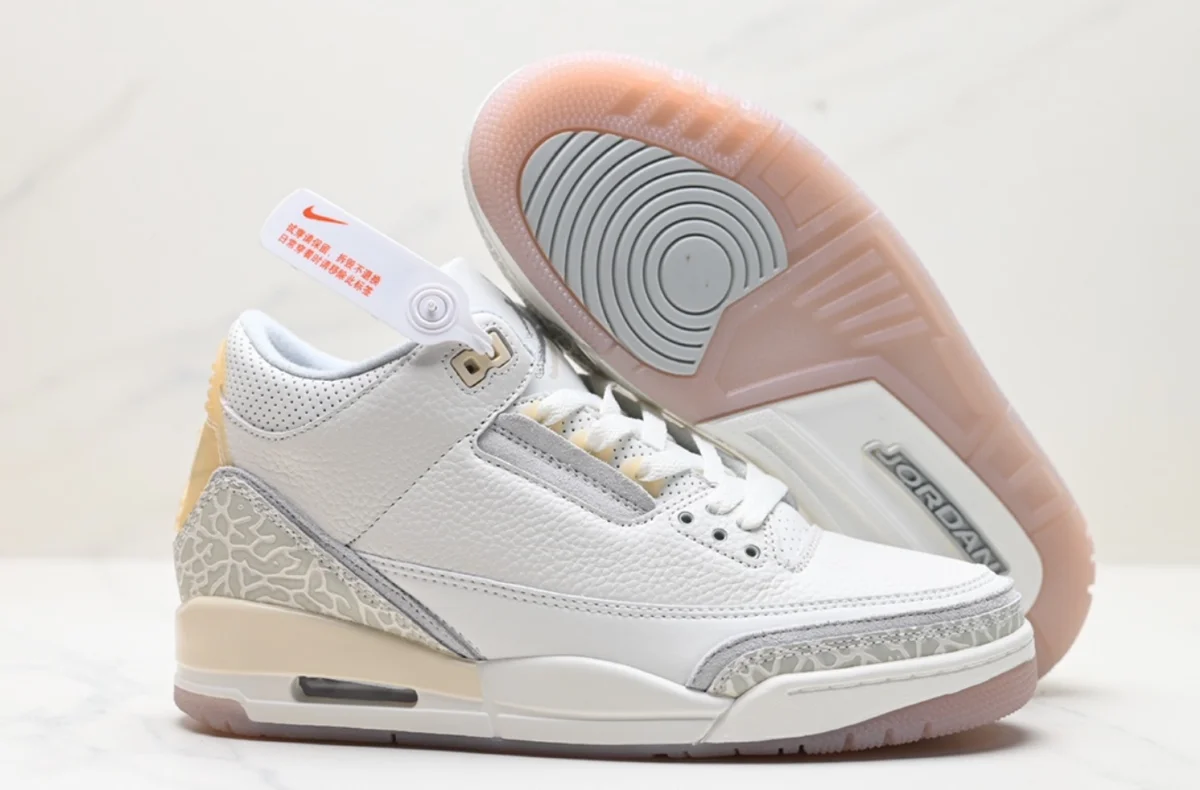 Shoes
Shoes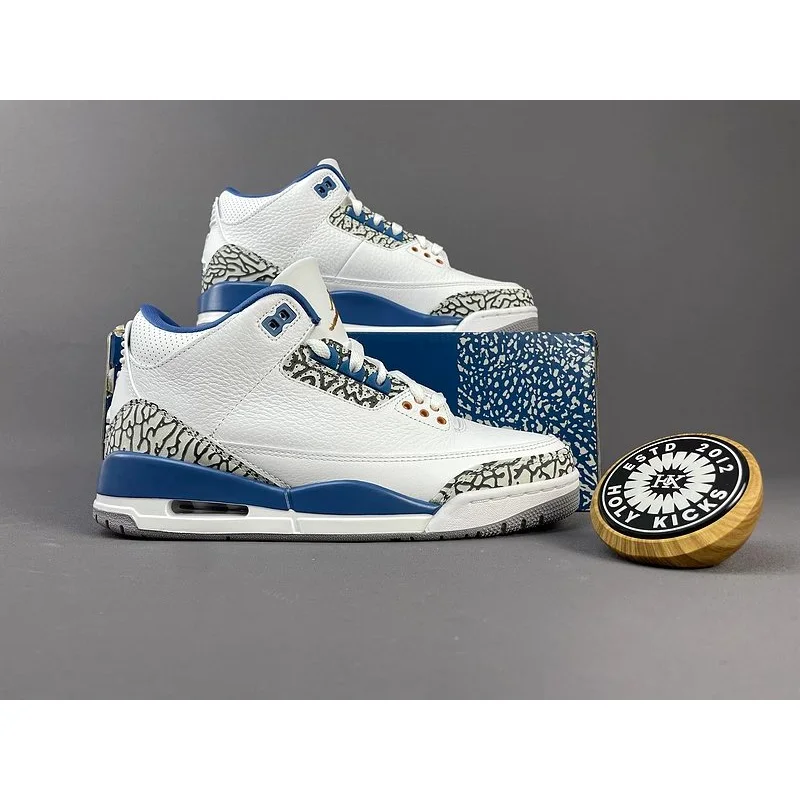 Shoes
Shoes Shoes
Shoes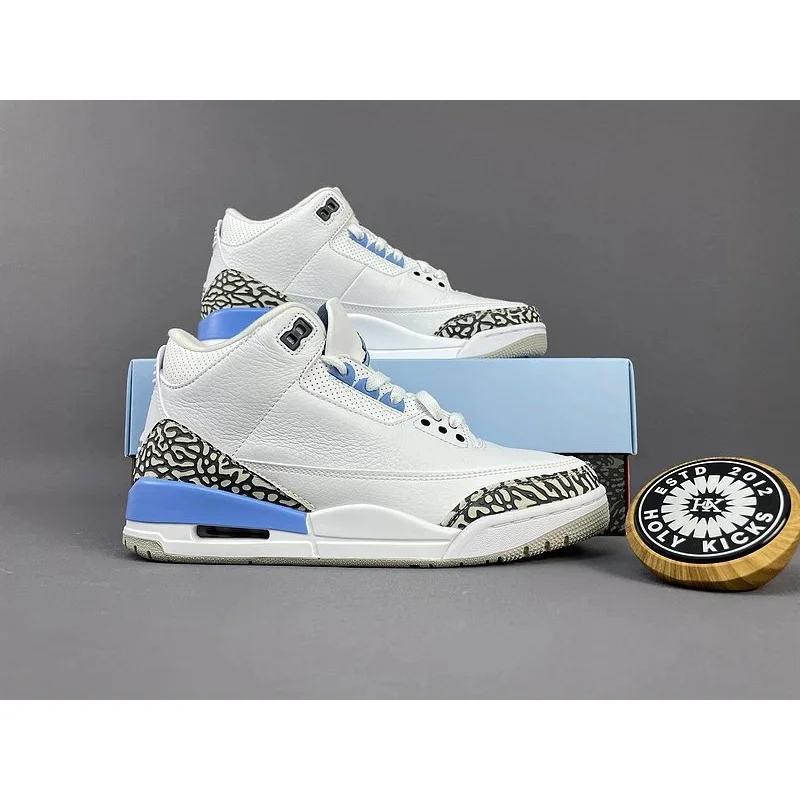 Shoes
Shoes Shoes
Shoes Shoes
Shoes Shoes
Shoes Shoes
Shoes Shoes
Shoes Shoes
Shoes Shoes
Shoes Bags
Bags Bags
Bags Bags
Bags Bags
Bags Bags
Bags Bags
Bags Bags
Bags Bags
Bags Bags
Bags Bags
Bags Bags
Bags Bags
Bags Bags
Bags Bags
Bags Bags
Bags Bags
Bags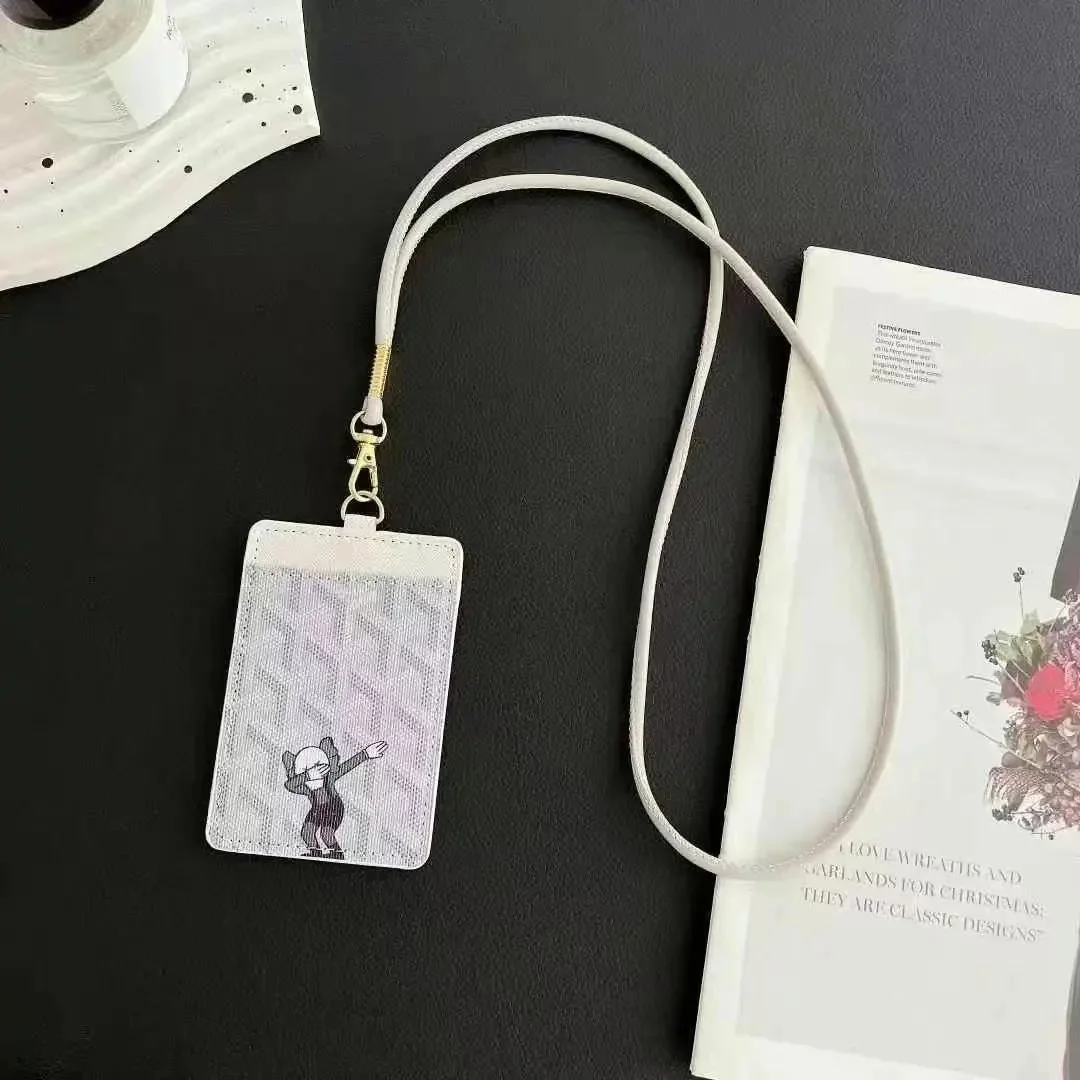 Bags
Bags Bags
Bags Bags
Bags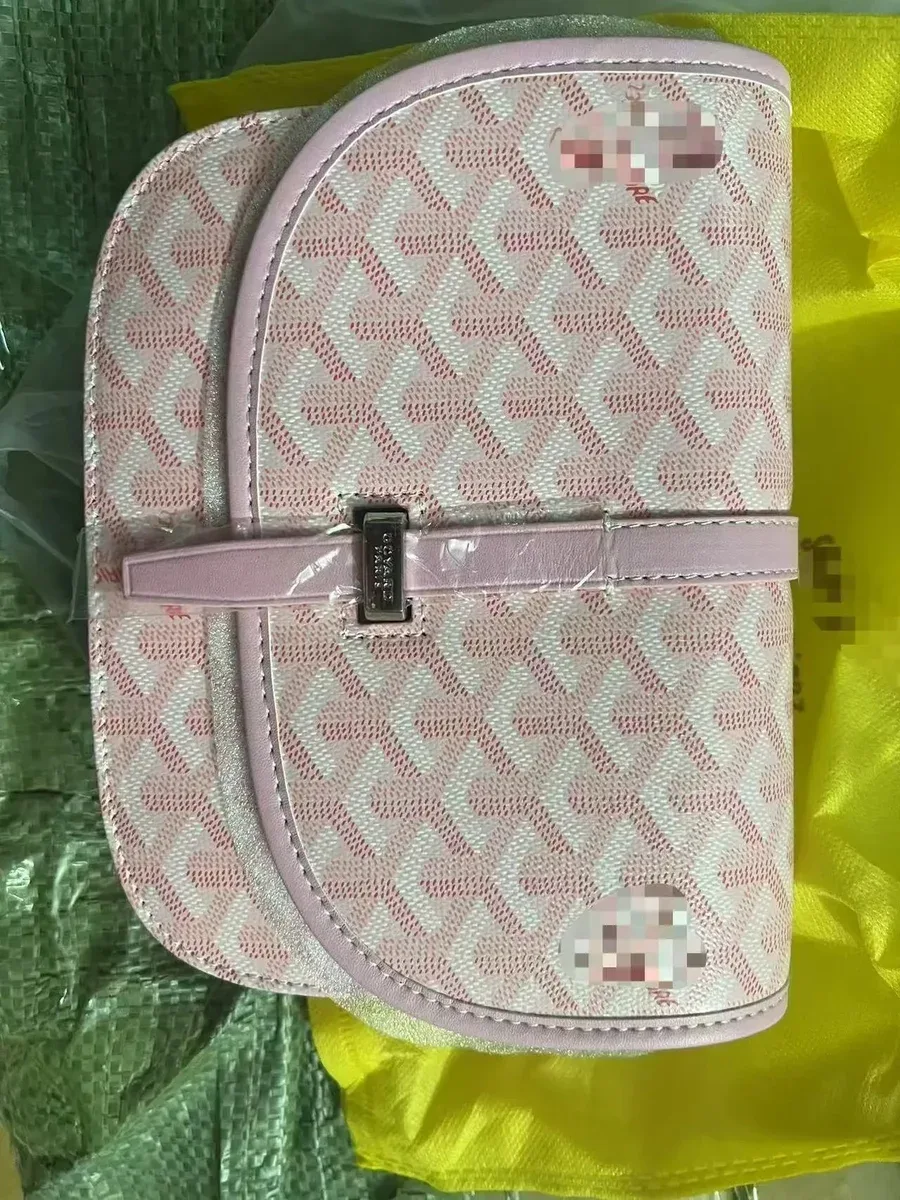 Bags
Bags Bags
Bags Bags
Bags Bags
Bags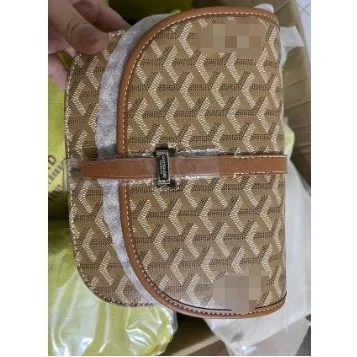 Bags
Bags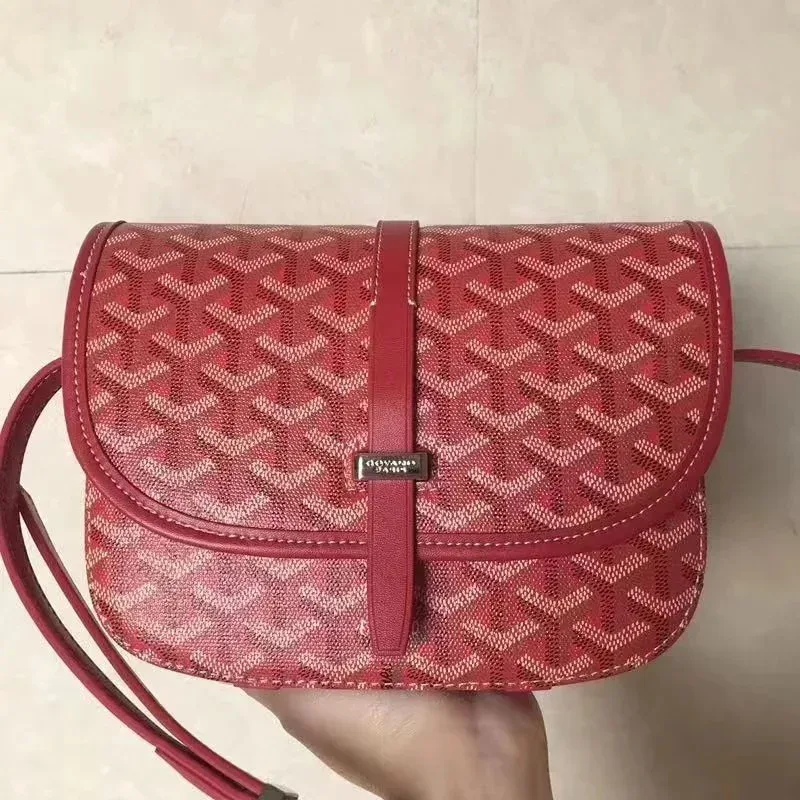 Bags
Bags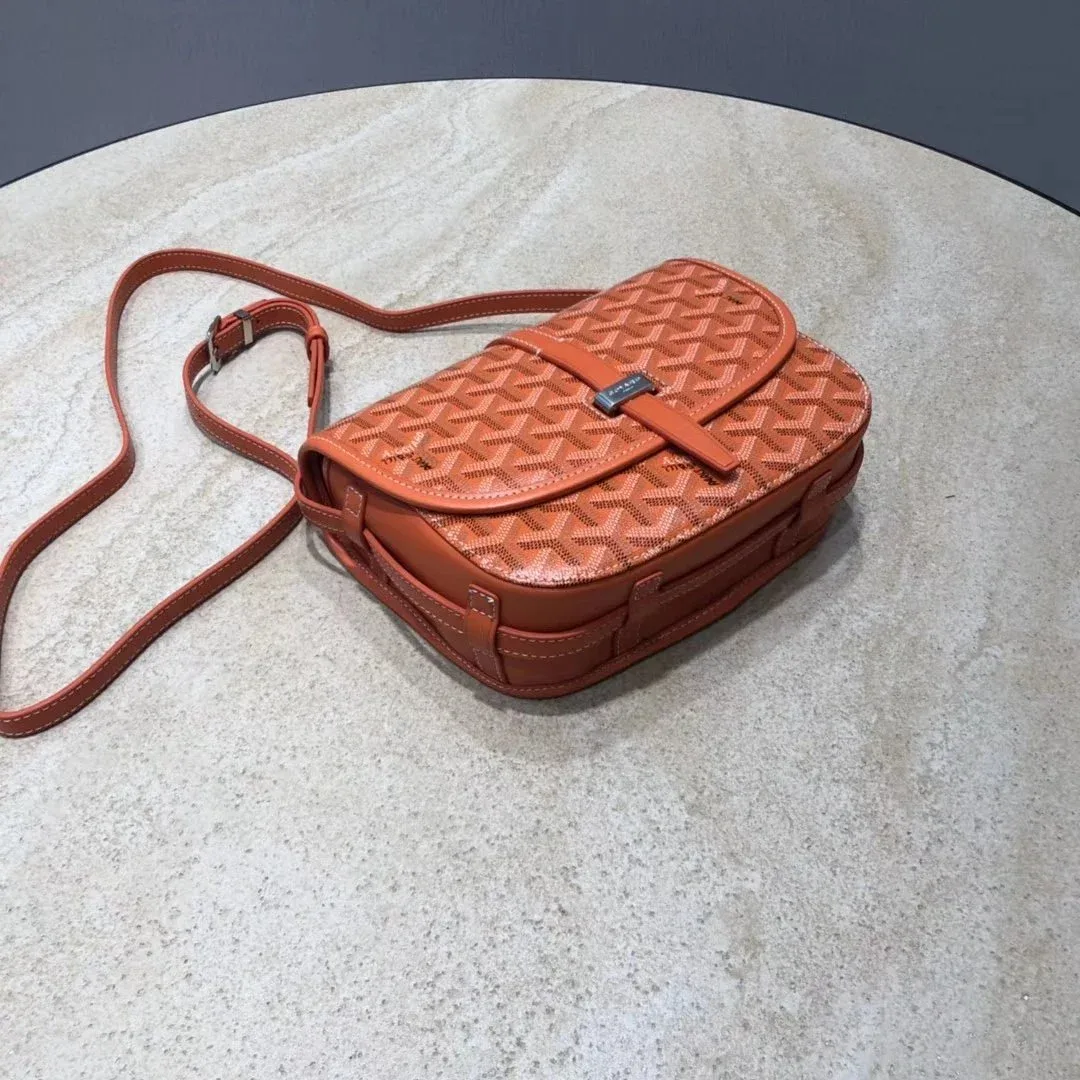 Bags
Bags Bags
Bags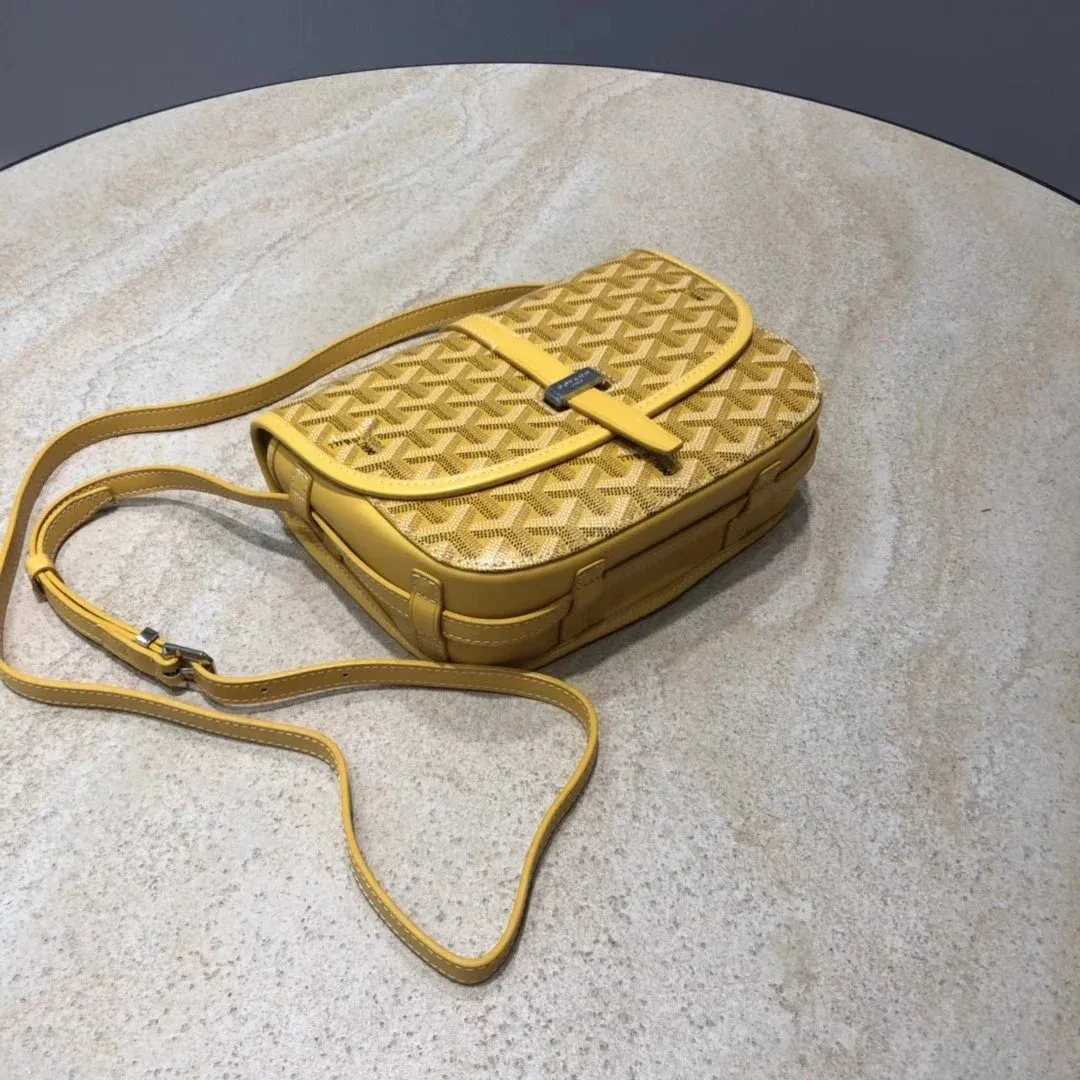 Bags
Bags Bags
Bags Bags
Bags Bags
Bags Bags
Bags Bags
Bags Bags
Bags BagsBags
 Bags
Bags Bags
Bags Bags
Bags Bags
Bags Bags
Bags Bags
Bags Bags
Bags Bags
Bags Bags
Bags Bags
Bags Bags
Bags T-shirts
 T-shirts
 T-shirts
 T-shirts
 T-shirts
 T-shirts
 T-shirts
 T-shirts
 T-shirts
 T-shirts
 T-shirts
 T-shirts
 T-shirts
 T-shirts
 T-shirts
 T-shirts
 T-shirts
 T-shirts
 T-shirts
 T-shirts
 T-shirts
 T-shirts
 T-shirts
 T-shirts
 T-shirts
 T-shirts
 T-shirts
 T-shirtsT-shirts
 Jackets
 Jackets
 JacketsJackets
 JacketsJackets
 Jackets
 Jackets
 Jackets
 Jackets
 Jackets
 Jackets
 Jackets
 Jackets
 Jackets
 Jackets
 Jackets
 Jackets
 Jackets
 Jackets
 JacketsJackets
 Jackets
 Jackets
 Jackets
 Jackets
 Jackets
 Jackets
 JacketsJackets
 Jackets
 Jackets
 Jackets
 Jackets
 Jackets
 Jackets
 Jackets
 Pants
Pants Pants
Pants Pants
Pants Pants
Pants Pants
Pants PantsPants
 Pants
Pants Pants
Pants Pants
Pants Pants
Pants Pants
Pants Pants
Pants Pants
Pants Pants
Pants Pants
Pants Pants
Pants Pants
Pants Pants
Pants Pants
Pants Pants
Pants Pants
Pants Pants
Pants Pants
Pants Pants
Pants Pants
Pants Pants
Pants Pants
Pants Pants
Pants Pants
Pants Pants
Pants Pants
Pants Pants
Pants Pants
Pants HoodiesHoodies
 Hoodies
 Hoodies
 Hoodies
 Hoodies
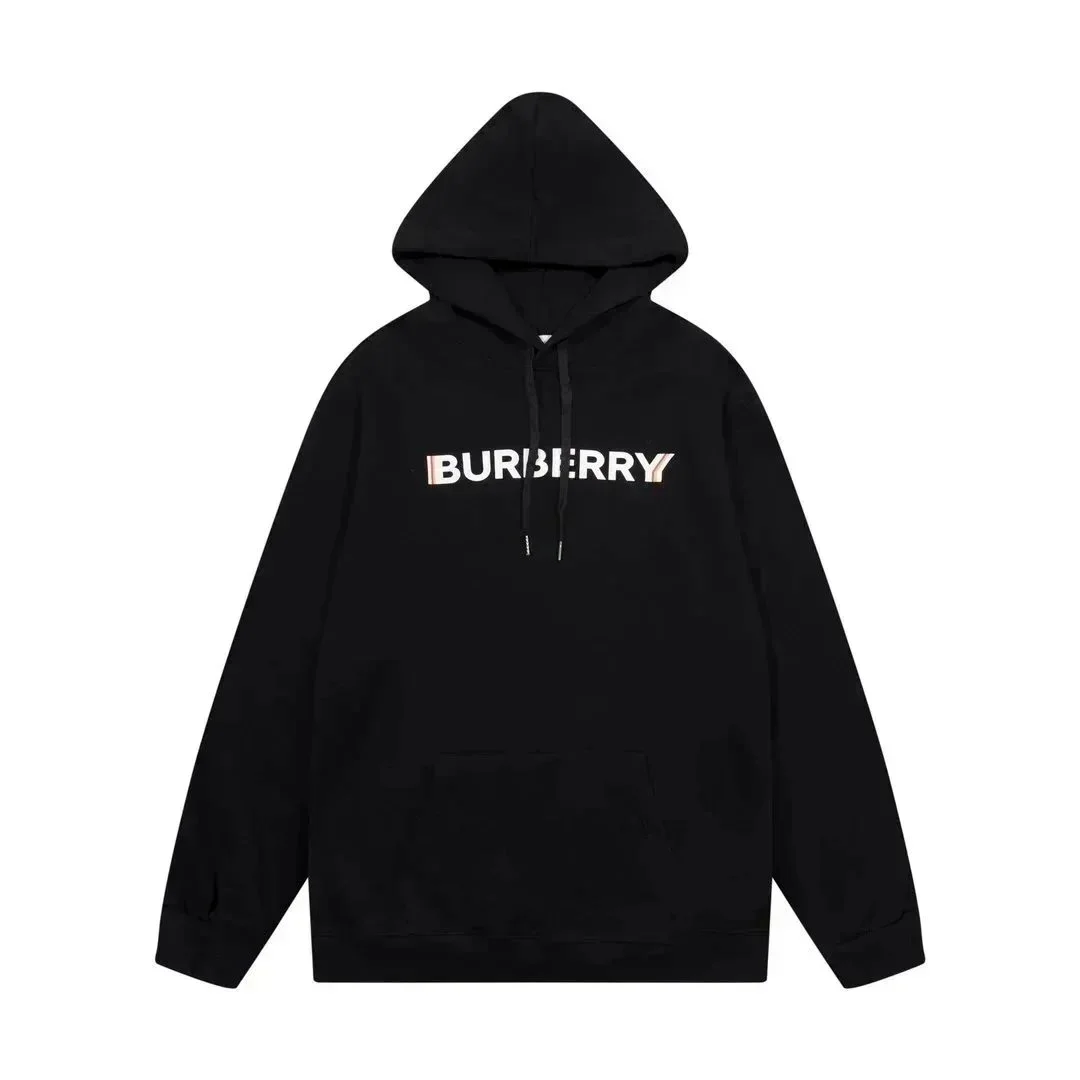 HoodiesHoodies
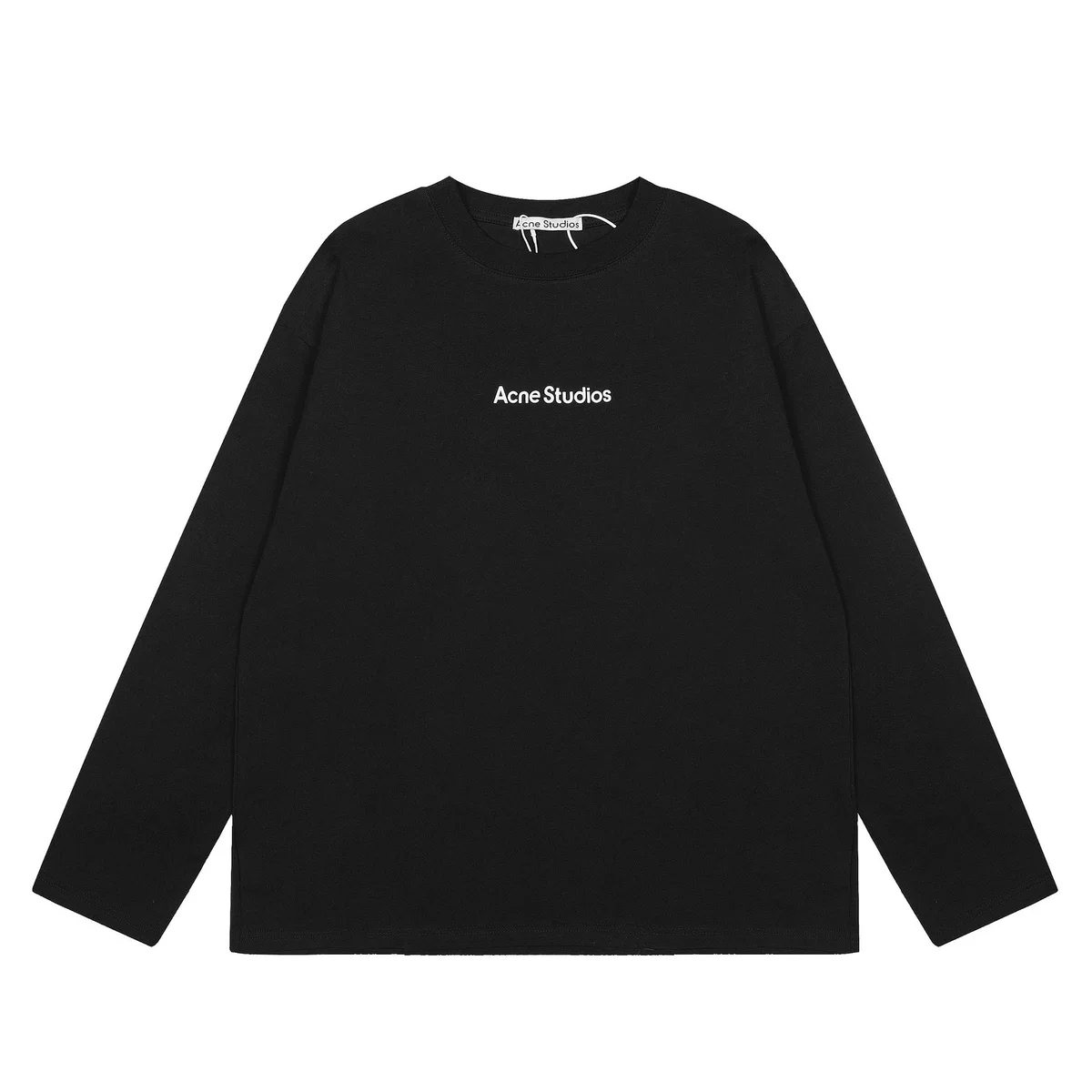 Hoodies
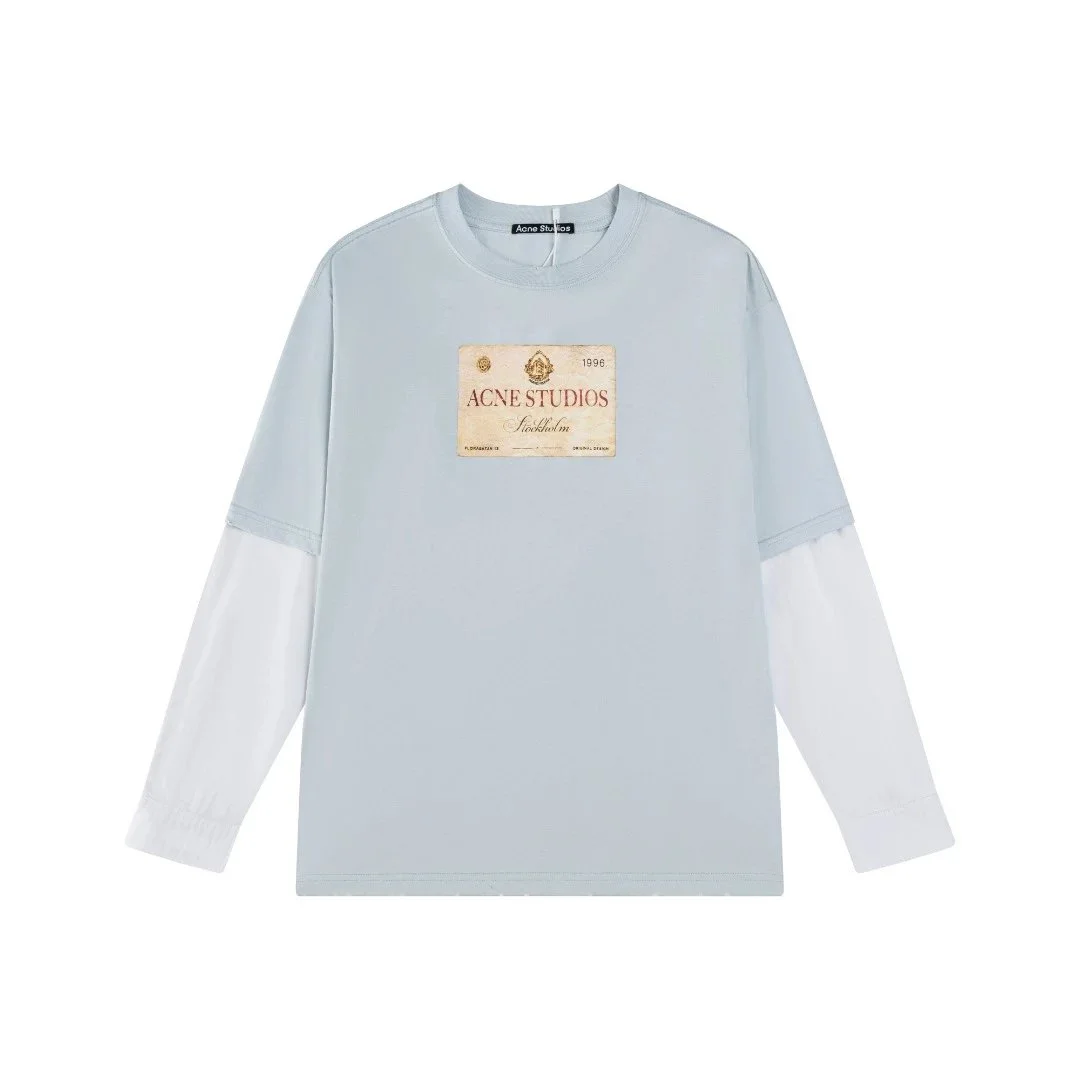 HoodiesHoodiesHoodies
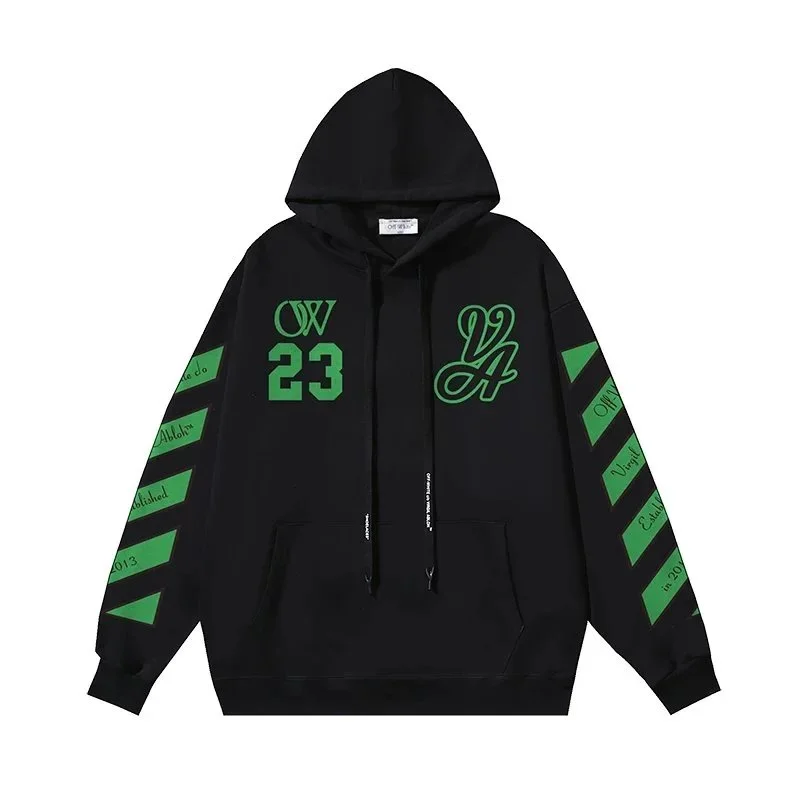 Hoodies
 Hoodies
 Hoodies
 Hoodies
 Hoodies
 Hoodies
 Hoodies
 Hoodies
 Hoodies
 Hoodies
 Hoodies
 Hoodies
 Hoodies
 HoodiesJackets
 Jackets
 Jackets
 JacketsJackets
 JacketsJackets
 Jackets
 Jackets
 Jackets
 Jackets
 Jackets
 Jackets
 Jackets
 Jackets
 Jackets
 Jackets
 Jackets
 JacketsJackets
 Jackets
 Jackets
 JacketsJackets
 JacketsJackets
 Jackets
 Jackets
 Jackets
 Jackets
 Jackets
 Jackets
 Jackets
 Jackets
 Jackets
 Jackets
 Jackets
 Jackets
 Jackets
 Jackets
 Jackets
 Jackets
 Jackets
 JacketsJackets
 Jackets
 Jackets
 Jackets
No matches in this selection.
Try a different term, clear the filters or explore the full collection.
Explore the full collection ↗COMMON QUESTIONSBefore you buy
Before you buy
Know the details
What does the price include? What do the photos show? Get to know the listings before choosing your next piece.
Item pricesProduct photosProduct links
All frequently asked questionsWhat is a Superbuy spreadsheet?
A Superbuy spreadsheet is a product-discovery list that organises seller leads, categories and reference prices. This website presents that idea as a browsable directory: explore products, compare alternatives and open the current listing for more detail. Ordering through a shopping agent is a separate process.
Can every listed item be purchased through Superbuy?
We have not verified purchasing eligibility for every listing. A product’s appearance in the directory does not establish that the agent can buy it or that a shipping route will accept it. Confirm the exact item, seller and contents with the provider before paying.
Do the product prices include shipping?
No. Product-card prices are item references. They exclude Chinese domestic delivery, international shipping, optional services and other applicable charges. Keep a separate delivery budget and check the current order and parcel quote before paying.
Are the product-card images QC photos of my order?
No. The cards show catalog product images. Warehouse photographs attached to an order in your agent account concern the item purchased for you. Seller photos, public buyer photos and your own warehouse photos serve different purposes.
Where do the product links take me?
Product links open the matching external product detail page so you can check the current listing and available options. Category pages on this website let you browse a selected collection first. Outgoing product links include referral parameters identifying this directory; a click here does not place an order.
Can I download a Google Sheet or CSV?
This version is a web directory. We do not currently offer a downloadable Google Sheet or CSV. Use the categories or the search page to browse the available selection and open any listing you want to investigate.
Ready to browse the list?
Explore our curated categories, or browse the full collection for more products and current listing details.